Learning paths
First time
A reading path: First time.
A path for you
Read in this order and stop whenever you like. You can learn the screens without sending messages, buying anything or inviting other people.
- Your first steps in Nuvlek: Understand where conversations happen and start at your own pace.
- Nuvlek screens and buttons: A map of conversations, voice and settings.
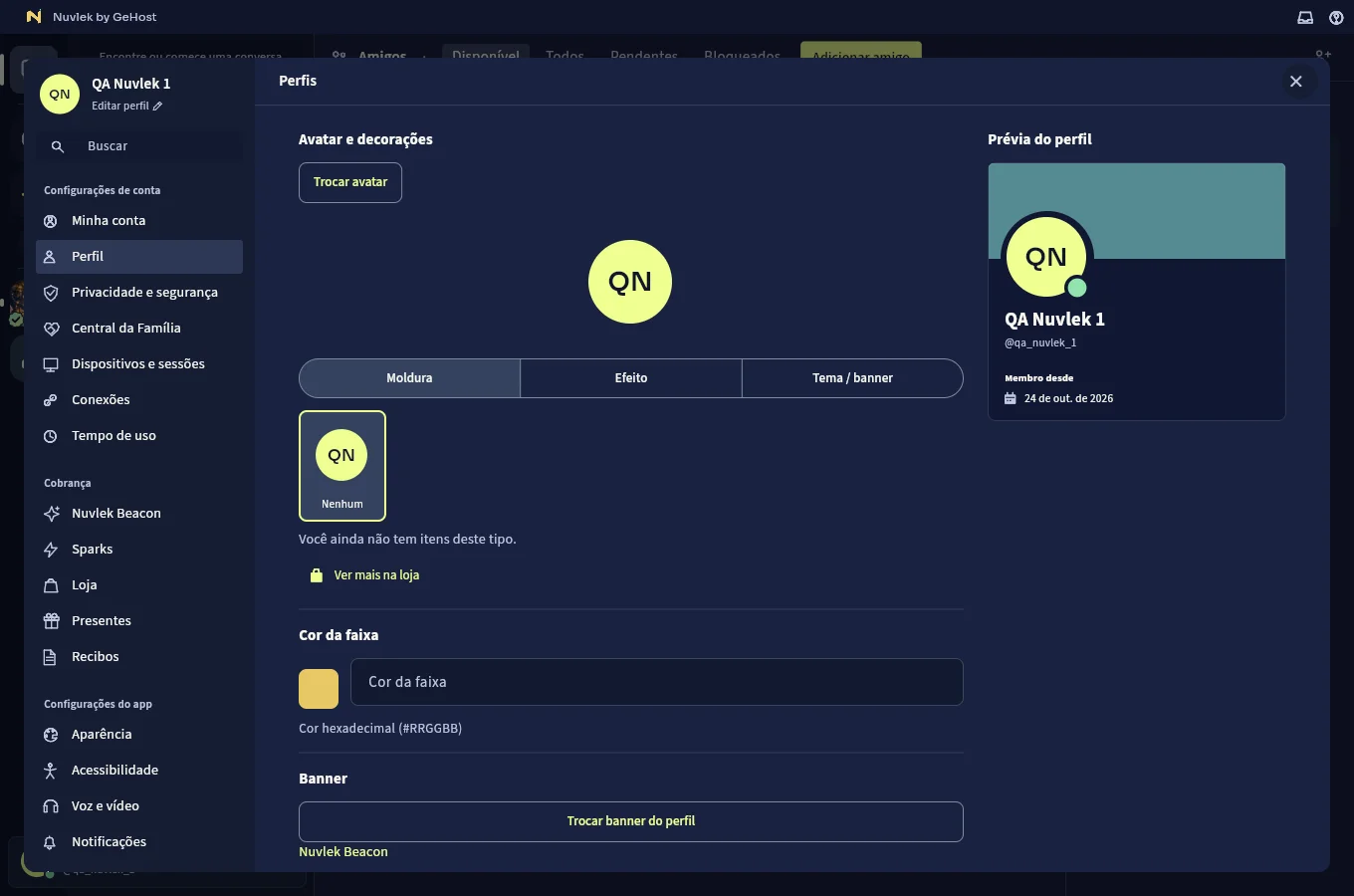
- Personalize your profile: Edit display name, bio, pronouns and accent color from your profile.
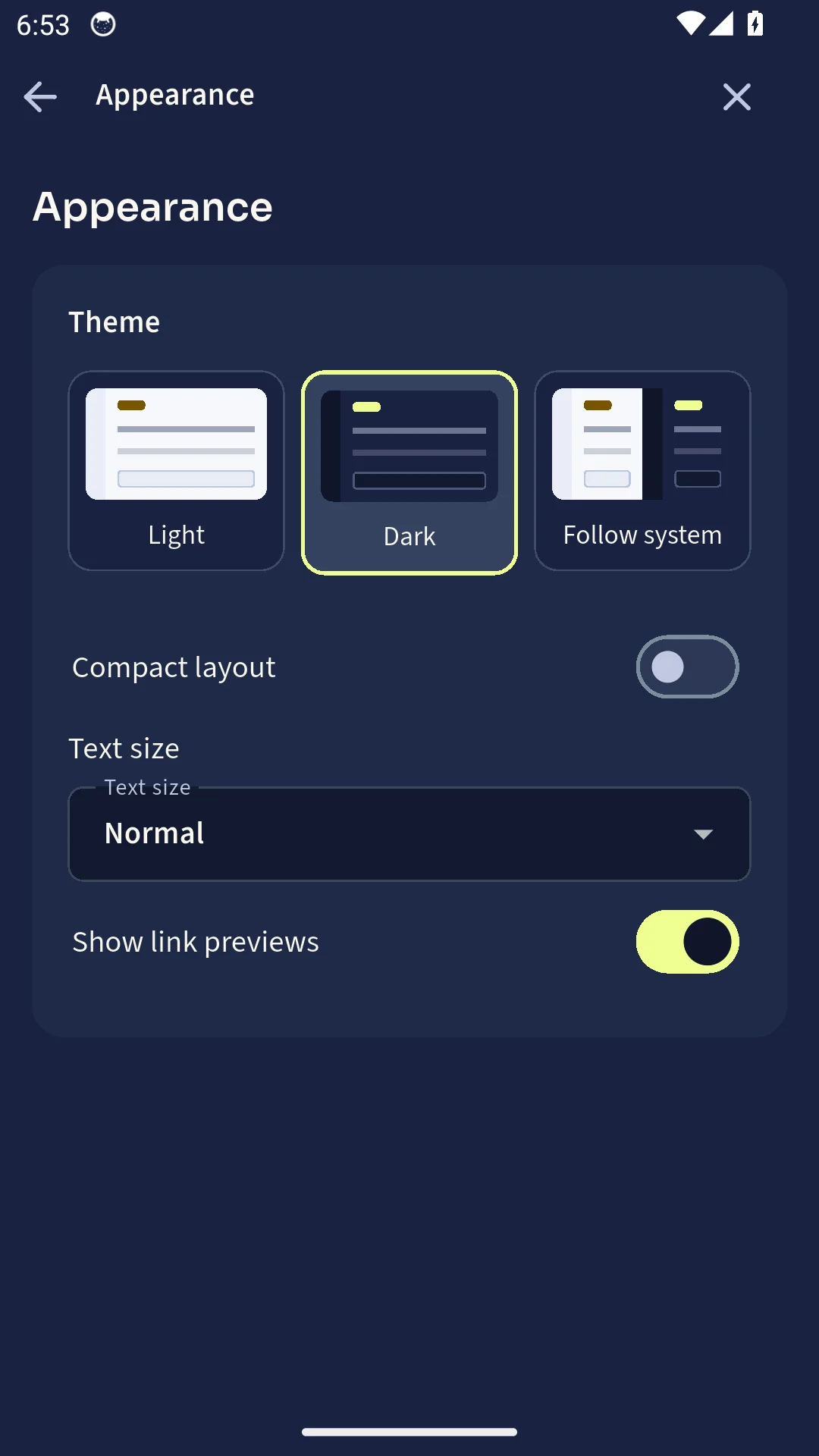
- Themes, shortcuts and language: In settings choose dark, light or system theme and select English, Brazilian Portuguese or Japanese.
- Find help in Nuvlek: Read a guide or report a problem in the app.
Practice carefully
Start with your own account settings. Join a conversation or call only when you understand the destination and want to take part. Check unfamiliar words in the Glossary. To choose another path, return to Learn.
See it in practice
First time in Nuvlek
Make the screens comfortable before taking part. The capture preserves the original app interface; some option names may appear in another language. Guides and subtitles use the selected language.
Read the video
View the profile avatar, decorations and banner. Choose an appearance that is comfortable to read. Find contrast and reduced-motion options. Choose the app language in Settings. Review message and privacy controls.
See the screen