Start here
Create your community
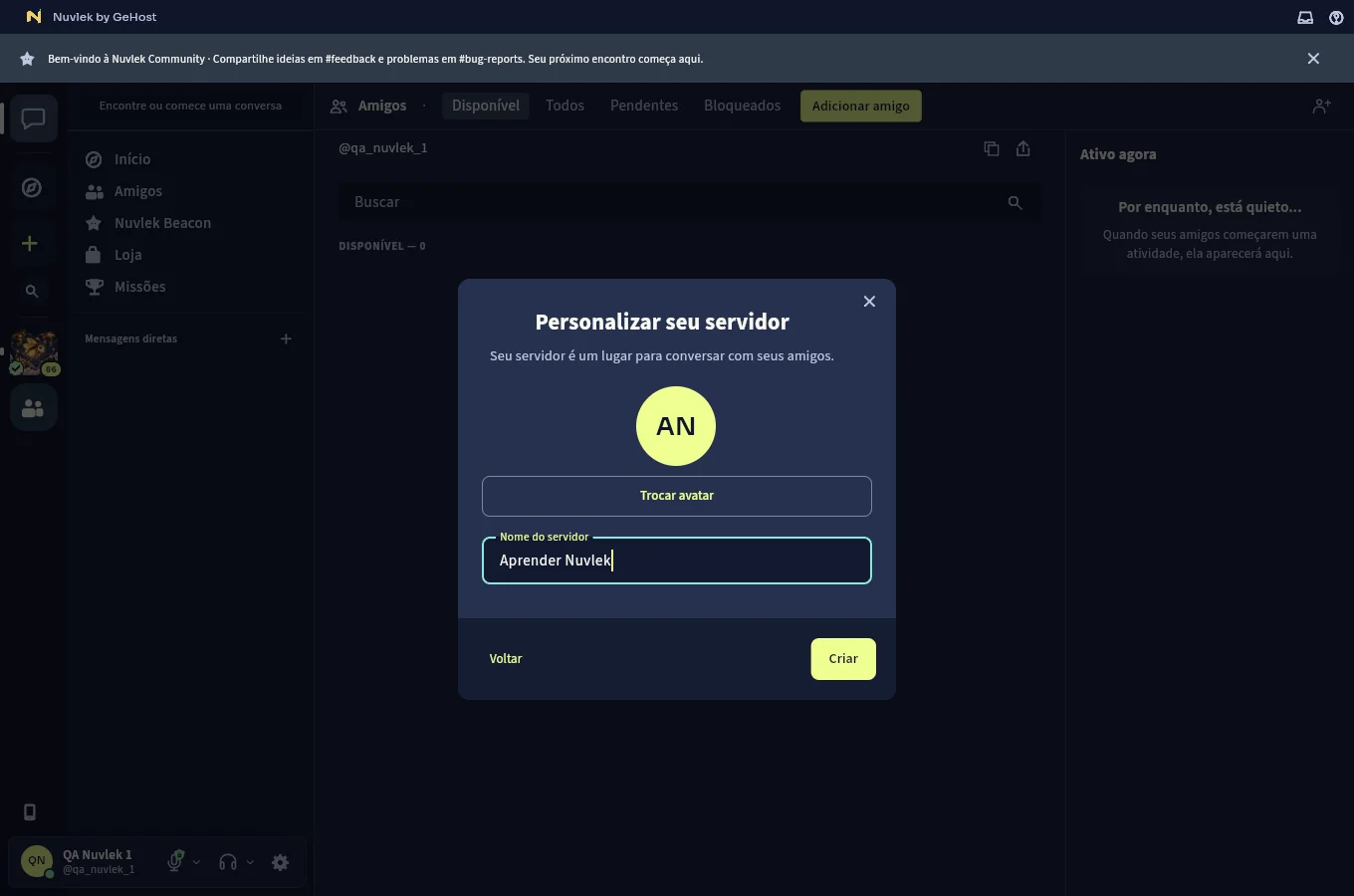
Choose a template, then give your community a recognizable name.
How to do it
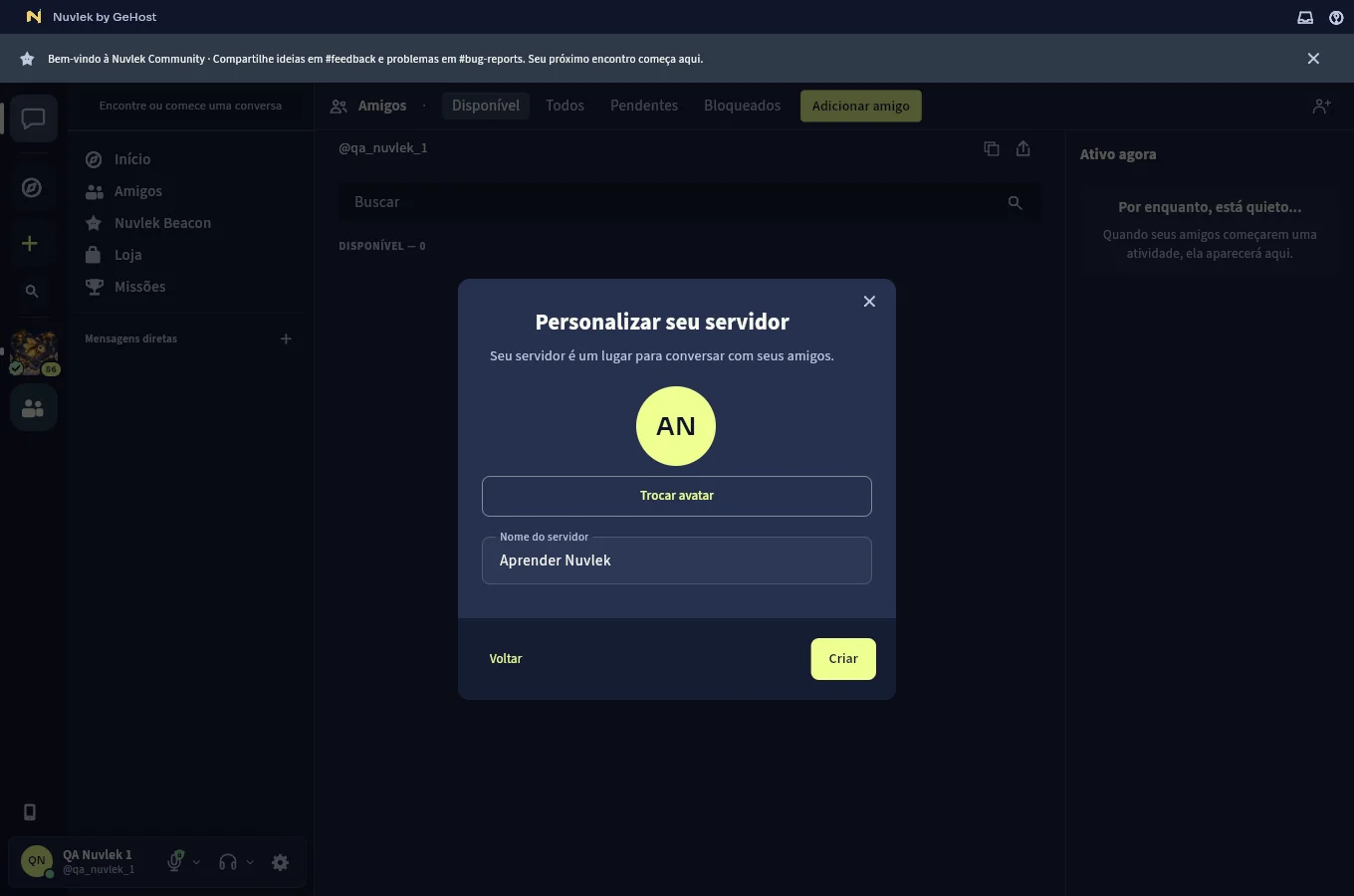
Choose Create server, select a gaming, friends, study or blank template, then give the community a recognizable name. Review the details, then confirm using the creation button. Review the initial categories and channels, add rules and create moderator roles before inviting people.
Keep in mind
Grant only necessary permissions and test channel visibility with an ordinary member role. A server is not private merely because it is small: review invite access and who can read each channel. Do not use 18+ labels to bypass platform rules. Owners remain responsible for their local moderation.
See the screen