Safety
Family Center for guardians
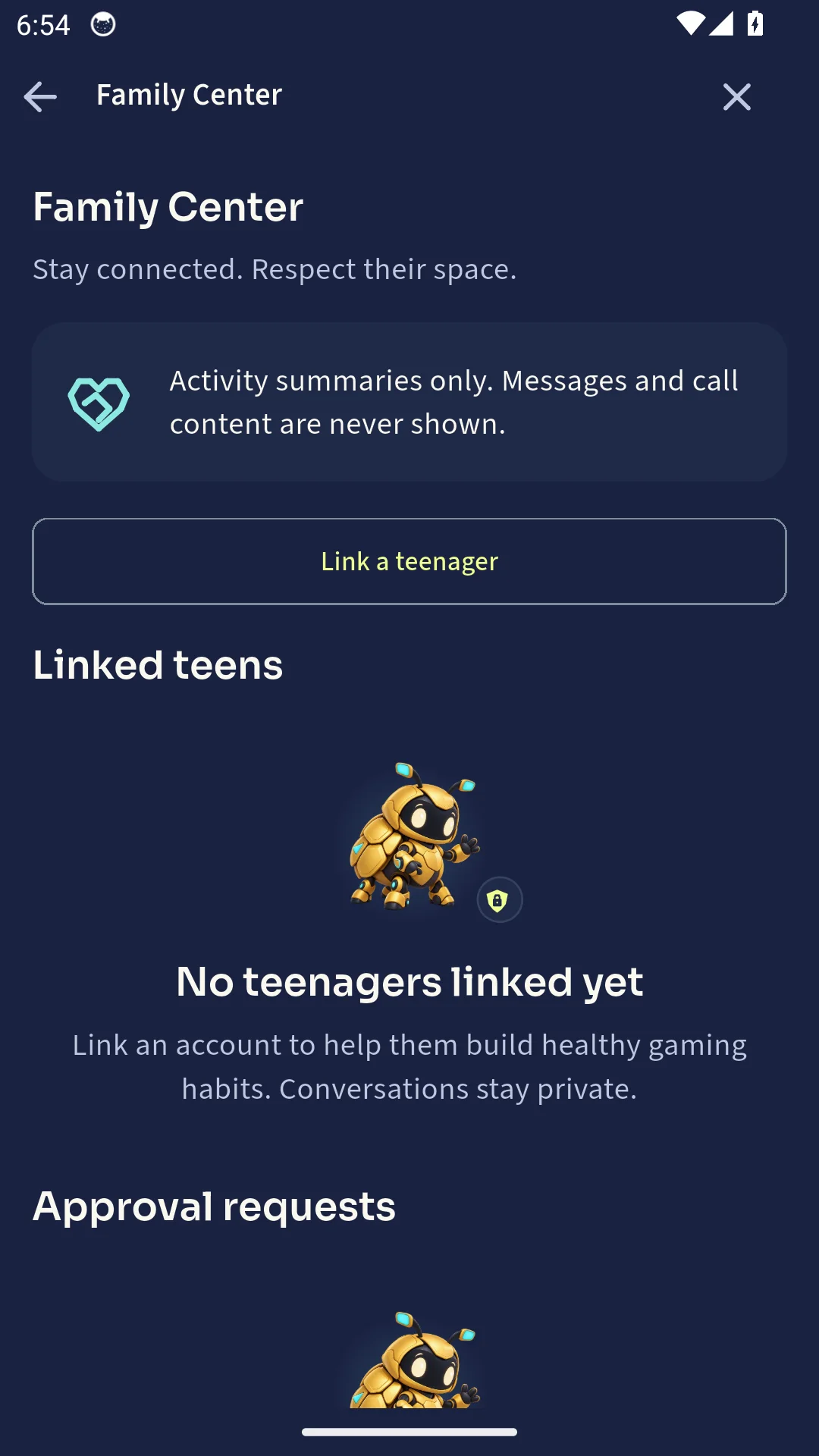
Check the family link and review the controls for your teen.
Review the link
Open Settings → Family Center. Check which teen is shown and read the link status. Accepting a request does not replace the adult verification required by the flow. The teen also confirms the guardian.
The available steps appear on that screen. Do not use someone else’s account or send identity documents in chat. If verification cannot finish, ask for help in the app.
Choose the controls
Review direct messages, purchases, streaming, notifications, the daily reminder and spending limits. Check that your changes saved before leaving. Supervision shows activity summaries, not the contents of private messages. It is visible to the teen and cannot disable mandatory age protections.
See the screen