Conversations
Send your first message
Write in a text channel and check that it appears.
Choose the conversation
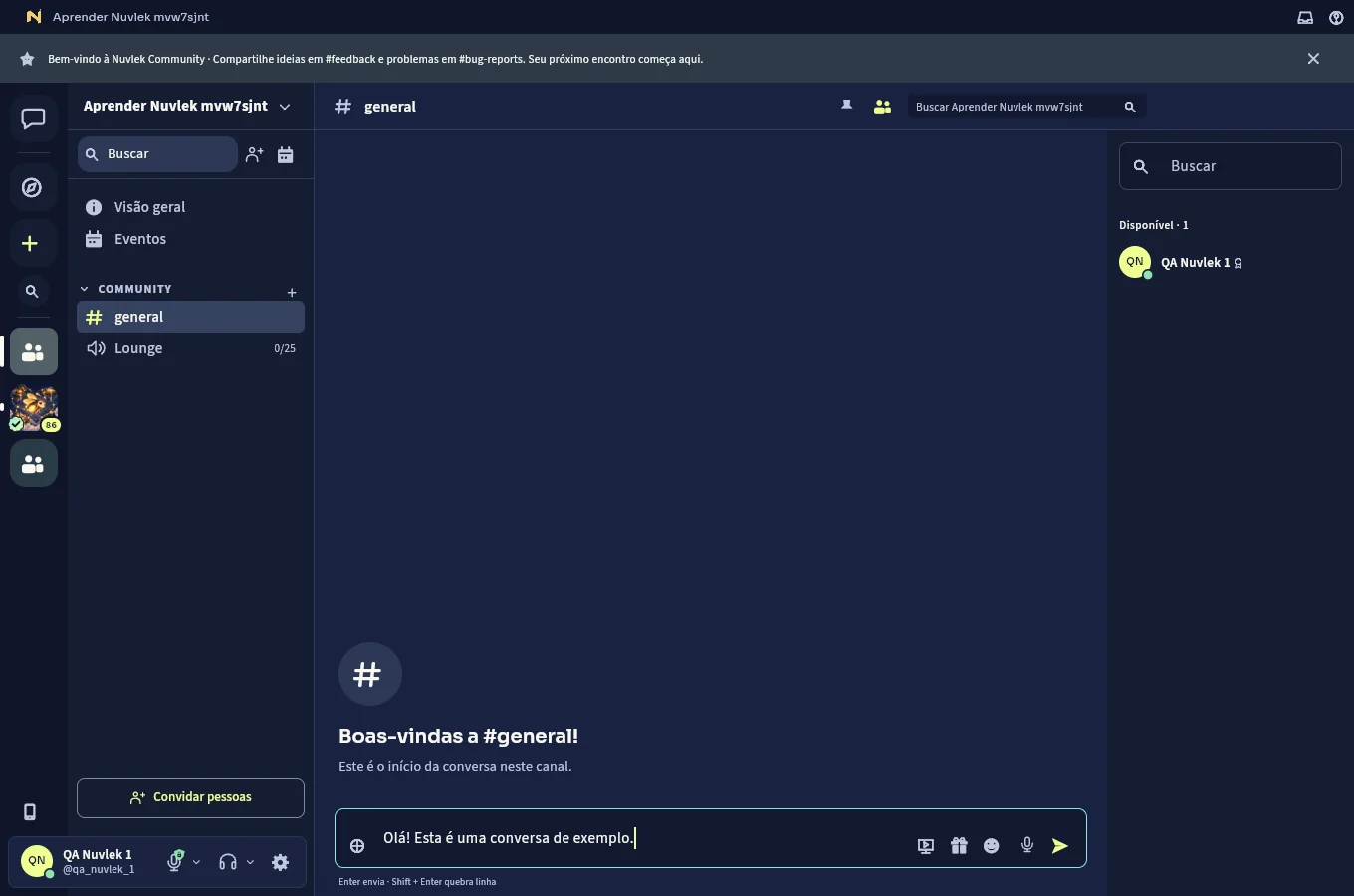
Open a server you belong to and choose a text channel, marked with #. Check the channel name before writing: people with access to that channel can read the message. To talk to one person, use a direct conversation.
Write and send
- Tap or click the conversation field.
- Write a short greeting without passwords, identity documents or private details.
- Read it again and check the selected channel.
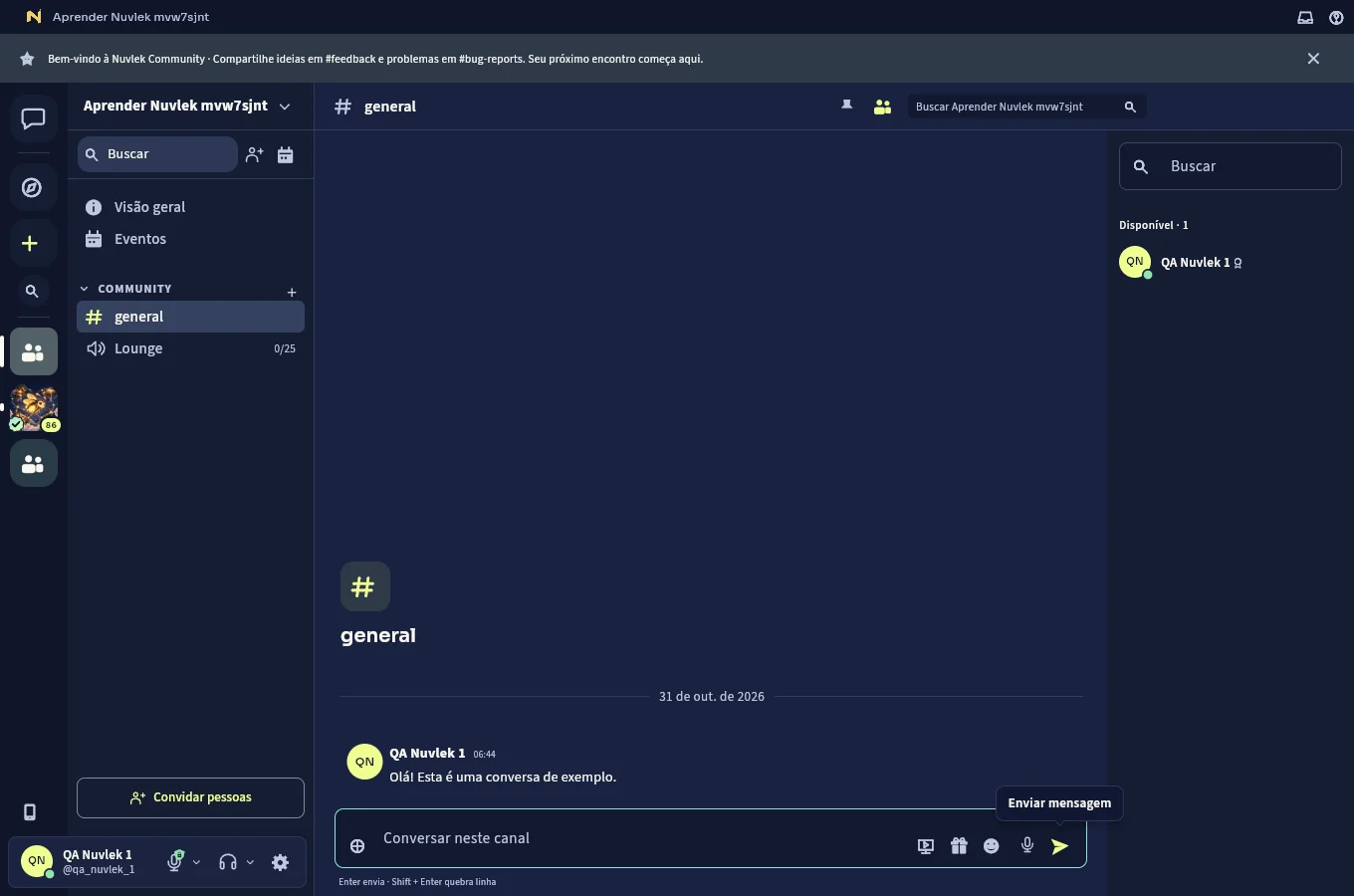
- Use Send message and wait for the message to appear in the conversation.
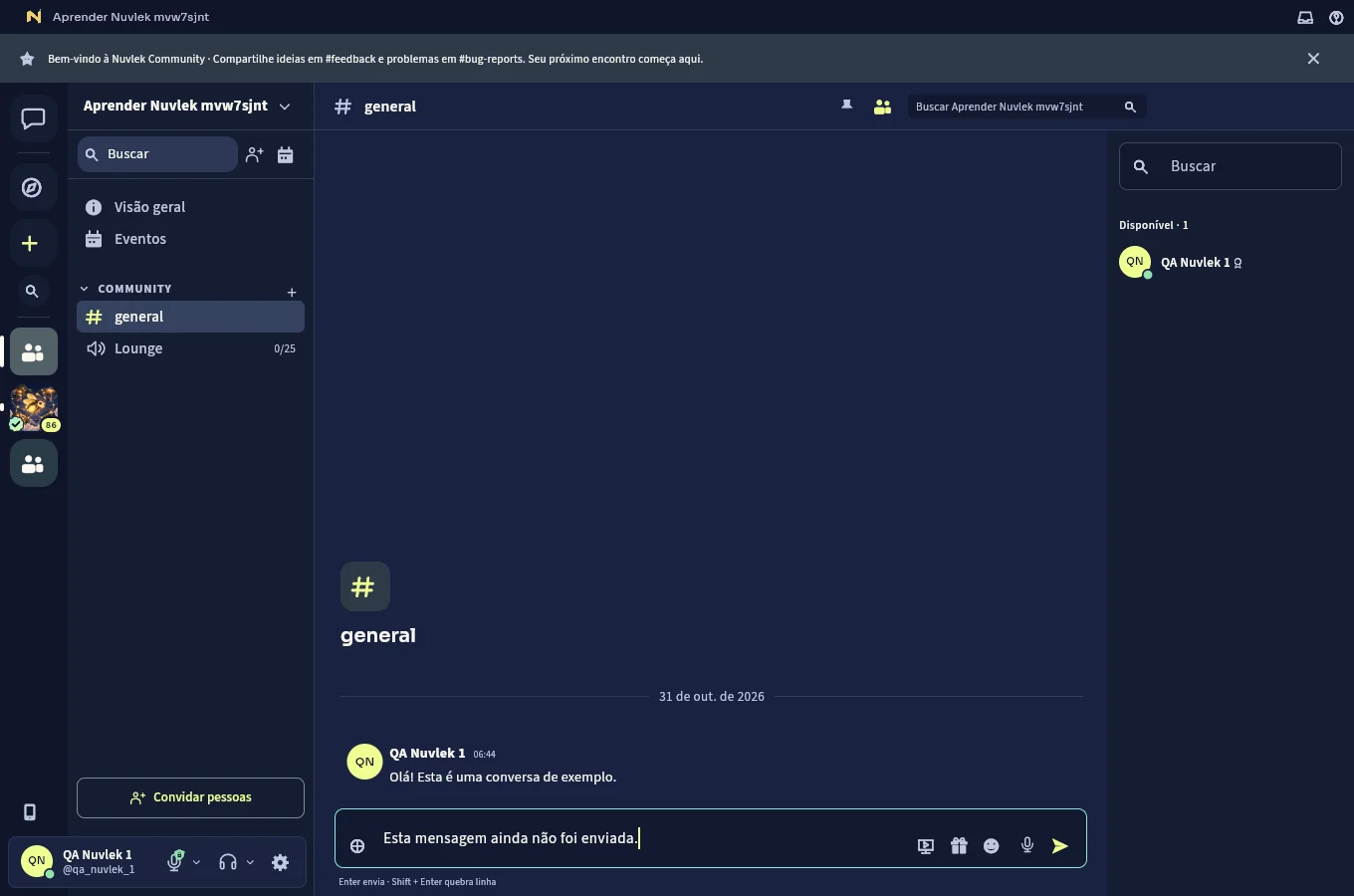
Writing in the field does not send anything yet. If you change your mind, clear the text before confirming. Sending text does not start a voice call.
If it does not appear
Read the notice shown by the app and check your connection before trying again. Avoid pressing send repeatedly while waiting. If there is no writing field, check that you opened a text channel and have permission to take part.
See Connection problems or Get help.
See it in practice
Your first conversation
Write, send and see a message in a private demonstration community. The capture preserves the original app interface; some option names may appear in another language. Guides and subtitles use the selected language.
Read the video
Demonstration with an example account. The Friends template prepares your first channels. Create your community to start a conversation. Write in the conversation field. The text is sent only when you confirm. The sent message appears in the channel. Write in the conversation field. The text is sent only when you confirm. The draft is cleared; the sent message remains in the channel.
See the screen