Learning paths
Create and stream
A reading path: Create and stream.
A path for you
Read in this order and stop whenever you like. You can learn the screens without sending messages, buying anything or inviting other people.
- Camera and video quality: On desktop, select your camera in voice/video settings and test its preview before the call. On mobile, review the camera preview before broadcasting.
- Share your screen and Go Live: Share inside a call and check the options for your device.
- Watch a stream: Choose the screen to follow and control its sound.
- Noise suppression and per-user volume: Free, local noise suppression you can change during a call.
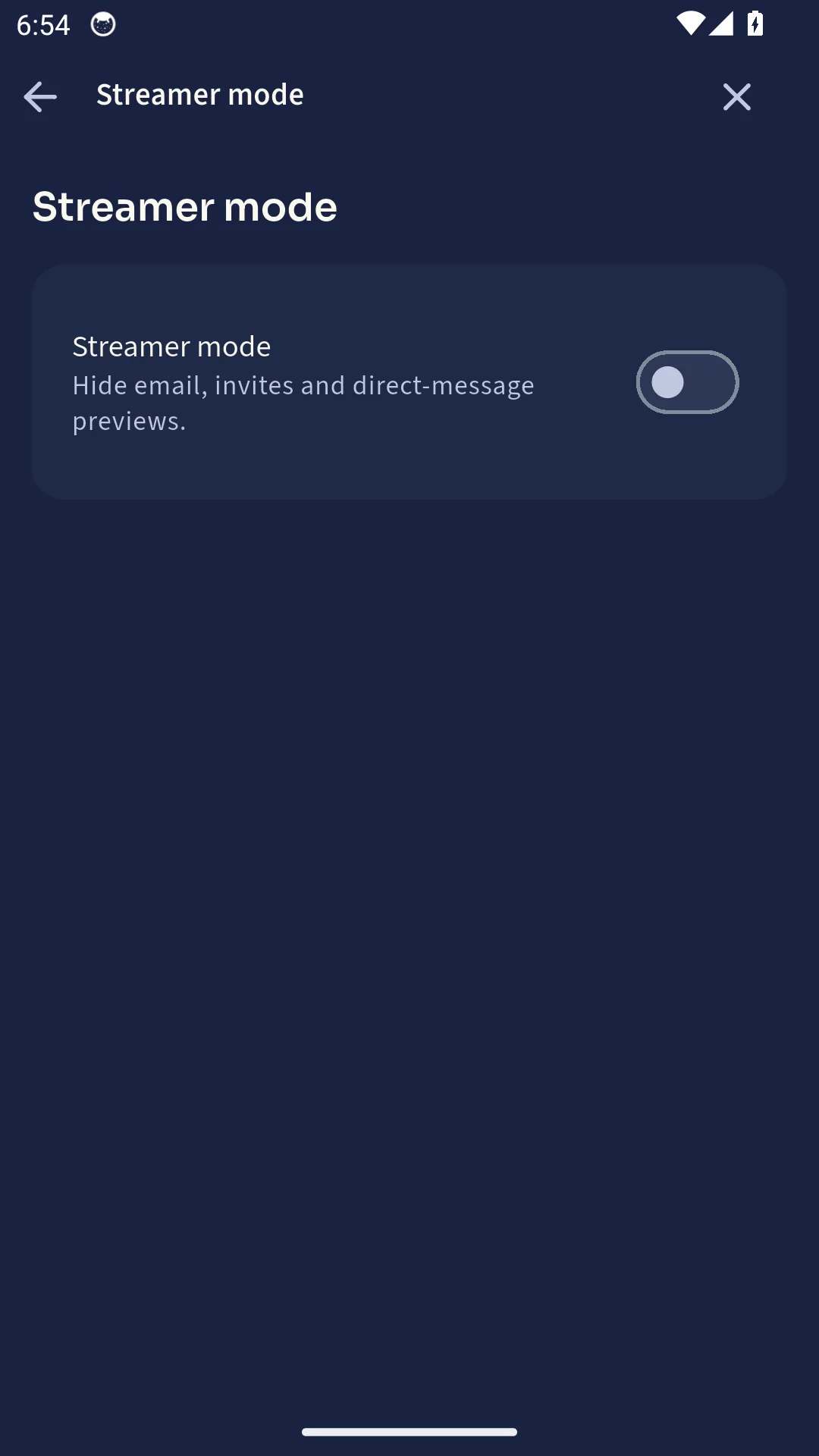
- Use streamer mode thoughtfully: Turn on Streamer mode in settings before showing Nuvlek on a broadcast.
- Connect other accounts: Check what each connection does before authorizing it.
Practice carefully
Start with your own account settings. Join a conversation or call only when you understand the destination and want to take part. Check unfamiliar words in the Glossary. To choose another path, return to Learn.
See it in practice
Before streaming
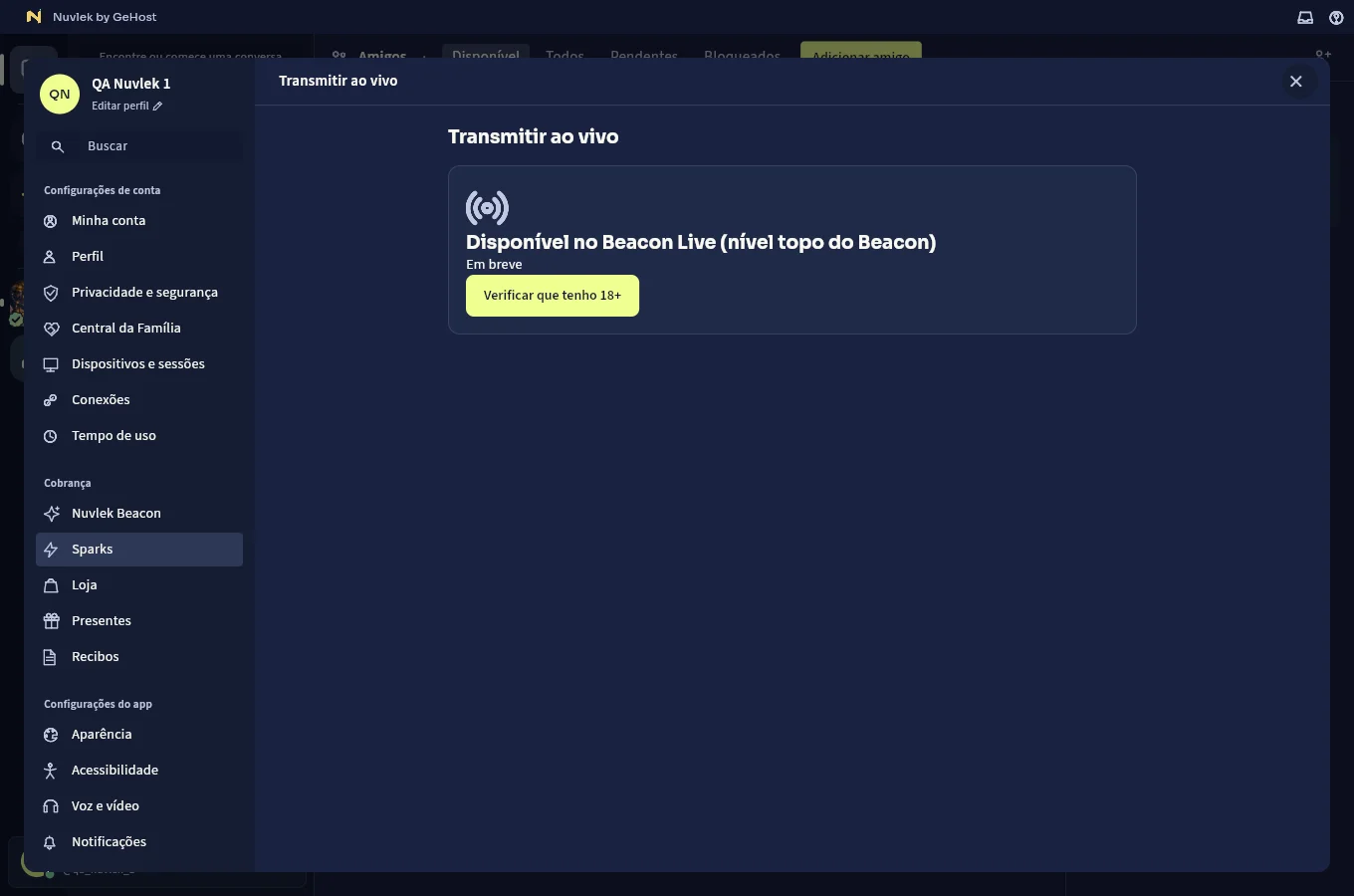
Review voice, privacy and Studio requirements. In this capture, the account cannot broadcast. “Em breve” (“Soon” in the English interface) is the notice for this account; it does not mean the feature is unavailable to everyone. Check the plan and access conditions. The capture preserves the original app interface; some option names may appear in another language. Guides and subtitles use the selected language.
Read the video
Check input, output and settings before joining a call. Review the offer and the plans’ benefits and conditions. Review the available connections and notices on this screen. For this account, “Em breve” means access is not enabled. Check the plan and conditions; this is not general unavailability. Review message and privacy controls.
See the screen