


Help
Fix a missing camera
Check the Windows camera privacy setting for desktop apps, select the correct device and inspect Nuvlek’s preview
How to do it
Check the Windows camera privacy setting for desktop apps, select the correct device and inspect Nuvlek’s preview. Close another app using the camera and check the physical shutter or hardware switch.
Keep in mind
If preview works but the call does not, check Video permission and lower quality. Restart Nuvlek after changing devices. Send support the device model and version, not a screenshot showing other people. Do not install drivers from unsolicited links.
See the screen
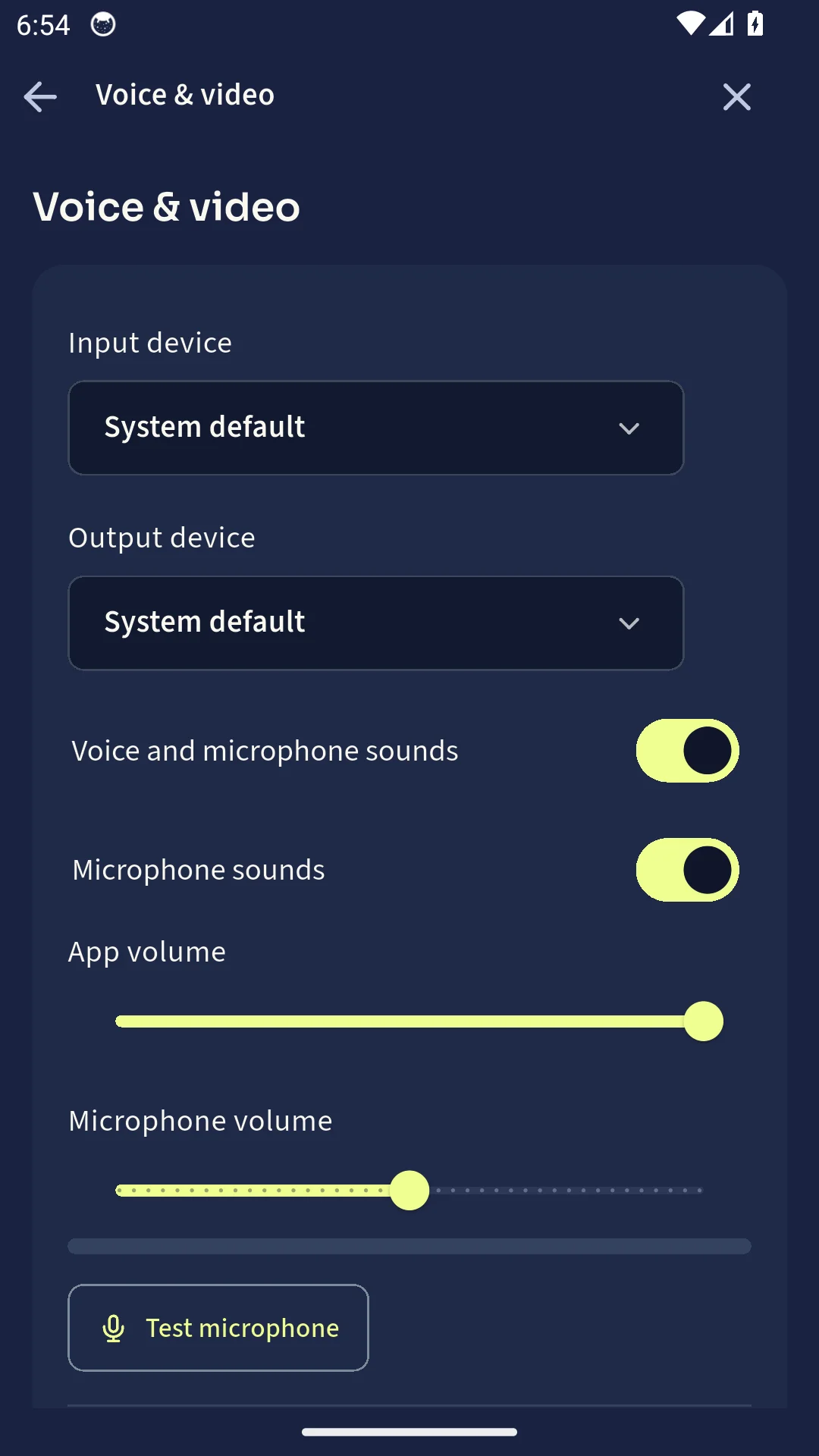
These photos show the audio controls in Voice & video. Follow the written steps to find the camera options.