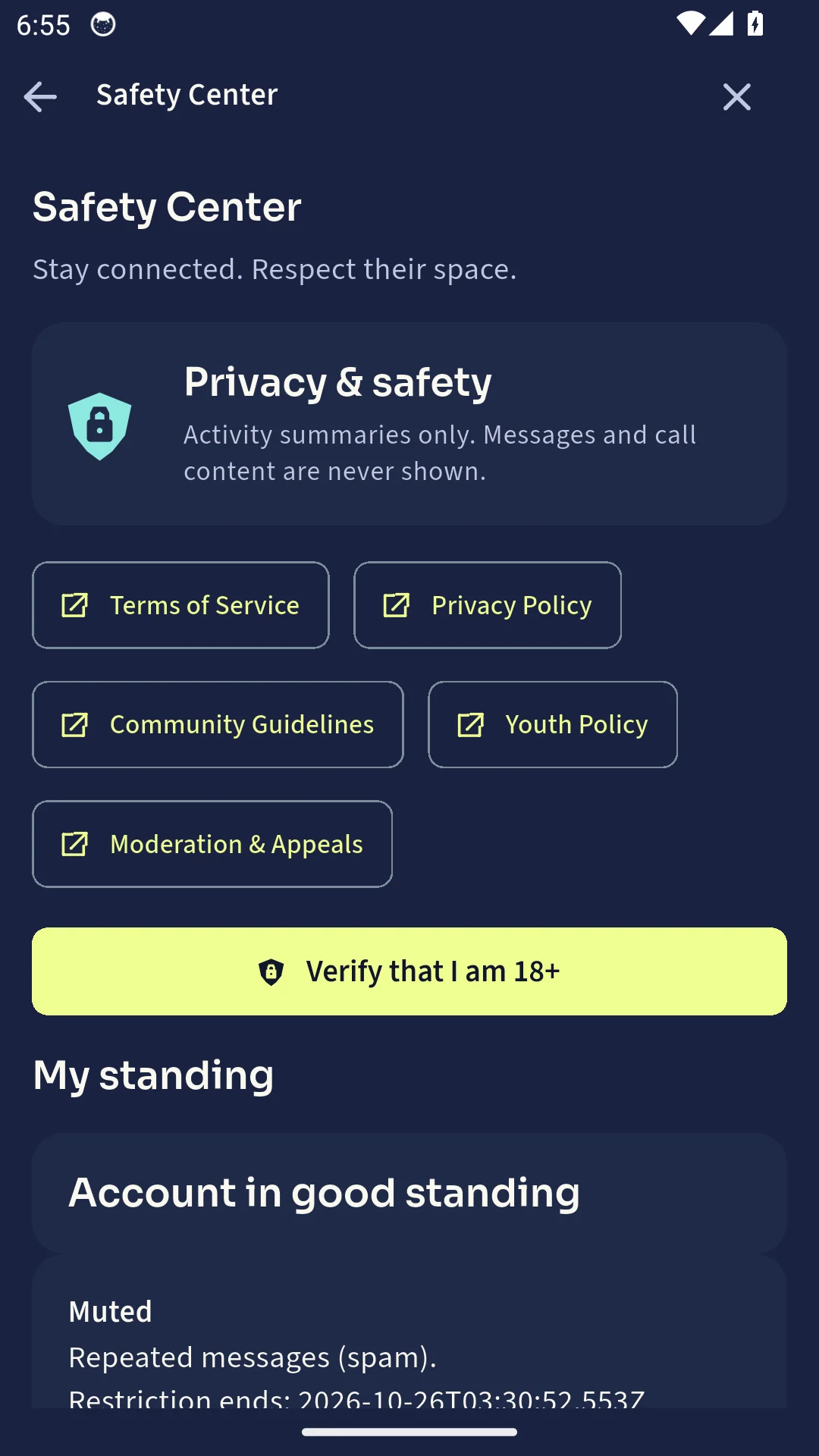
Safety
Report or block someone
Use Report on the specific message, profile, avatar or server, select the reason and add factual context
How to do it
Use Report on the specific message, profile, avatar or server, select the reason and add factual context. Use Block to stop unwanted contact; leaving a server or call can give you immediate distance. A report does not automatically mean the other account is banned.
Keep in mind
Reports/photos are analyzed by company automated systems. Provide the details requested by the form and identify the content you are reporting. Serious risks can be sent to support@tioneves.com. Never forward suspected abuse media. Immediate danger requires local emergency help. For teens, publishing camera and screen sharing inside calls requires a linked guardian and the guardian’s streaming permission enabled (off by default). This permission does not unlock public Beacon Live, which requires verified adulthood. Use Report stream for a safety concern.
See the screen