Your account
Reset a forgotten password
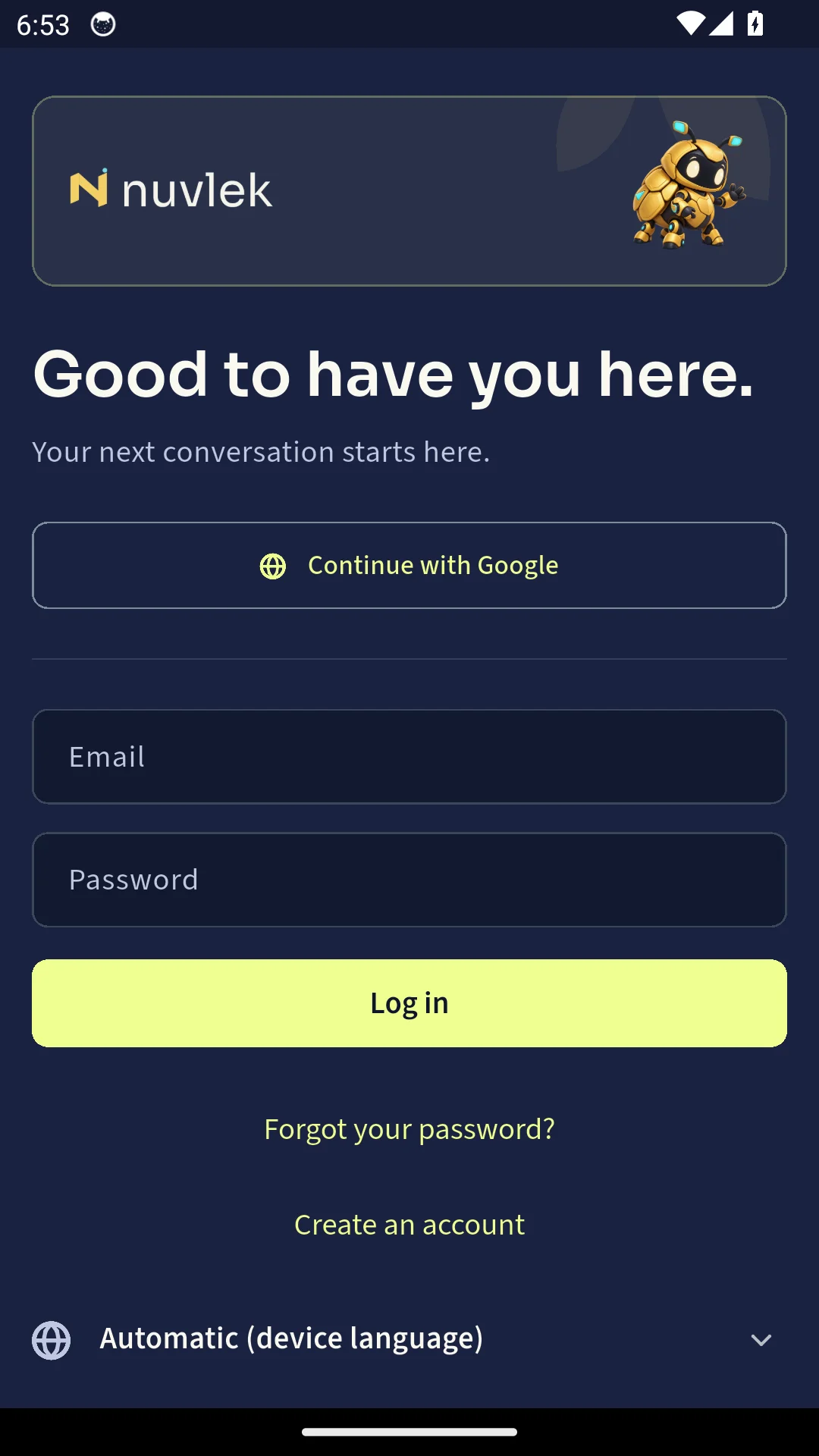
Choose Forgot password on the sign-in screen
How to do it
Choose Forgot password on the sign-in screen. Enter your account email and use the reset code from the message to set a new, unique password. Check spam and the address spelling if no email arrives.
Keep in mind
An existing 2FA requirement still applies: a password reset is not a way around it. If you suspect compromise, stop interacting with suspicious links and contact support. Never send your current password or a reset code in a ticket. Social sign-in problems may also require checking the external provider account.
See the screen