Your account
Connect other accounts
Check what each connection does before authorizing it.
Choose a connection
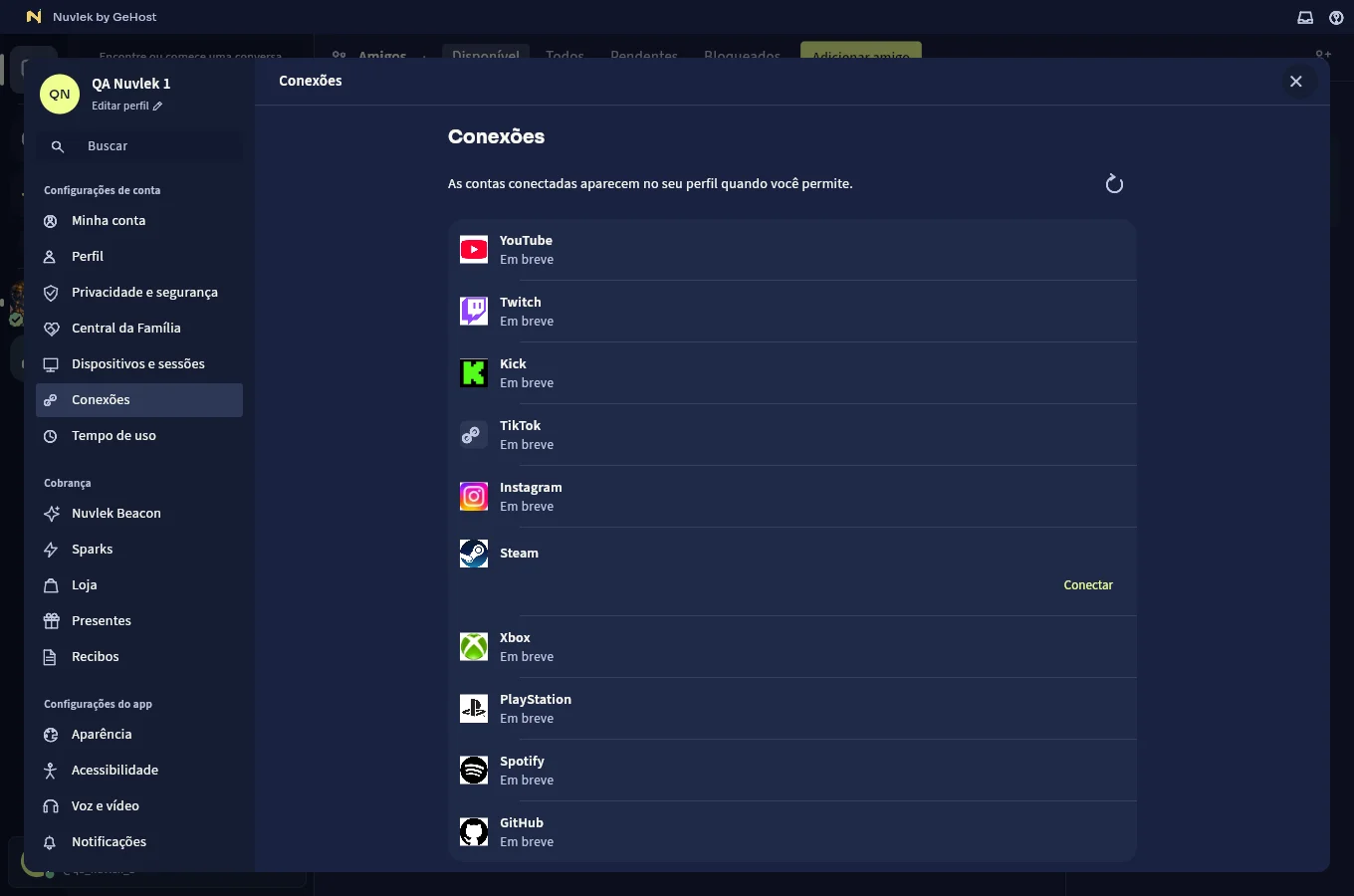
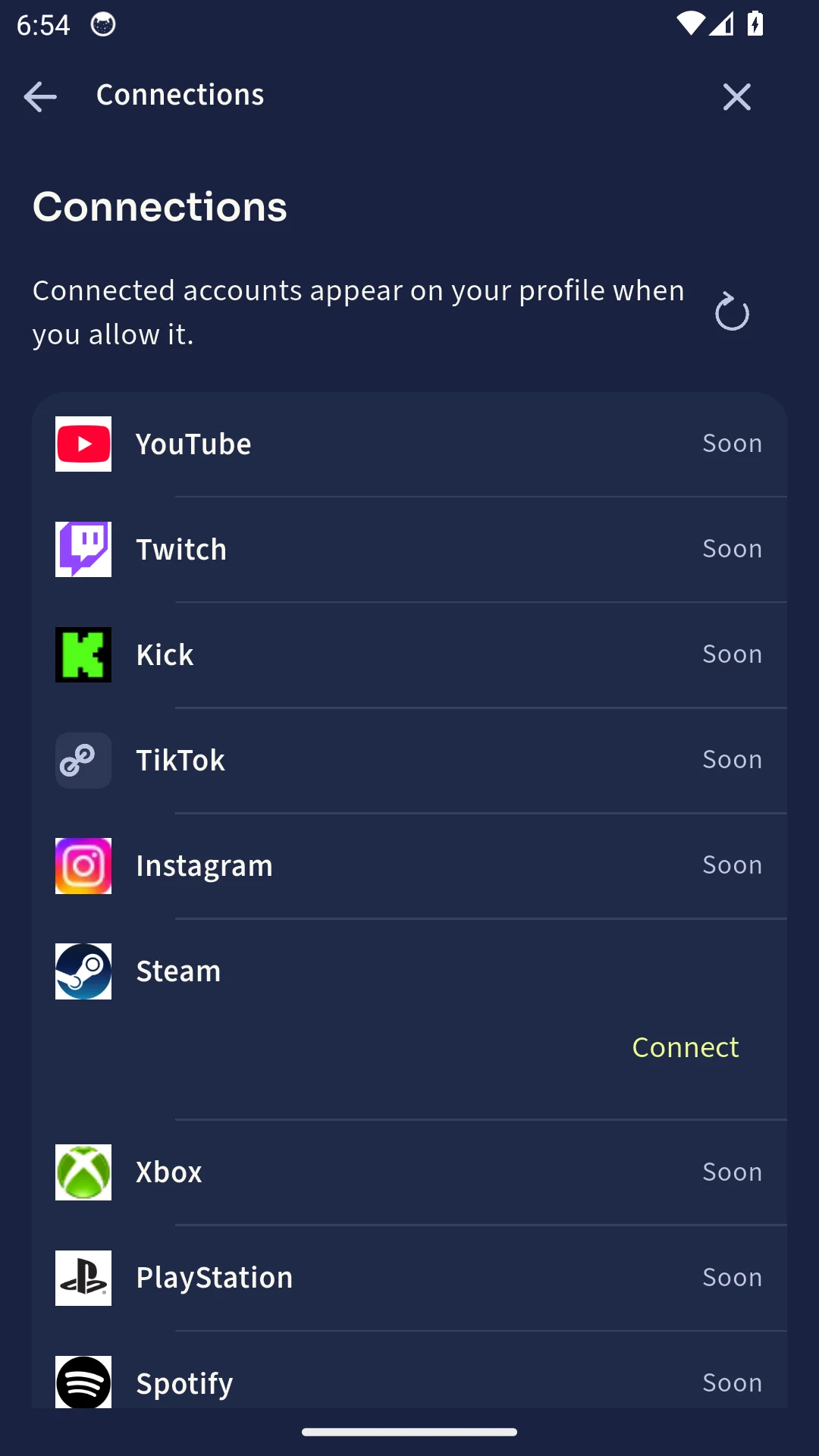
Open Settings → Connections. Read the available options and their explanations. Connections have different capabilities: some confirm an account, while others can also report activity.
When available, choose Connect. If an authorization page opens, check the account. Continue only if you recognize it and accept the permissions. An option marked unavailable or coming soon cannot complete a connection yet.
Control visibility
Review whether the connection may appear on your profile. A visible link does not prove you are live. To remove an active connection, choose Disconnect and check the result in the list. Never send codes or passwords in chat.
See the screen