Customize
Buy a fixed-price decoration
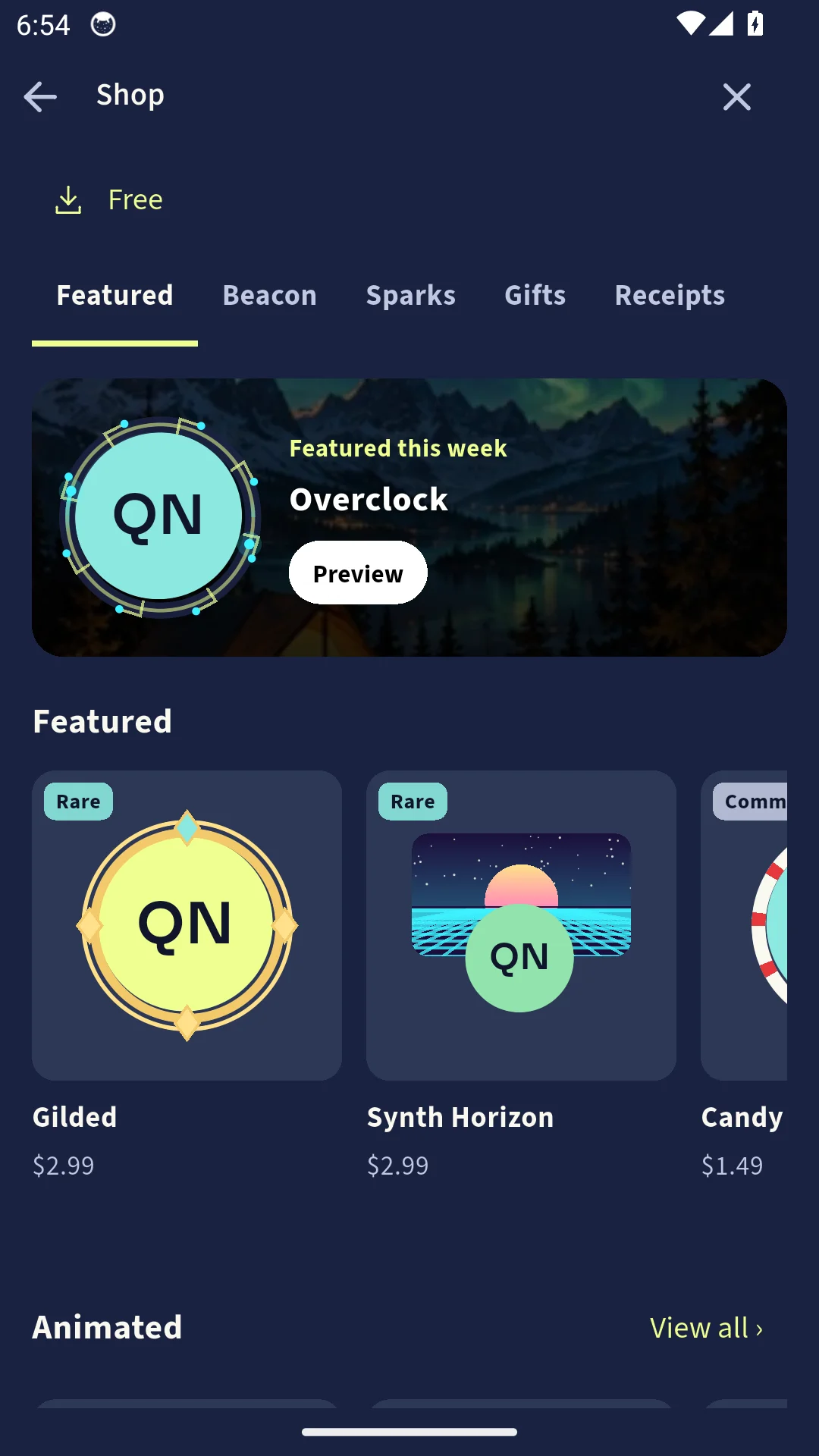
Open the store, preview the frame, effect or theme and read its exact price and currency
How to do it
Open the store, preview the frame, effect or theme and read its exact price and currency. Check whether you already own it, then use the checkout. Equip it from owned decorations after payment is confirmed.
Keep in mind
No paid random boxes or draws are offered: you know what item you are buying. A static effect preview does not promise a particular animation until shown in the app. Prices come from the current catalog; do not use screenshots as price guarantees. Teen purchases follow family approval/blocking.
See the screen