Your account
Personalize your profile
Edit display name, bio, pronouns and accent color from your profile
Make your profile your own
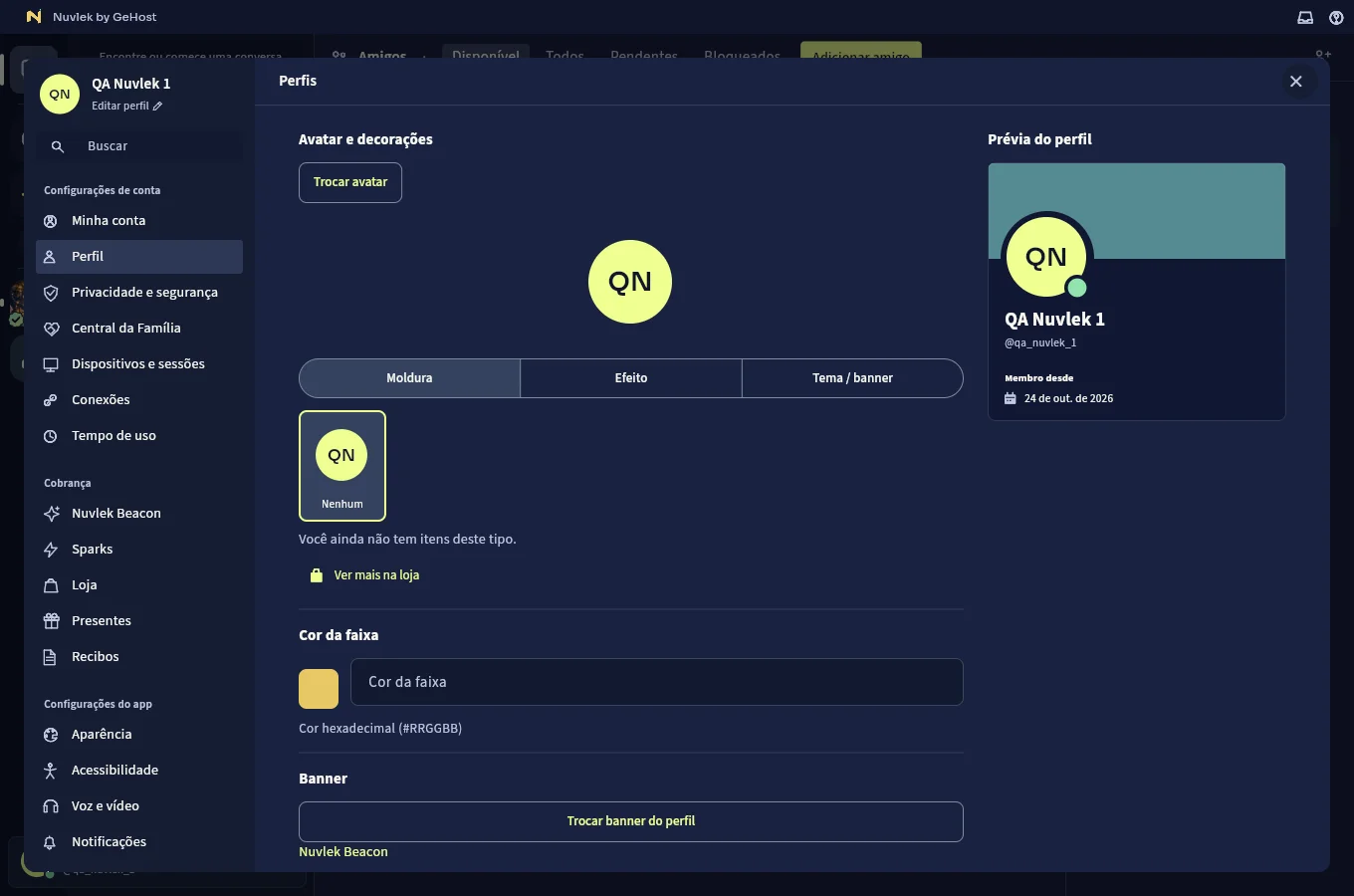
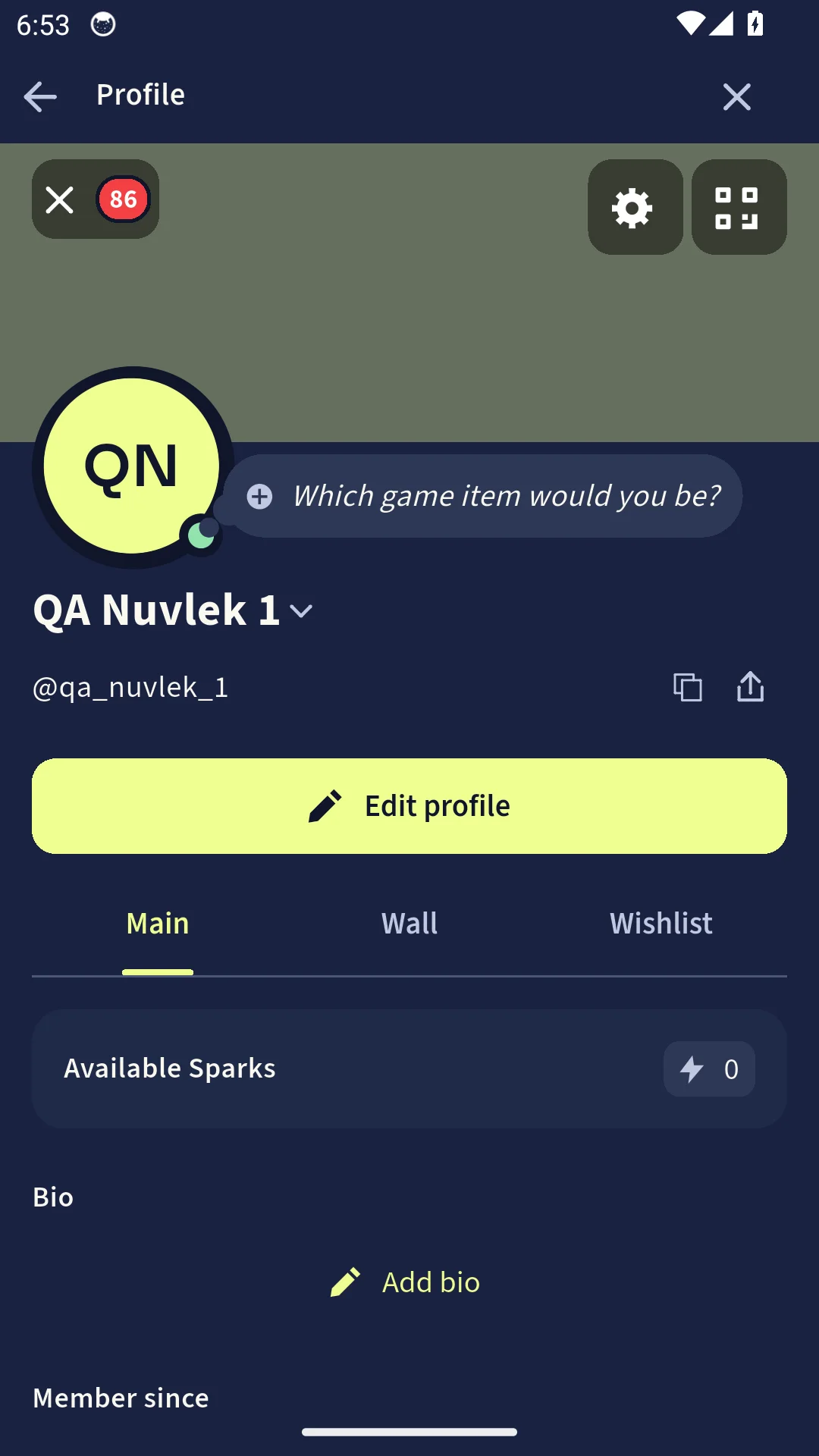
In Edit profile, choose your name, bio, pronouns and color. Use a photo you have the right to publish and check the result after saving. Images may undergo automatic review.
Choose what you already own
Edit profile also lets you choose frames, effects and themes you own. Watch the preview as you apply or remove them. You do not need to buy again to equip something from your collection.
Decoration does not verify identity or grant extra permission. Choose exposed information carefully; teen protections still apply. If an image is rejected, follow the review guidance rather than sending variations to bypass checking.
See the screen