Start here
First steps in Nuvlek
Sign in, find your way and prepare the app at your own pace.
Prepare your space
- Open official Nuvlek and sign in. If you need an account, choose Create account and provide the real details requested.
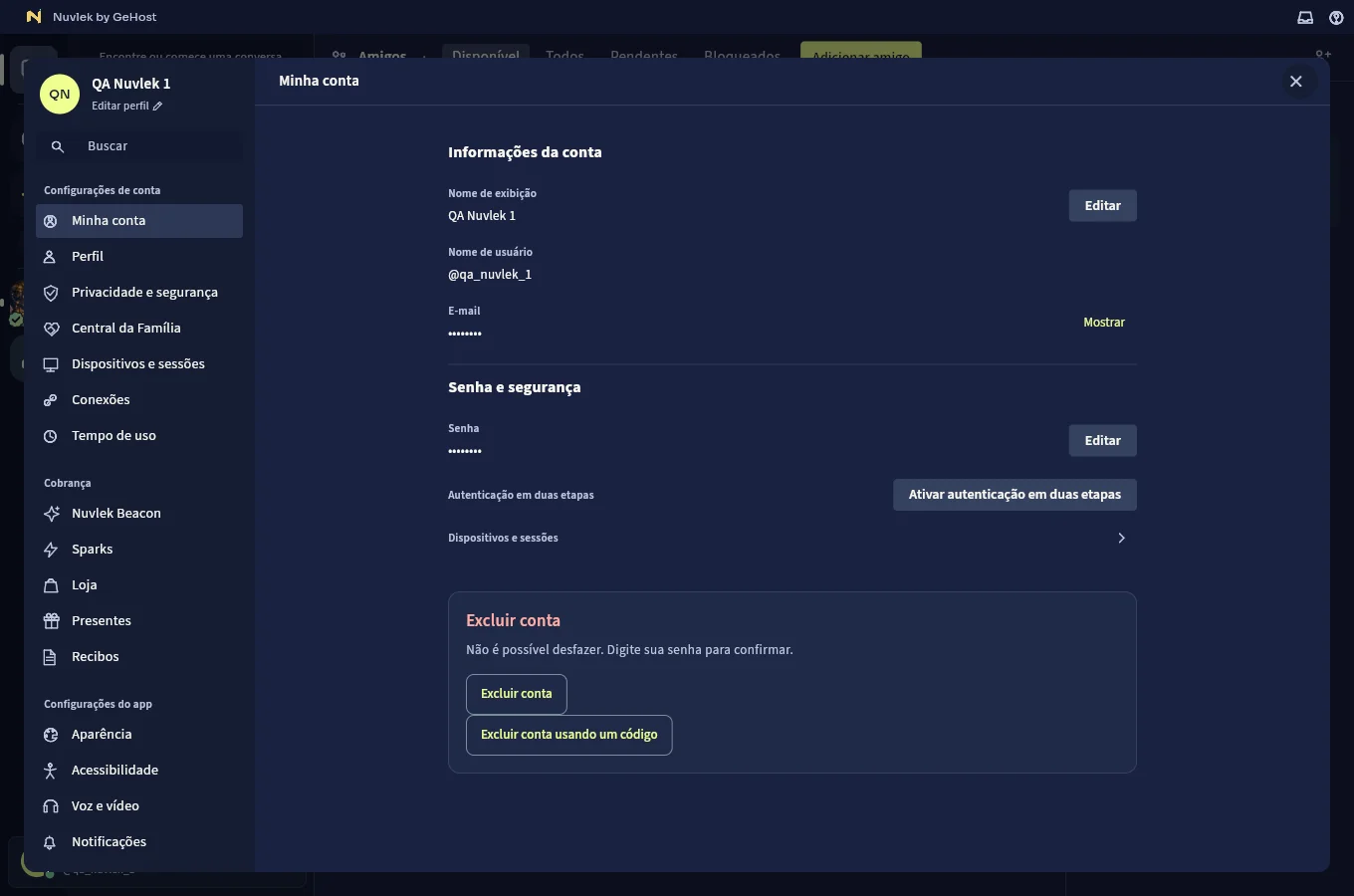
- Check your profile: your name and photo help friends recognize you.
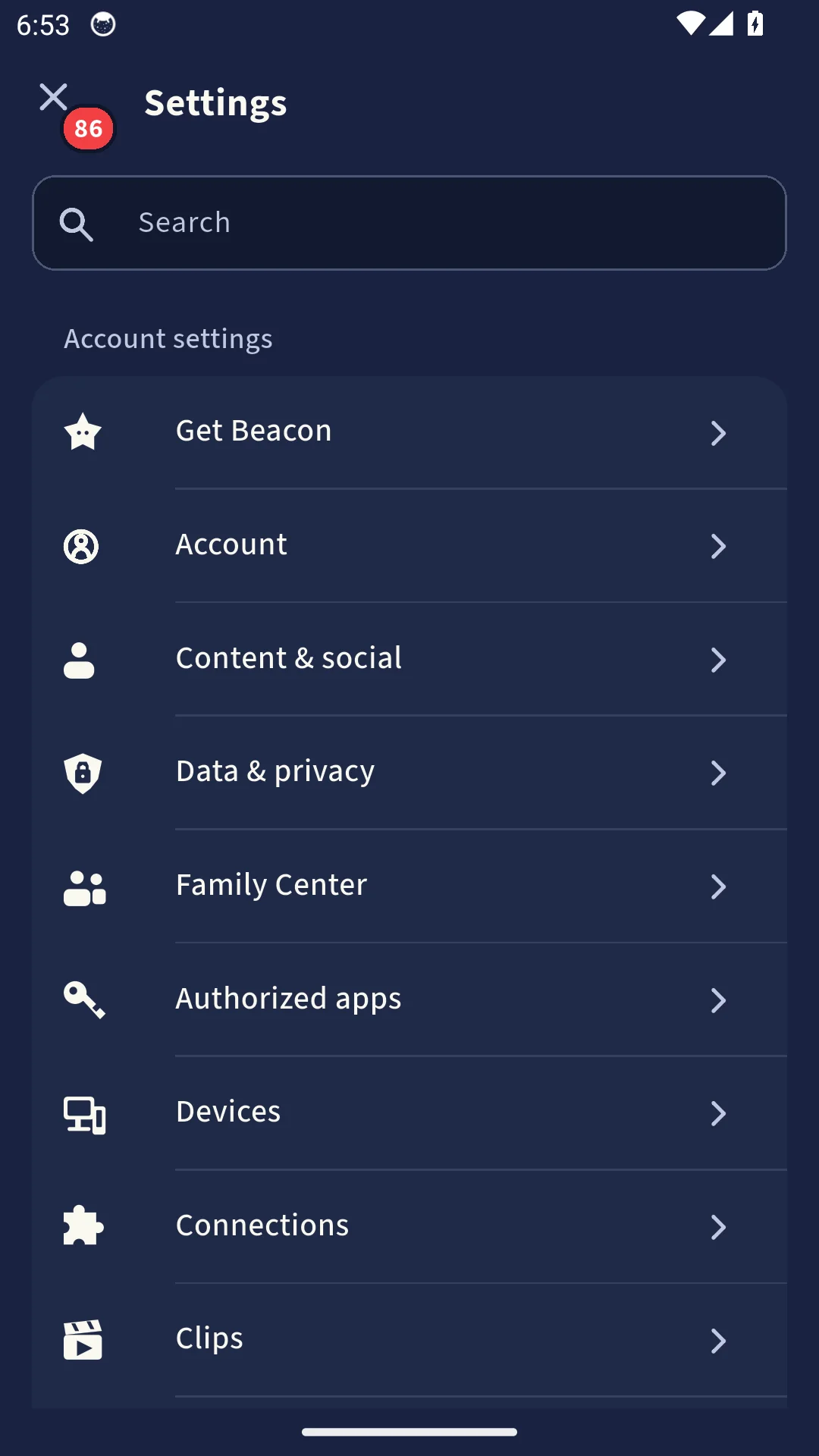
- Open Settings. Use Appearance and Language to make the app comfortable to read.
- Look at Friends, servers and Inbox. Opening these screens sends no messages.
Understand before joining
A server is a community, and channels organize its conversations. You only see channels you may access. Before joining by invitation, check the preview and rules.
Joining a call requires its own action. Camera and sharing have separate controls. To return to text only, leave the call.
Keep Find help handy for later.
See it in practice
Prepare your Nuvlek
Check your account, profile and privacy. The capture preserves the original app interface; some option names may appear in another language. Guides and subtitles use the selected language.
Read the video
Review account details and security controls. View the profile avatar, decorations and banner. Review message and privacy controls. Choose an appearance that is comfortable to read. See where to link a teenager and review approval requests.
See the screen