Voice and video
Choose what “Playing now” shares
Enable game/activity sharing only if you want others to see it
How to do it
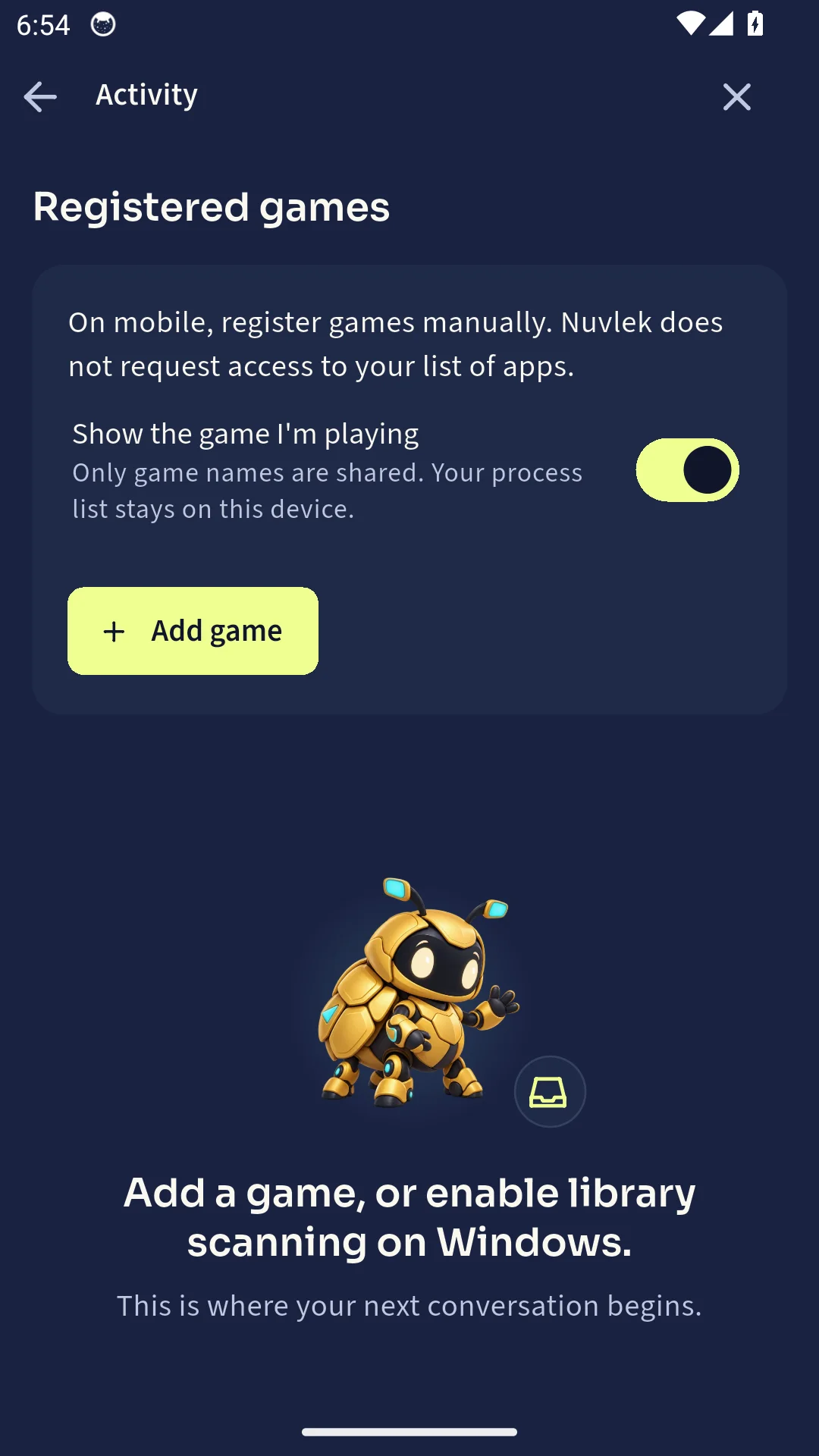
Enable game or activity sharing only when you want to show it. On mobile, the screen lets you add games manually. On desktop, check the detected activity and the name shown in your profile. Turn sharing off when you do not want to show activity; this is separate from joining or leaving a call.
Keep in mind
Online, idle, Do Not Disturb and invisible are presence choices, not proof of someone’s availability. Do not infer safety or identity from a game label. Disabling activity is useful before streaming or using a private app; check the actual profile preview after changes.
See the screen