Help
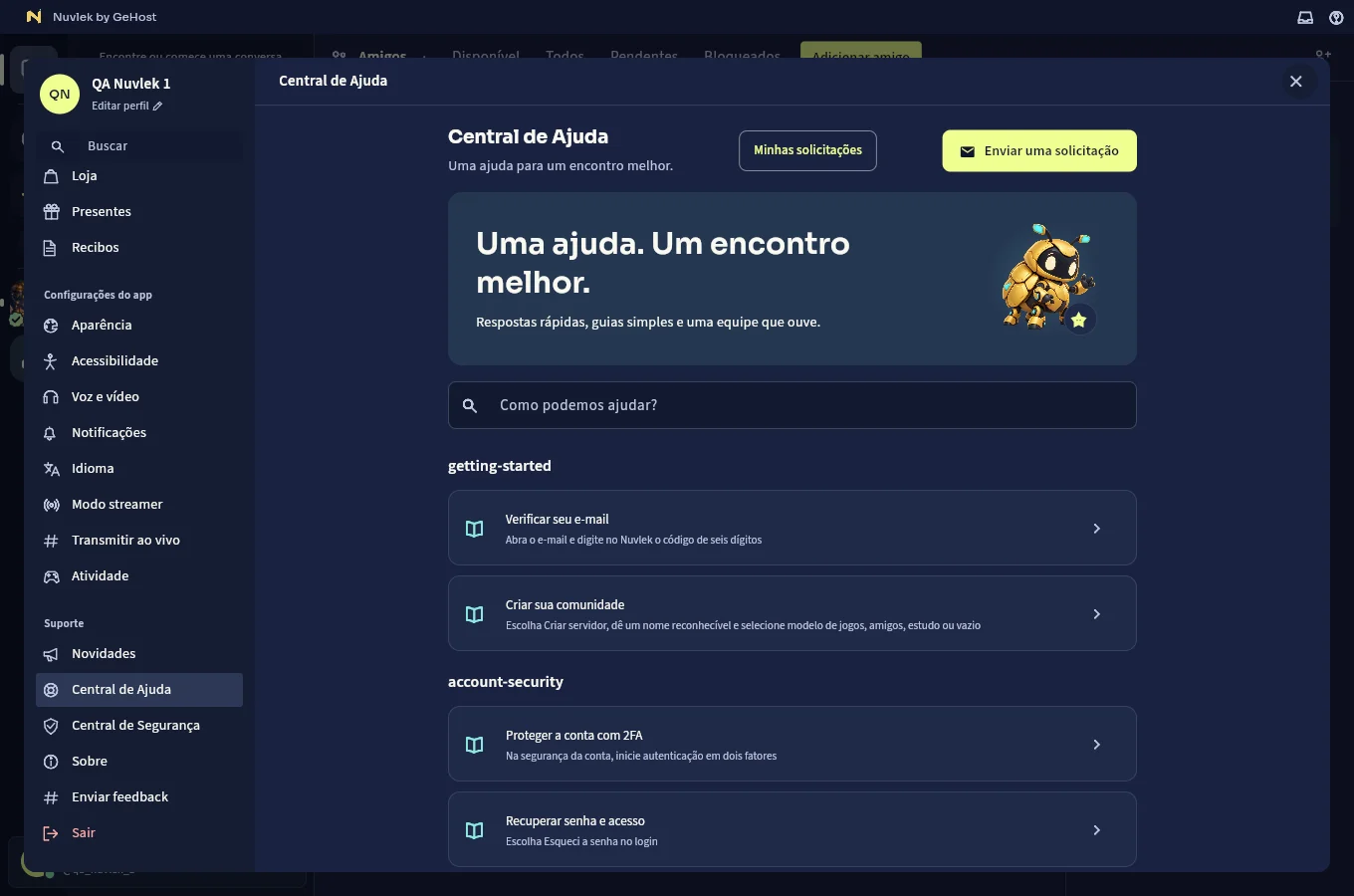
Find help in Nuvlek
Read a guide or report a problem in the app.
Choose your help
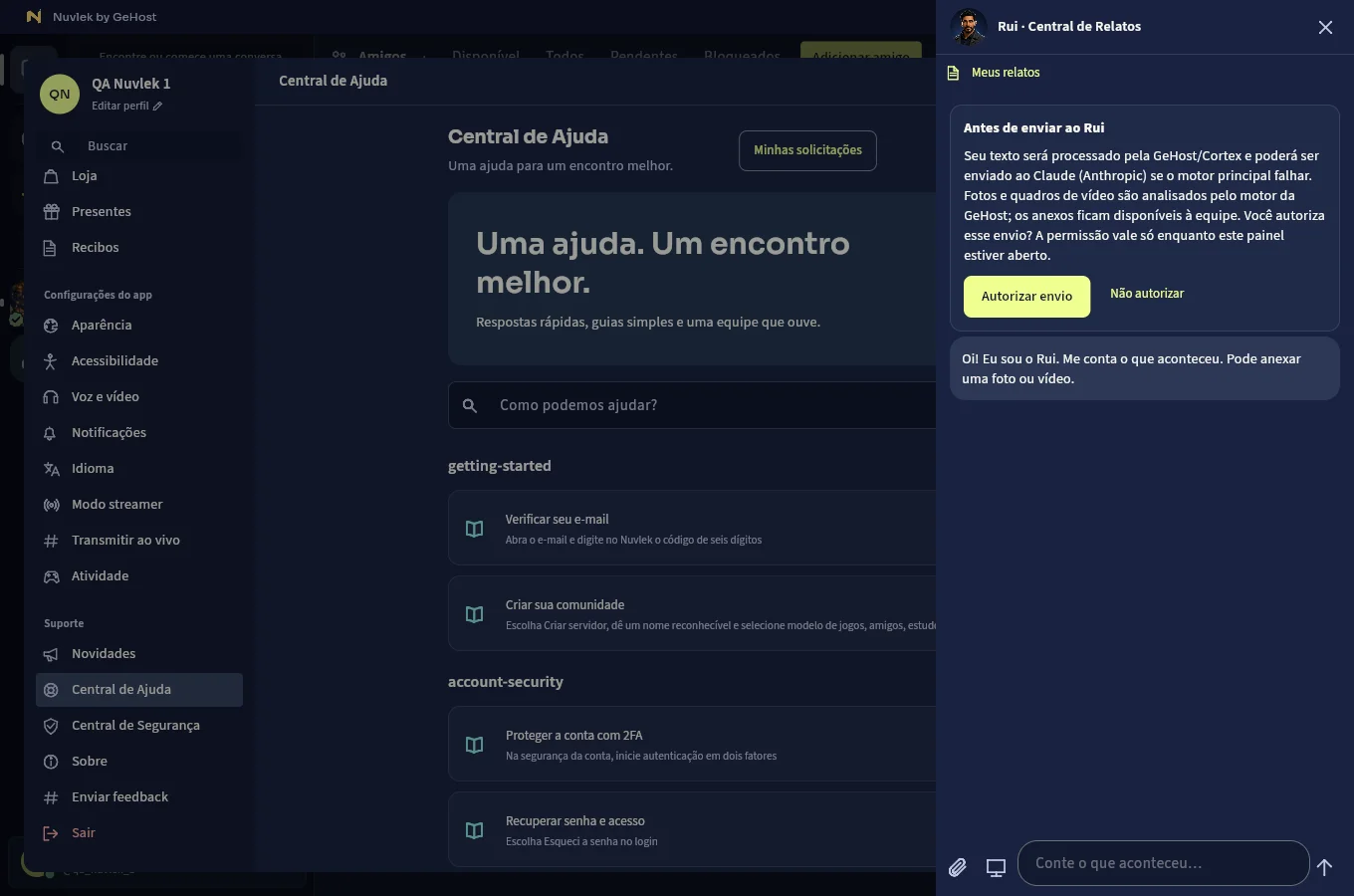
Open Settings → Help Center to look for guidance. Public articles can be read without sharing your conversation. If a guide does not solve the problem, use Send feedback to talk to Rui.
Before writing or attaching anything, read Before sending to Rui and choose whether to authorize the processing described. Permission lasts only while that panel is open. If you decline, no text or attachment from that report is sent; My reports remains available.
Describe the screen, what you tried, what you expected and what happened. Include the Nuvlek version and your device. Photos and videos should show only what is needed: cover private information before attaching them.
Follow up
When available, select Submit this report. Check the confirmation and identifier shown by the app. Keep that identifier and follow the report in My reports. Passwords, login codes and full payment details never belong in a report.
See the screen