Start here
Learn Nuvlek
Choose a path and learn one thing at a time.
Where to start
Nuvlek organizes conversations with friends and communities. You can start by looking around: learning does not require posting messages, joining a call or buying anything.
Read First steps for a map of the app, then choose a path:
- First time: profile, navigation and settings.
- Talk with friends: contacts, messages and voice.
- Run a community: channels, roles and rules.
- Create and stream: camera, screen and privacy.
When you have a question
Screens explains where features live. Troubleshooting suggests a next step when something does not work. The glossary explains unfamiliar words.
See it in practice
Nuvlek in under 2 minutes
Meet communities, your profile and the main settings. The capture preserves the original app interface; some option names may appear in another language. Guides and subtitles use the selected language.
Read the video
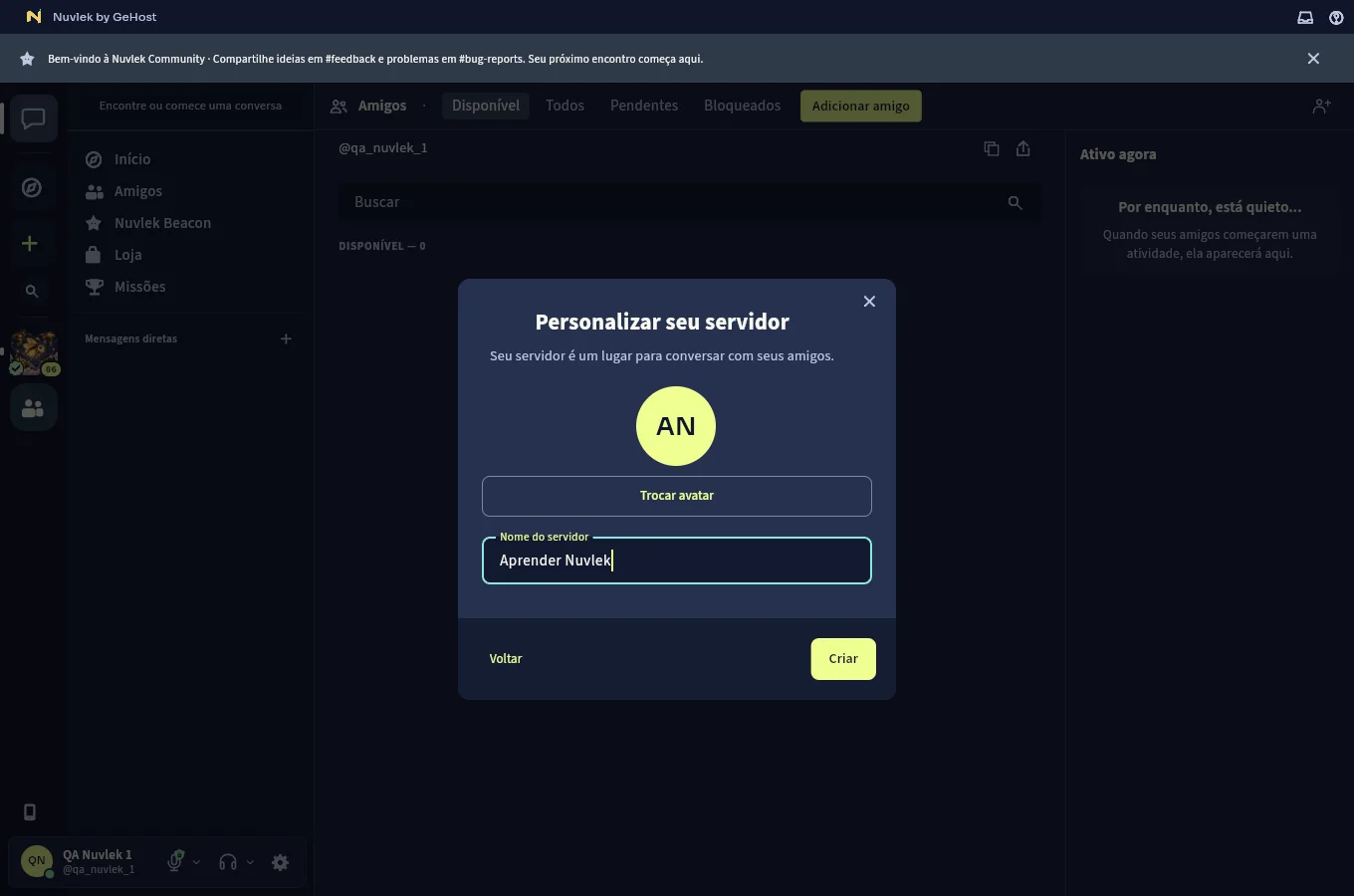
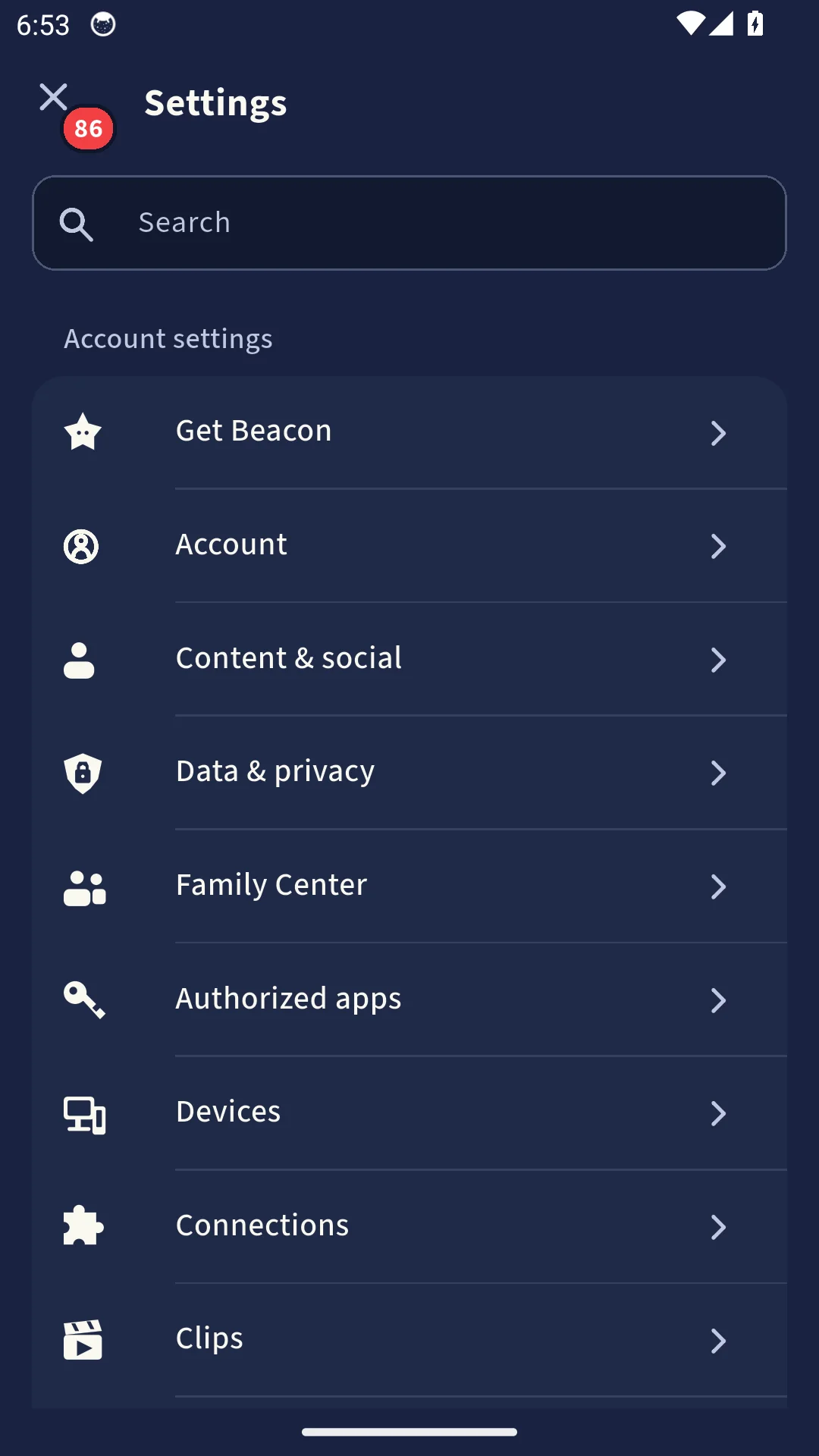
Demonstration with an example account. A community is called a server. Look at the available templates. You can prepare a community from scratch. Choose a clear name. Filling this field does not create the server yet. Use Settings to adapt the app to your needs. View the profile avatar, decorations and banner. Choose an appearance that is comfortable to read. Review the notification types available on this screen. Check input, output and settings before joining a call.
See the screen