Skip to content
GeHost Wiki

Help

Troubleshooting

Choose the symptom and check one thing at a time.

Version 0.3.68+80Available on · Android · iOS · Windows · macOS · Web

I can’t sign in

Check your email, the account selected for social sign-in and your device’s automatic time. If you forgot your password, use Recover access. Respect any stated waiting period instead of retrying continuously.

The call has no sound

Check the selected microphone, mute button and audio output. Review system permission. The microphone guide separates what you cannot hear from what others cannot hear.

The picture is black or slow

Stop sharing and select the window again. Lower quality and check the network. Screen sharing explains the next steps.

Still stuck

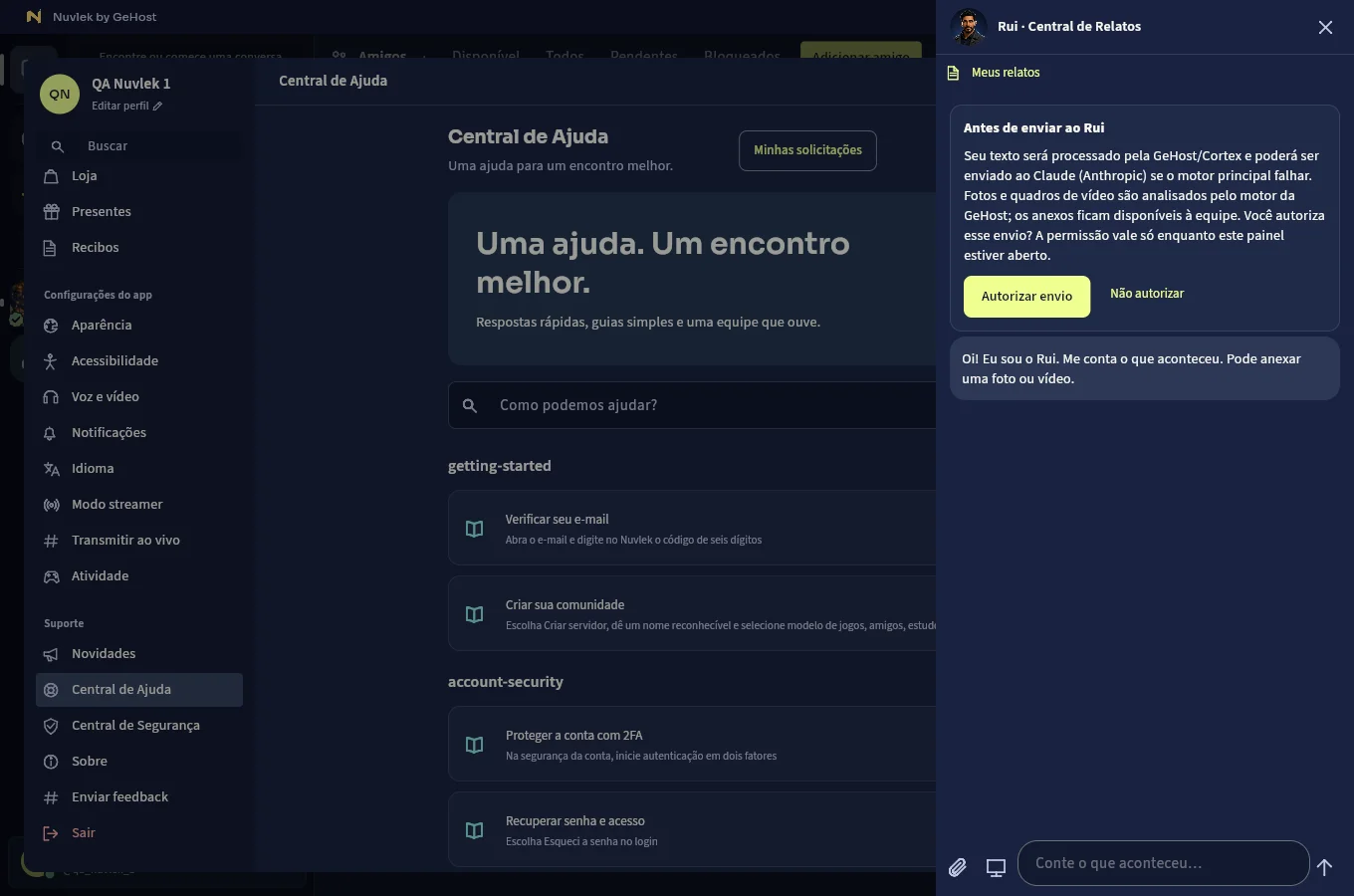
Note your version, device, time and steps. Report it through Rui, covering private details in screenshots.

Back to Learn

See the screen

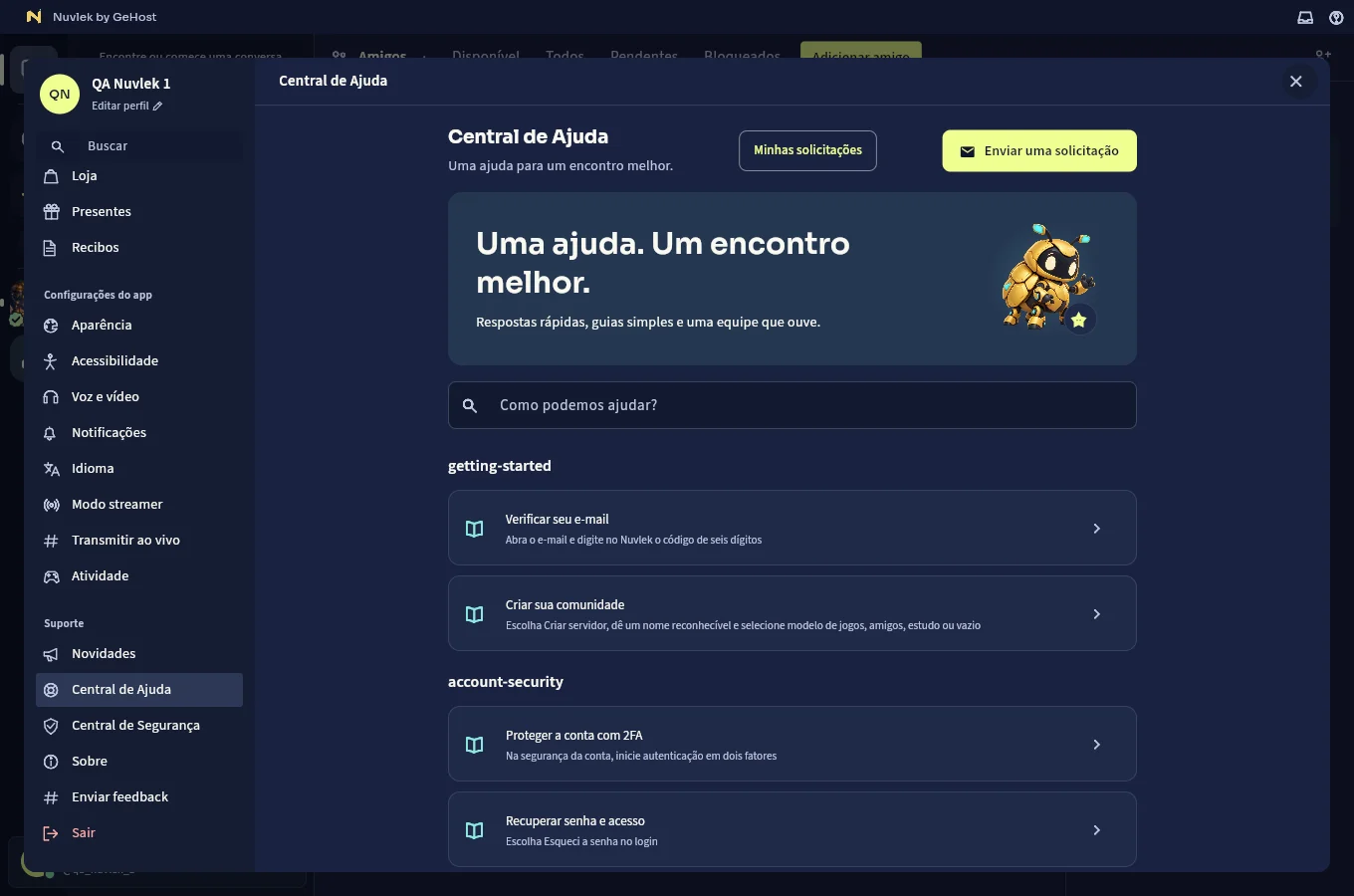
Actual Nuvlek capture: Troubleshooting · desktop · The captured interface displays category keys “getting-started” and “account-security” in English among Portuguese text. The wiki uses the selected language.
Nuvlek 0.3.61+73 · desktop
Actual Nuvlek capture: Troubleshooting · desktop · The captured interface displays category keys “getting-started” and “account-security” in English among Portuguese text. The wiki uses the selected language.
Nuvlek 0.3.61+73 · desktop
Navigation
Open original image ↗