Learning paths
Run a community
A reading path: Run a community.
A path for you
Read in this order and stop whenever you like. You can learn the screens without sending messages, buying anything or inviting other people.
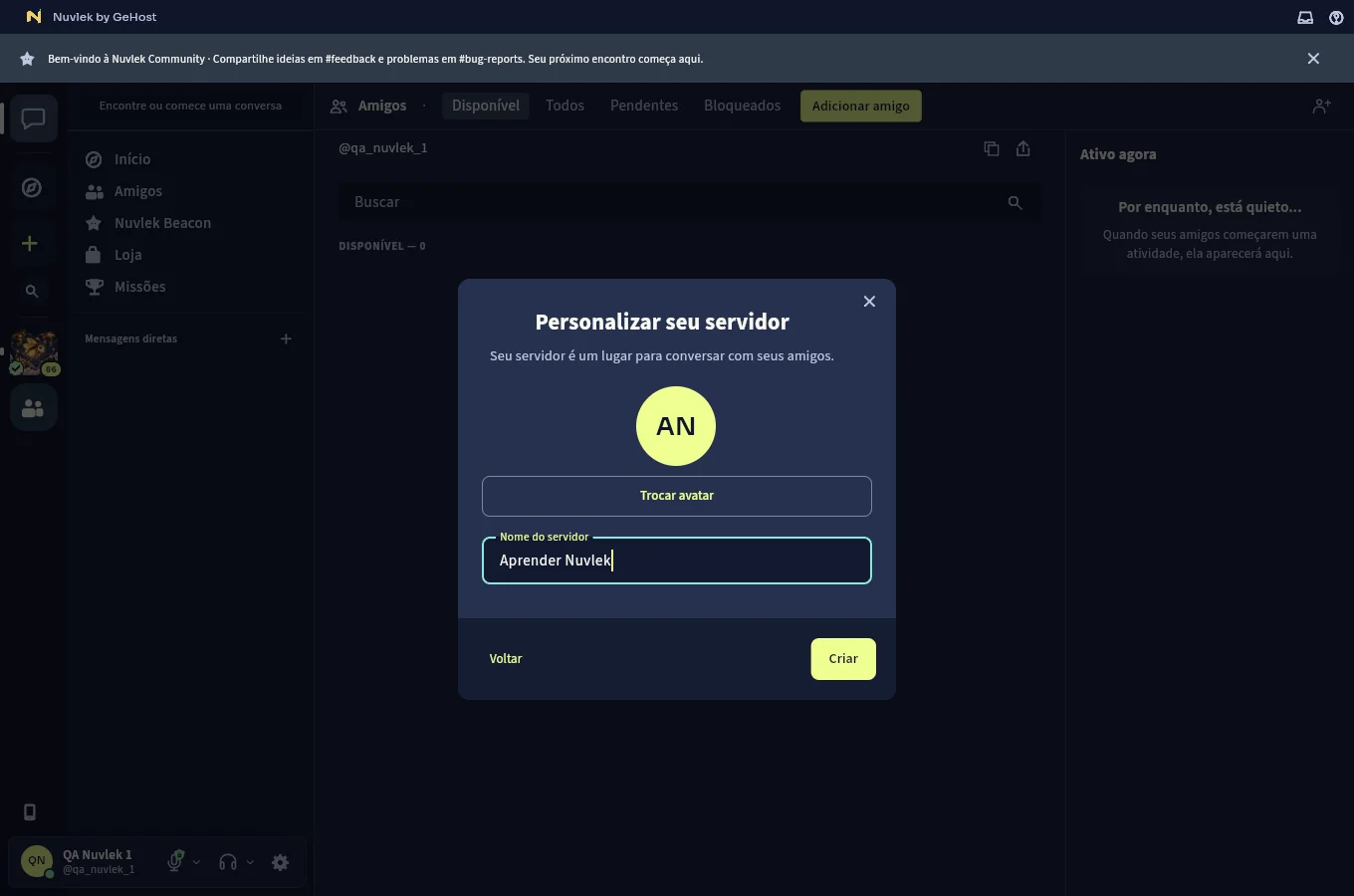
- Create your community: Choose Create server, select a gaming, friends, study or blank template, then give the community a recognizable name.
- Text, voice and announcement channels: Text channels keep conversations and shared files together.
- Roles and permissions: Open server settings and create a role with a clear name.
- Create and manage invitations: With Create invite permission, open a channel’s invite action.
- Server event calendar: On desktop, see events by Month, Week or List. Mark interest with a reminder and use the Google Calendar or Outlook subscription options. Apple is offered in the native iOS or macOS app.
- Set up AutoMod: Owners or authorized moderators can open server AutoMod settings, add blocked words, choose link/invite blocking and set a mention limit.
Practice carefully
Start with your own account settings. Join a conversation or call only when you understand the destination and want to take part. Check unfamiliar words in the Glossary. To choose another path, return to Learn.
See it in practice
Prepare your community
See templates and prepare a name before creating. The capture preserves the original app interface; some option names may appear in another language. Guides and subtitles use the selected language.
Read the video
Demonstration with an example account. You can prepare a community from scratch. Choose a clear name. Filling this field does not create the server yet. Go back to compare another template before creating. View the form opened with the Study template.
See the screen