Safety
Control spending and time
See usage and understand personal and family controls.
View your usage
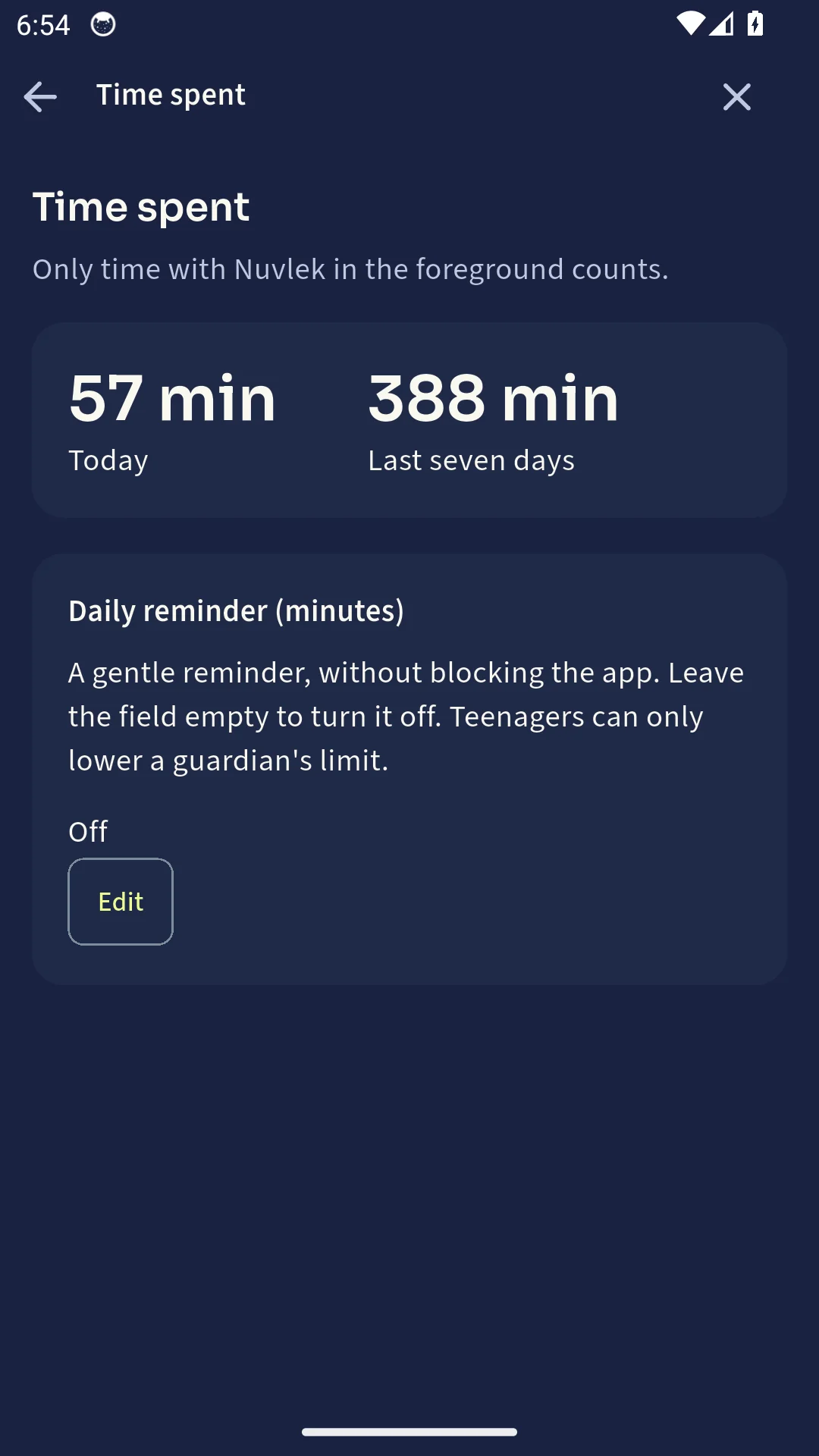
In Settings → Time spent, check Today and Last seven days. This is a rolling seven-day period, not a calendar week. To receive a break reminder, open Daily reminder and read its explanation before enabling it. The reminder does not block the app.
Check limits
Spending controls show the limit that applies to your account. Check the amount on screen rather than an old screenshot. Some changes for teens require their guardian through Family Center.
A time or spending limit does not change your age or unlock restricted features. If the status looks wrong, contact support without sending banking details.
See the screen