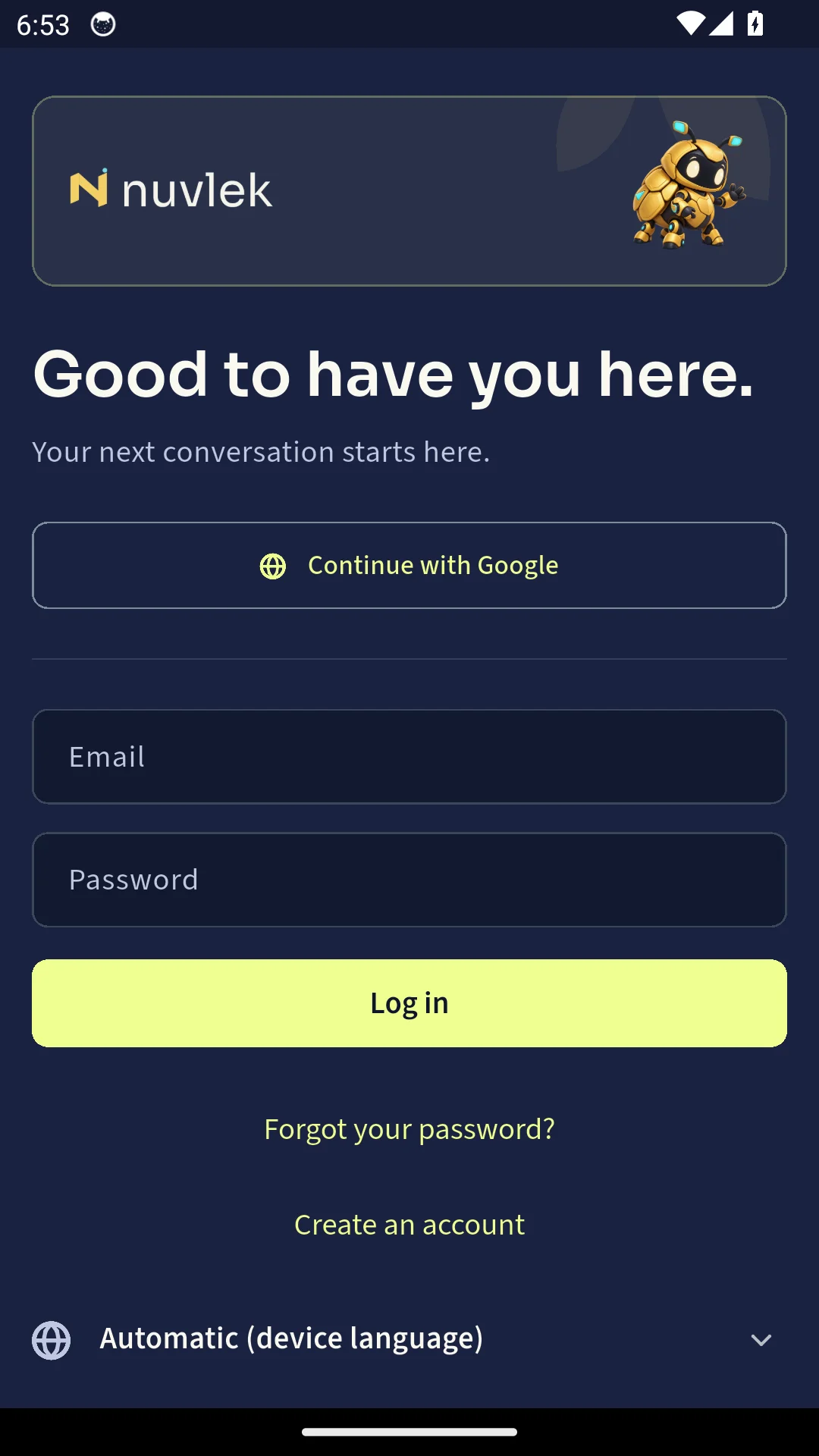
Start here
Create an account
Choose Create account and enter your email, username, display name, password, real birthdate and country
How to do it
Choose Create account and enter your email, username, display name, password, real birthdate and country. Read and accept the terms, then enter the email code to finish. Use a unique password. Google sign-in may still ask for birthdate, country and acceptance on first use.
Keep in mind
Under 13? An account cannot be created. Do not change your birthday to bypass it. Required guardian linking appears before chat/voice. If you entered the wrong information, contact support rather than creating duplicate accounts.
See the screen