Customize
Use Sparks in a community
Check the selected server before applying one.
Understand the destination
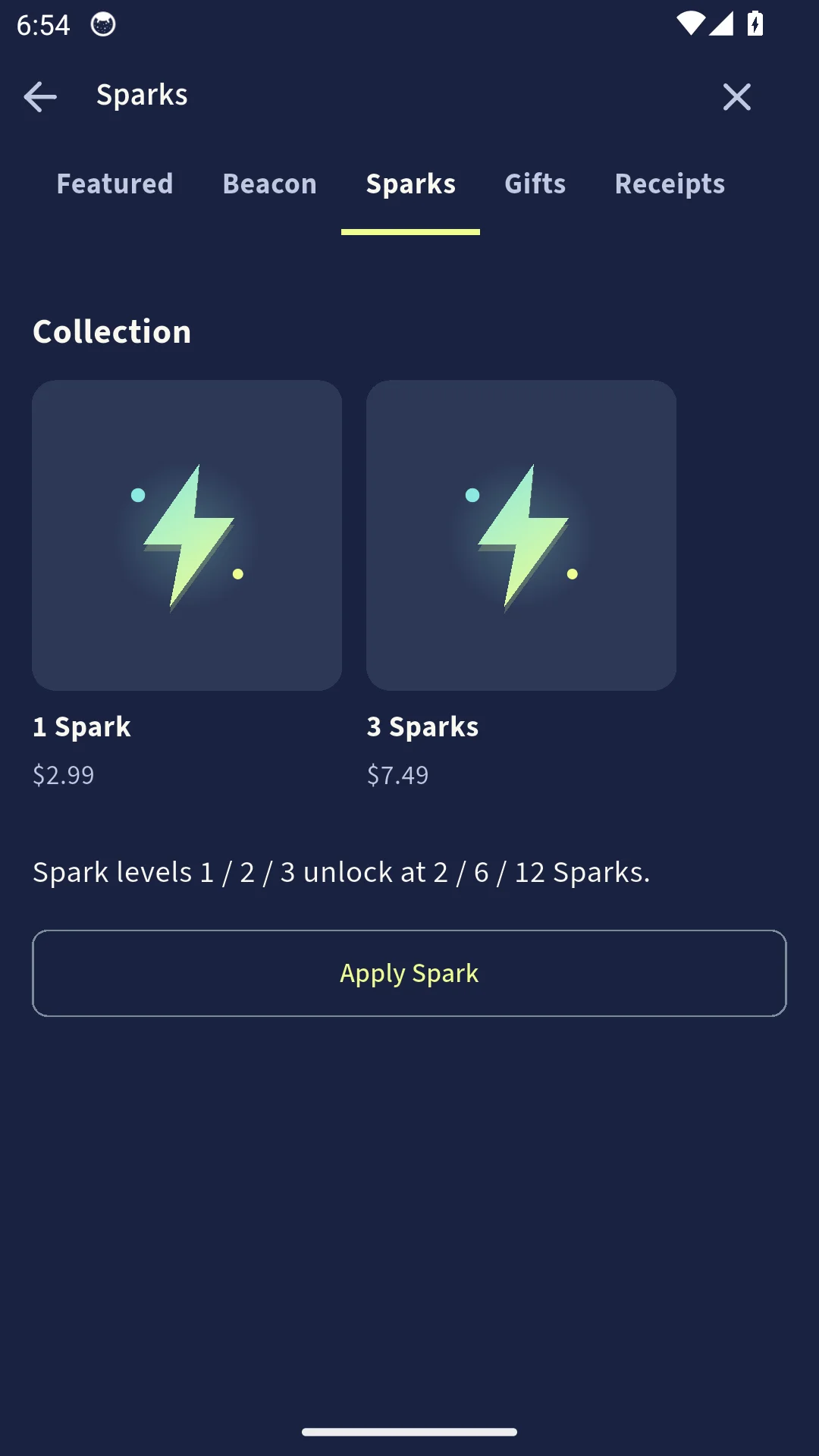
Open Sparks in Settings and check the catalog and each level’s benefits. To use an available Spark, choose Apply Spark and check the community’s name before selecting it.
You do not need to apply or buy a Spark to learn channels, messages or voice.
Follow the benefits
After applying, check the benefits shown for the community. Its active Spark count affects its level. If the result is missing, note what you did and when, then ask for help before buying again.
See the screen