Customize
Manage Beacon renewal
Check your purchase channel and the available management options.
Find the subscription
Open the Beacon area and check its status. Use the management action shown for your purchase channel. A device-store subscription may need to be managed in that store.
Before confirming a change, review the information presented by your purchase channel. If cancellation was accepted, check the new status and keep the confirmation.
Understand the effect
Canceling renewal does not automatically request a refund. Signing out, uninstalling or no longer using the app also does not cancel recurring billing. If something differs from the confirmation, tell support the order and date without full payment details.
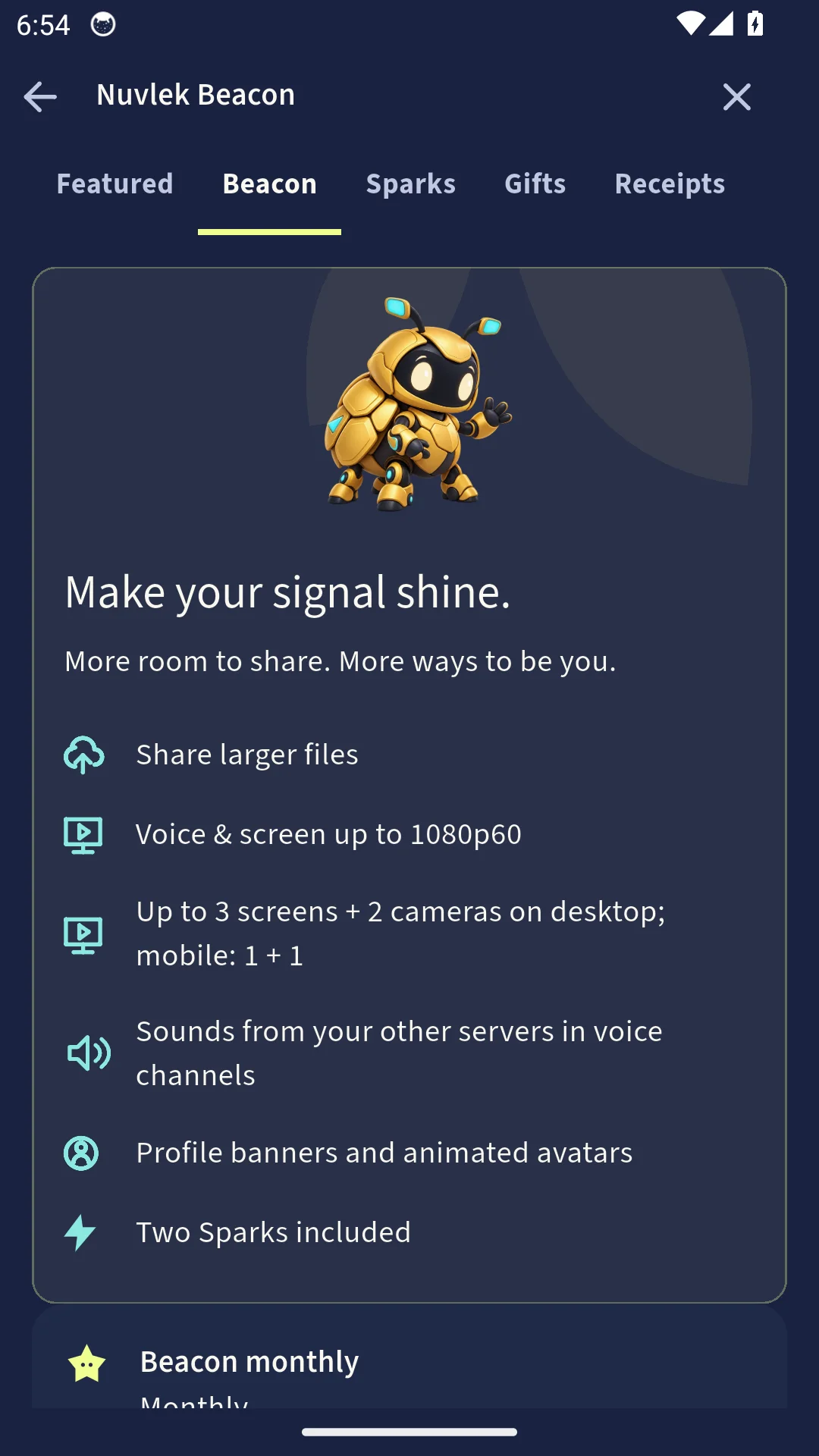
The capture below shows the Beacon offer; it does not demonstrate cancellation of an active subscription. Management controls depend on the subscription and purchase channel.
See the screen