Start here
Nuvlek screens and buttons
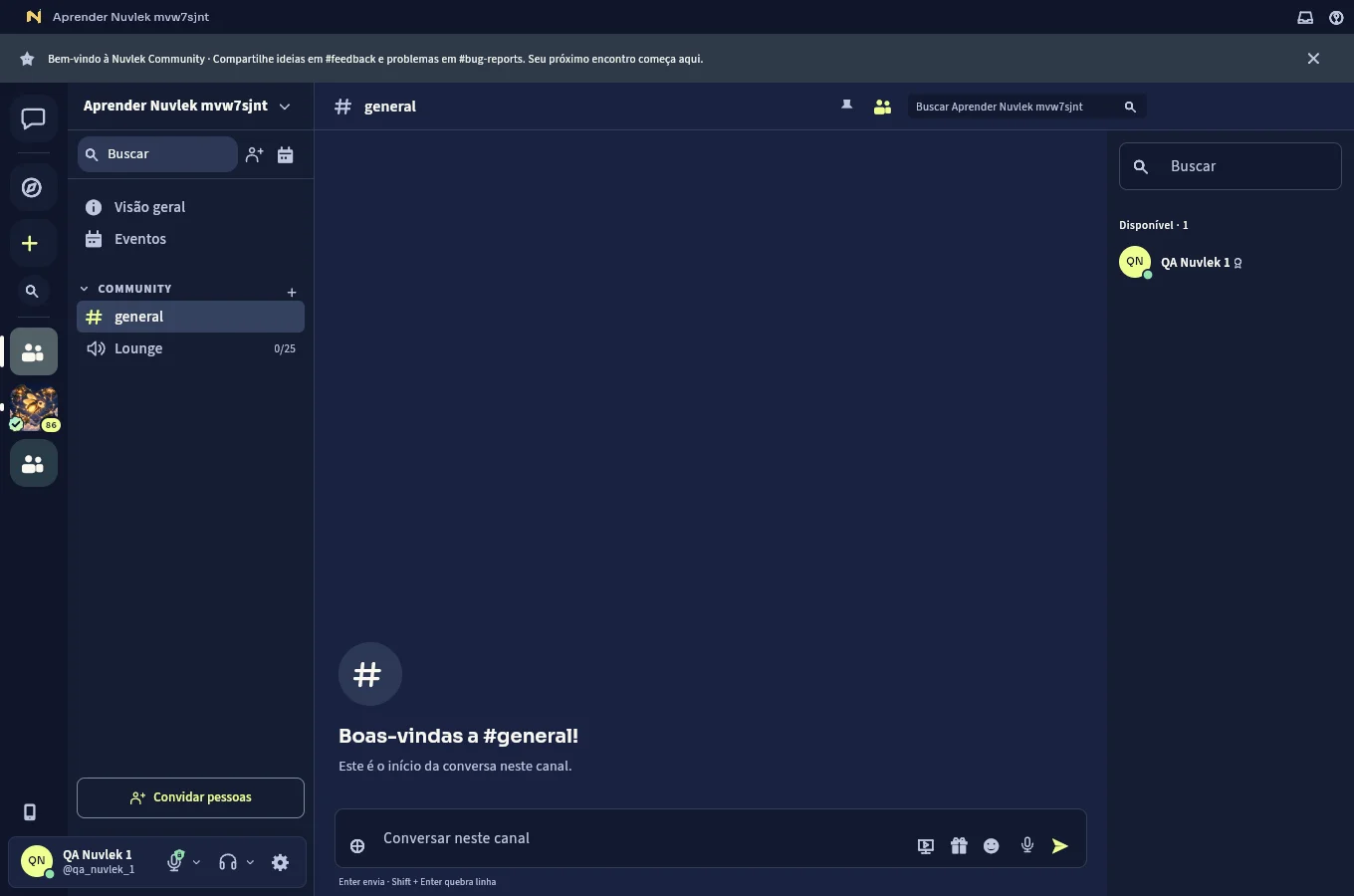
A map of conversations, voice and settings.
Main areas
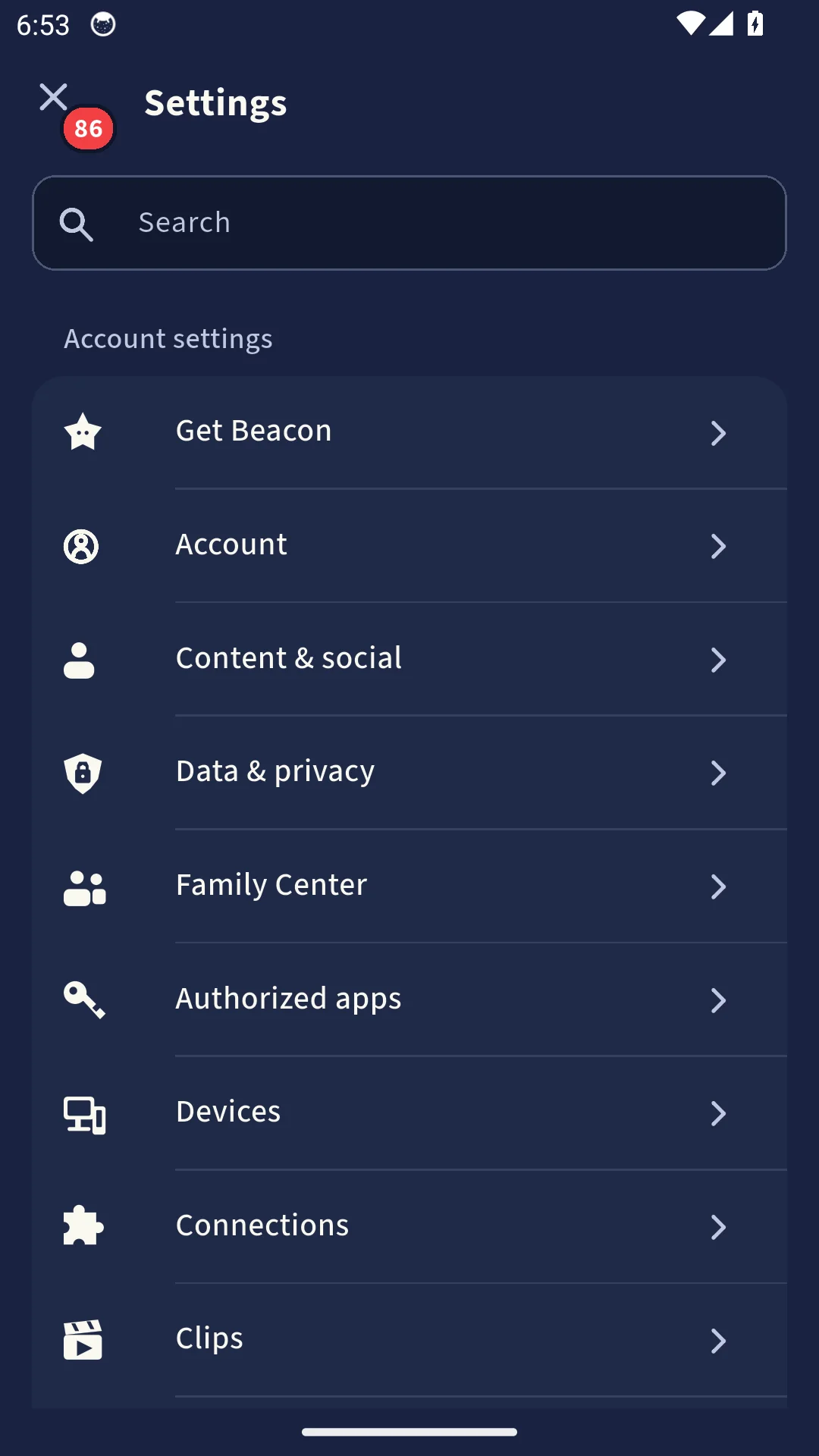
On a phone, Account, Content & social and Data & privacy open account, profile and privacy settings. On a computer, look for My account, Profile and Privacy & safety.
- Home: returns to the starting point and available highlights.
- Friends: contacts and friend requests.
- Servers: your communities and their channels. Text channels hold messages; voice channels host live conversation.
- Inbox: unread items and mentions.
- Search: finds messages your account may access.
- Profile: your name, photo, introduction and personal appearance.
- Settings: account, privacy, family, connections, voice, notifications, language and help.
Mobile and desktop
On mobile, panels may open as sheets or fill the screen. Use Back or Close to return. On desktop, small menus appear near their button; Settings has a section list.
During a call
Microphone controls your voice; Camera controls your image. Share chooses what you show. Leave call ends your participation. Adjusting another person’s volume changes only what you hear.
See the screen