Conversations
Add friends and manage requests
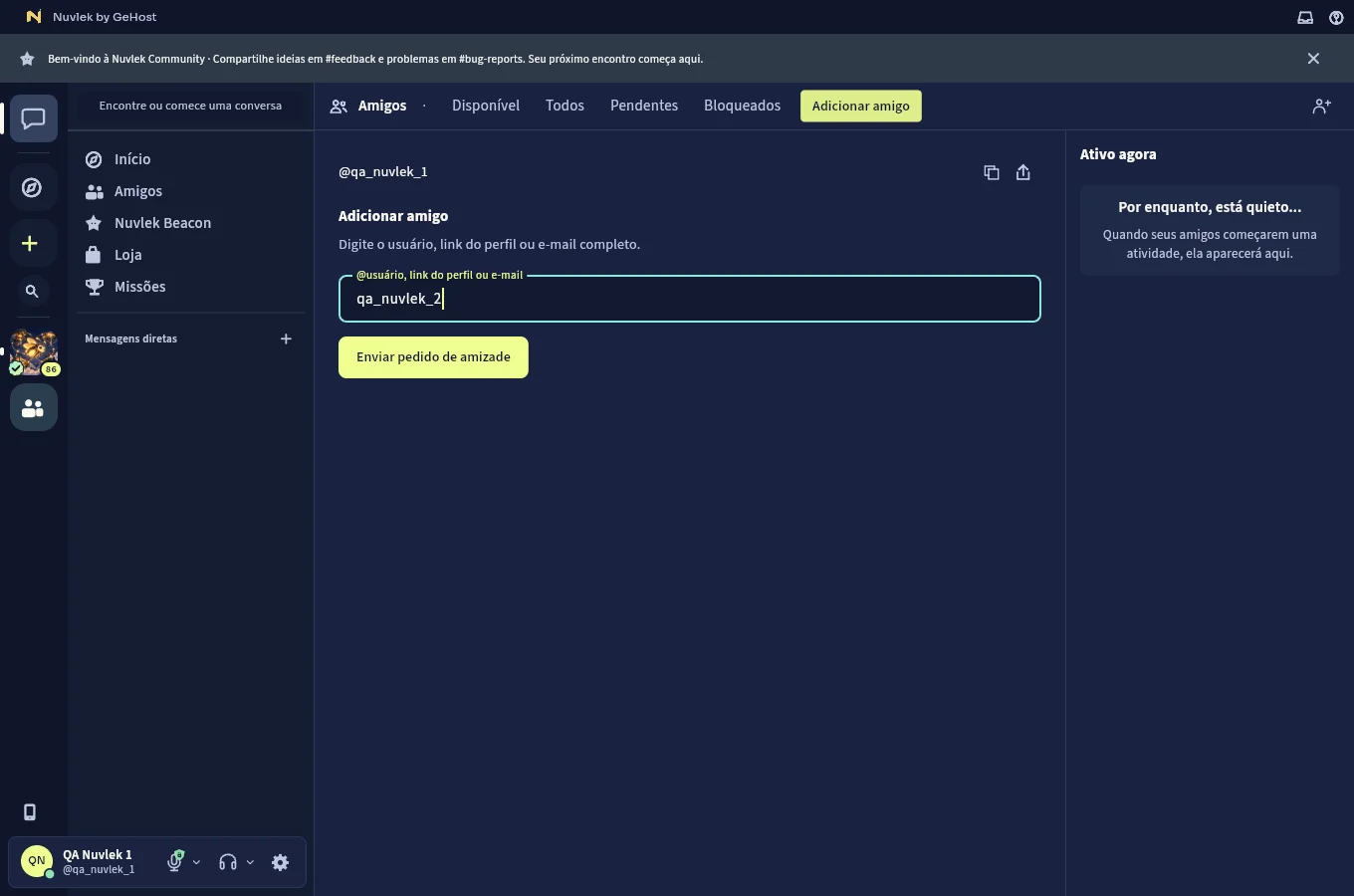
Open Friends, enter the exact username and send a request
How to do it
Open Friends, enter the exact username and send a request. The other person must accept before the relationship becomes a friendship. Review incoming/outgoing requests and remove contacts you no longer want.
Keep in mind
For teens, friend requests are restricted to friends of friends or shared-server members. Direct messages for teens start with the friends setting. Check the active privacy and family controls and follow the app’s notices. A request may fail because the recipient blocks requests or because privacy rules apply. Do not keep retrying or use another account. You can block/report a friend at any time.
See the screen