Conversations
Listen to and send sounds in messages
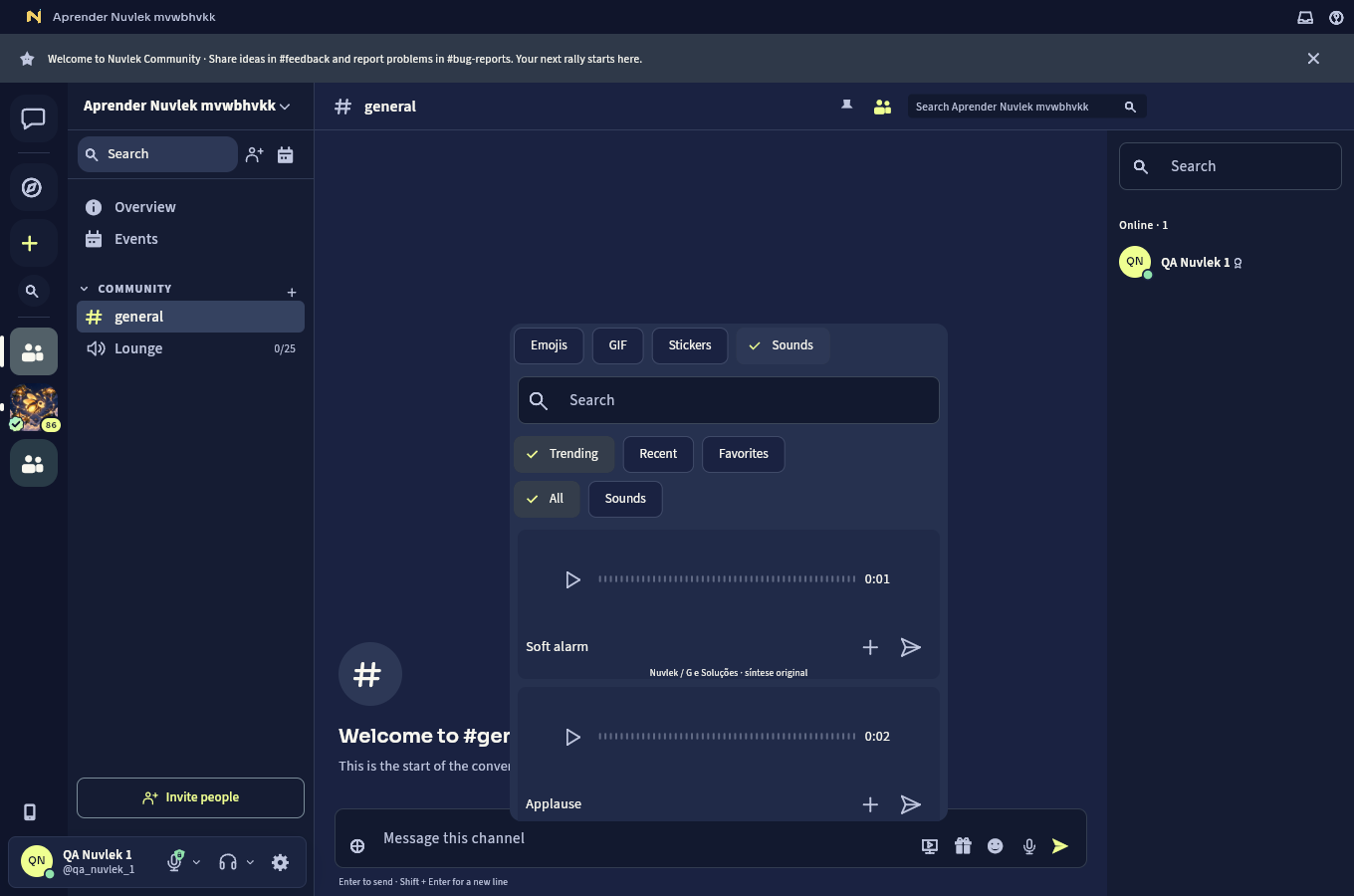
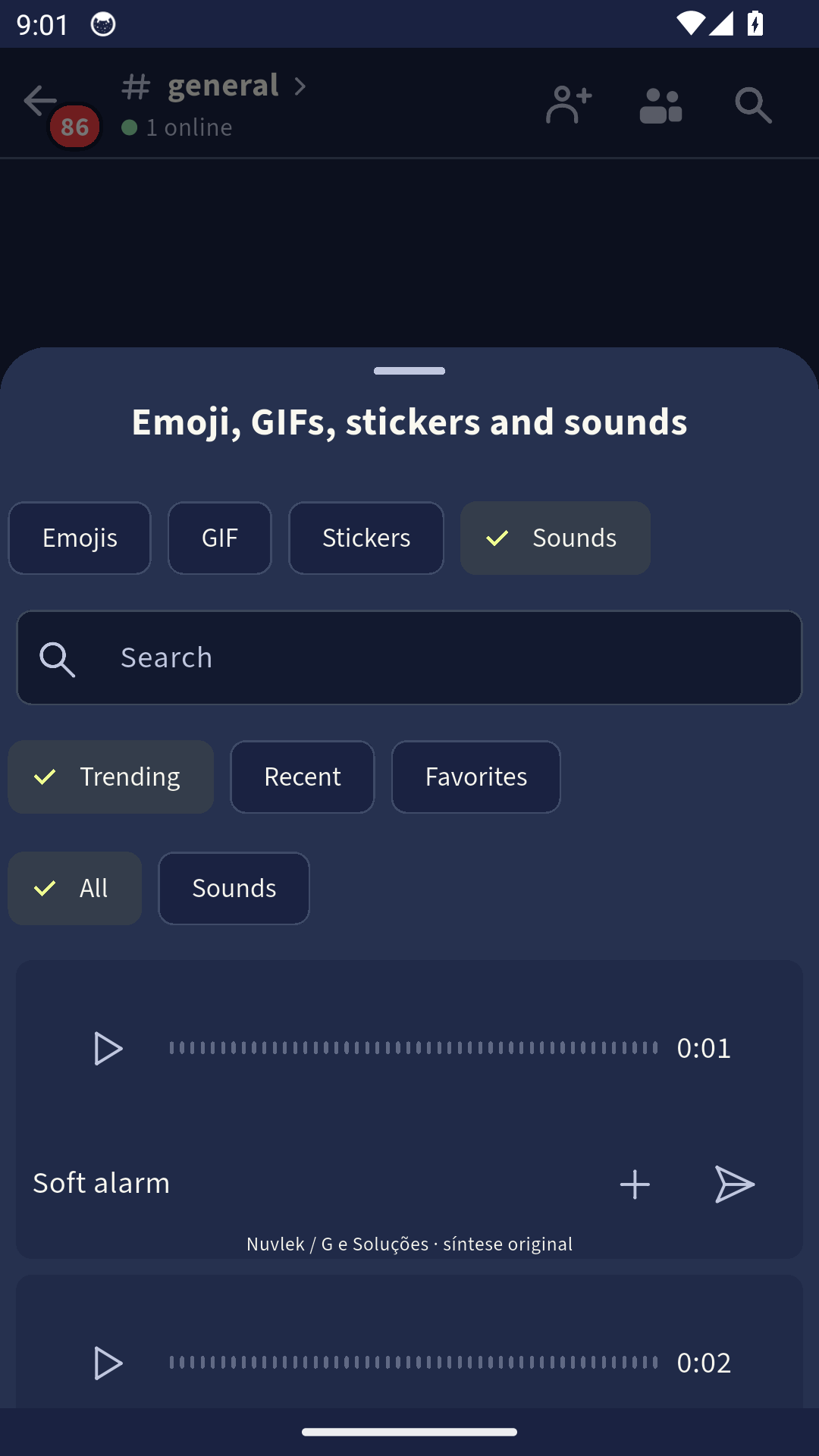
Use the playback and send controls in the Sounds tab.
Listen before sending
In version 0.3.62+74 or later, open the library with the smiley beside the message field and choose Sounds. Search, use the categories, or open Recent and Favorites.
The playback control lets you listen to a sound. To post it in the conversation, use the item’s send button. Check the destination and volume first, especially during a call.
Listen in the conversation
A sent sound appears with a player in its message. It starts when you use the playback control. Use the same control to stop it and avoid sudden increases in volume.
A library sound is different from a message recorded with your microphone. To record your own voice, see DMs and voice messages.
See the screen