Conversations
Send a GIF
Find an animation and send it to the right conversation.
Choose and send
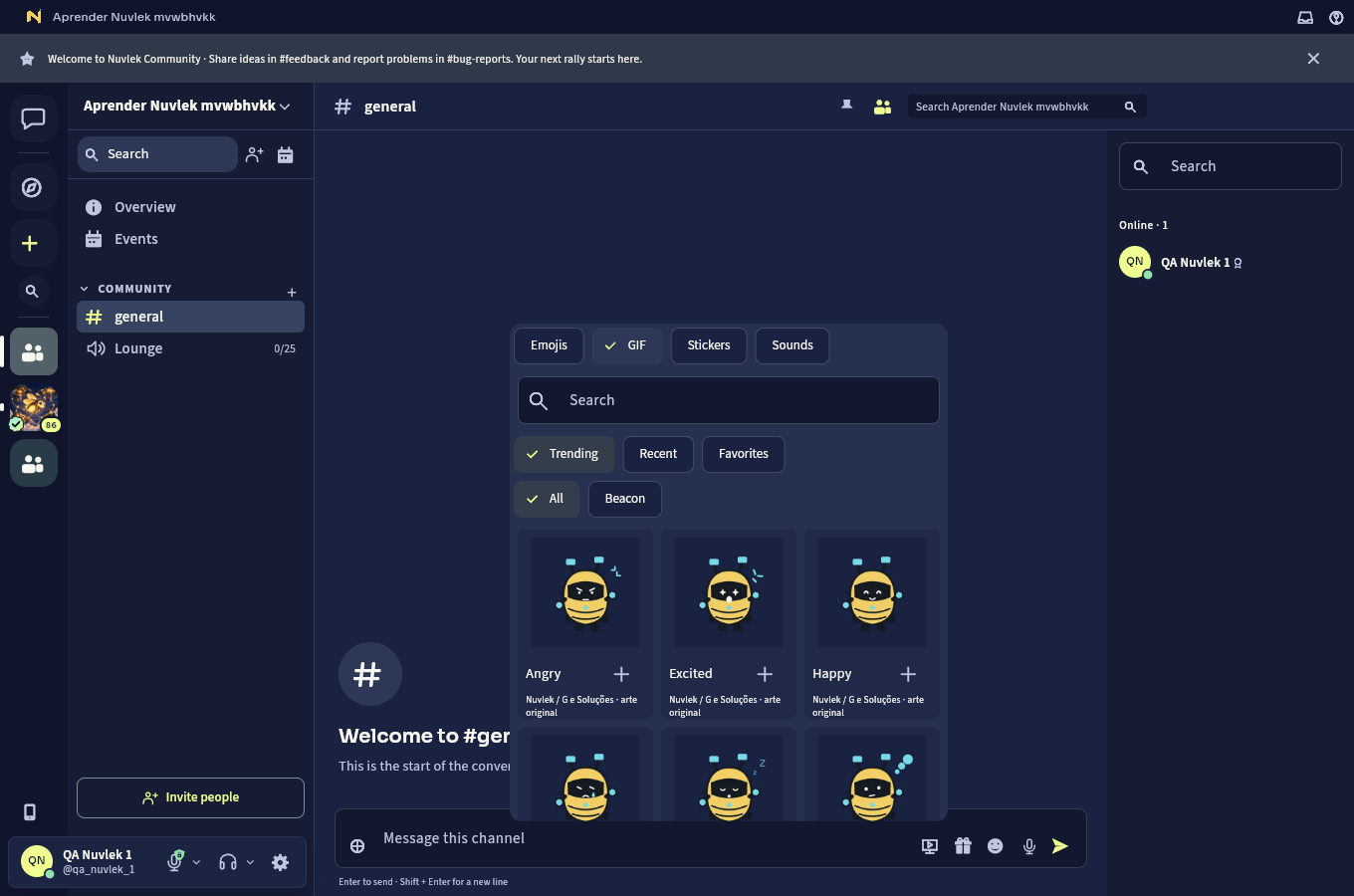
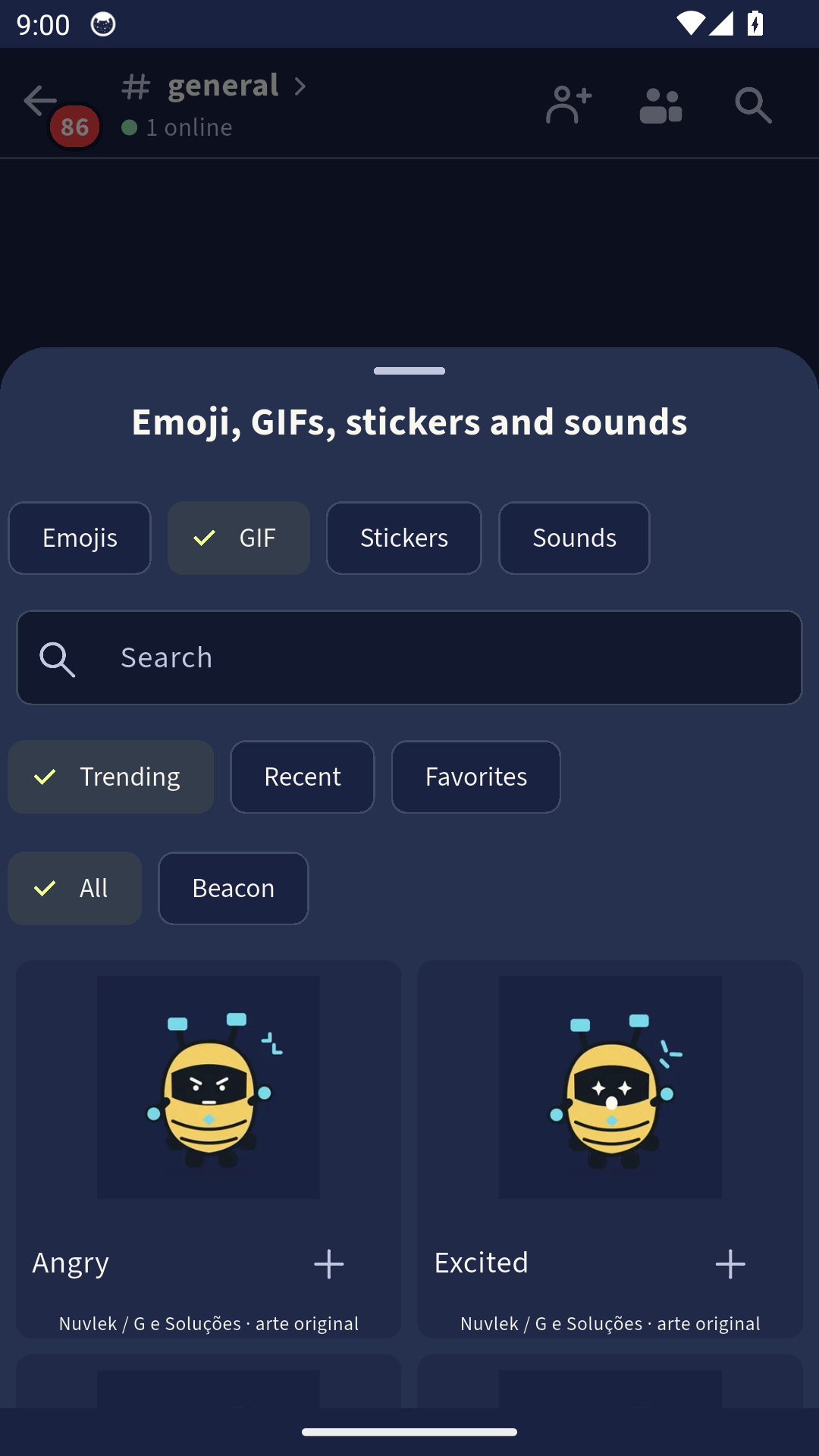
In version 0.3.62+74 or later, open the library with the smiley beside the message field and choose GIF. On desktop, you can also use the GIF shortcut when it is shown.
Search or use the categories to find an animation. Check that you are in the intended channel or conversation: selecting the artwork sends the GIF. It does not wait in the text field.
Find it again
Use Recent to revisit used items and Favorites to keep items you want to find later. The favorite control changes that list; it is separate from sending.
If there is no suitable result, try another word or close the library without sending. Respect the conversation topic and Nuvlek’s safety controls.
See the screen