Voice and video
Noise suppression and per-user volume
Free, local noise suppression you can change during a call
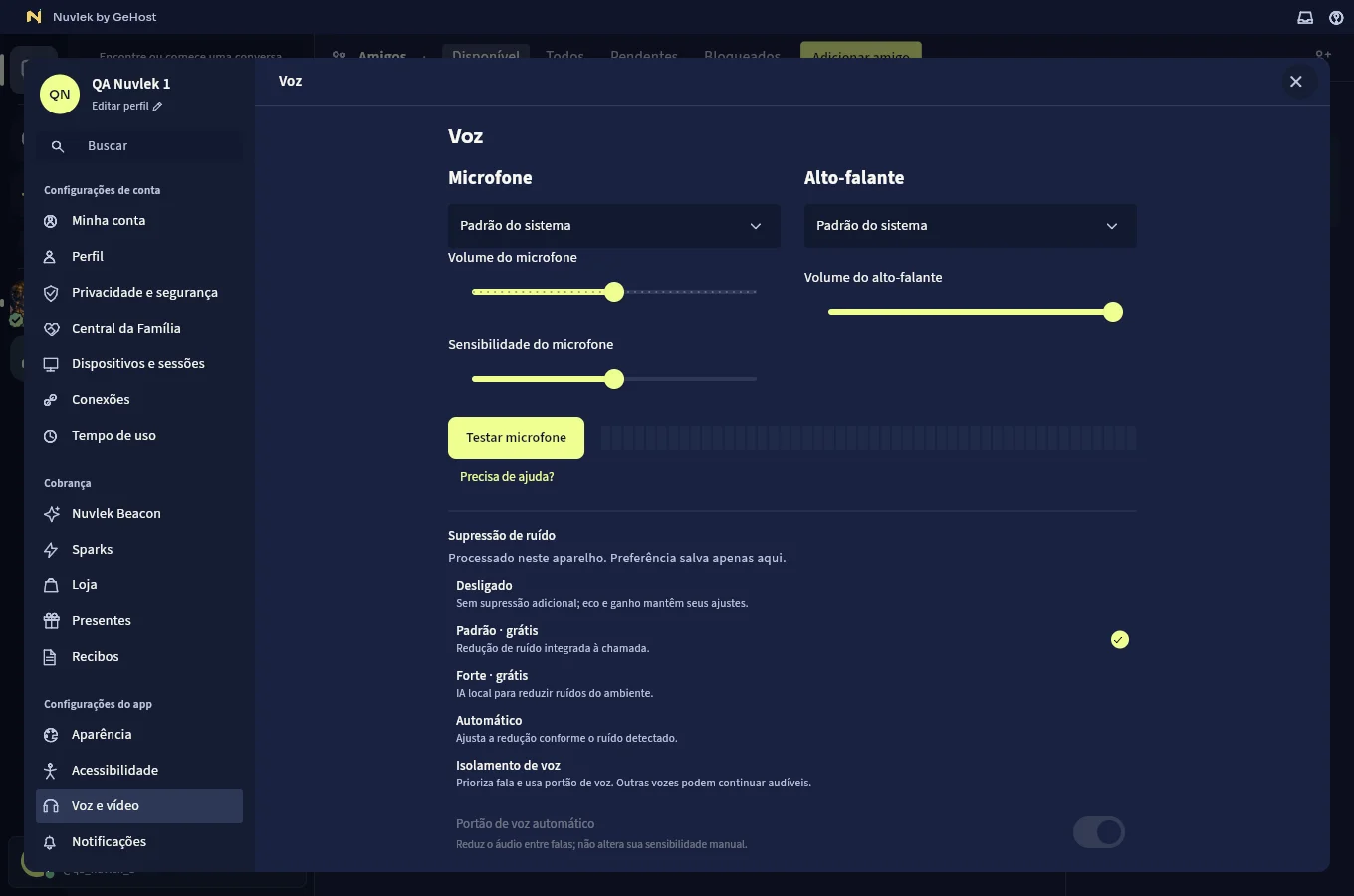
Choose noise suppression
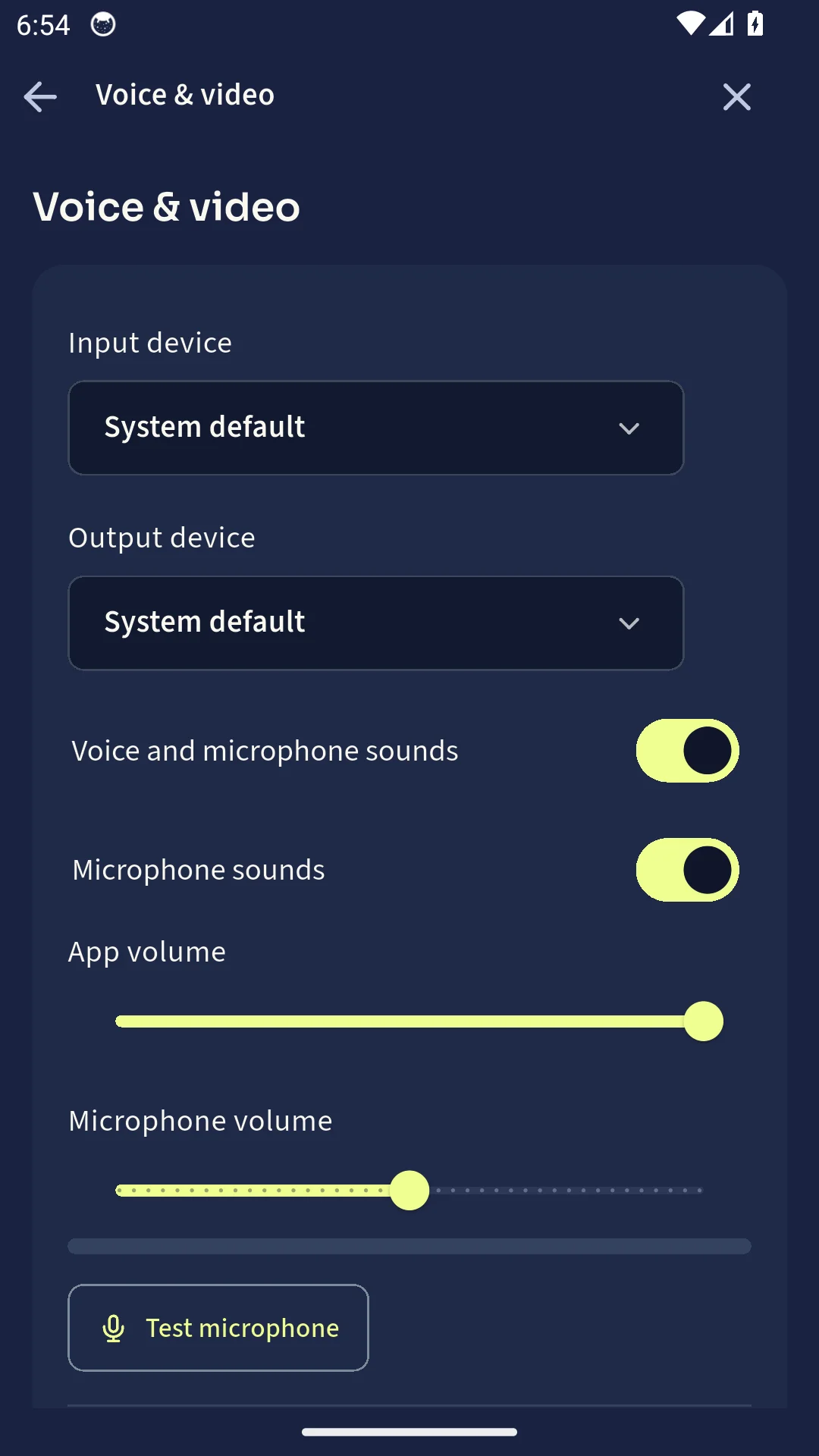
Open the arrow beside the microphone, including during a call, or Settings → Voice & video. Your choice stays on this device.
- Off: disables additional suppression. Some devices retain their built-in system voice processing. Echo cancellation and automatic gain have separate controls.
- Standard: uses the device and call's built-in voice processing.
- Strong: reduces background noise with local voice processing, free for every account.
- Automatic: adjusts the strength to the noise measured at the microphone.
- Voice isolation: prioritizes speech with a voice gate. Other voices may remain audible.
In the AI modes, the voice gate can keep room noise from being transmitted during pauses. Adjust sensitivity if words are cut off. The filter prioritizes speech from the selected microphone; other people speaking may remain audible. Results depend on the noise and device.
Listen before and after
In Strong, Automatic or Voice isolation mode, and outside a call, open the available voice test in settings and start the short recording. Wear headphones to compare the original and processed samples. The sample stays temporarily in this device's memory; the test does not send your voice to a processing service. Closing the test stops recording and playback.
Per-person volume
Use a participant's controls to adjust what you hear without changing anyone else's volume. If audio distorts, reduce gain and compare with noise suppression off. Choose the correct microphone before adjusting levels.
See the screen