Start here
Your first steps in Nuvlek
Understand where conversations happen and start at your own pace.
Start with a conversation
Nuvlek brings together friends, communities, messages and calls. A community is called a server. Inside it, channels separate topics and voice rooms.
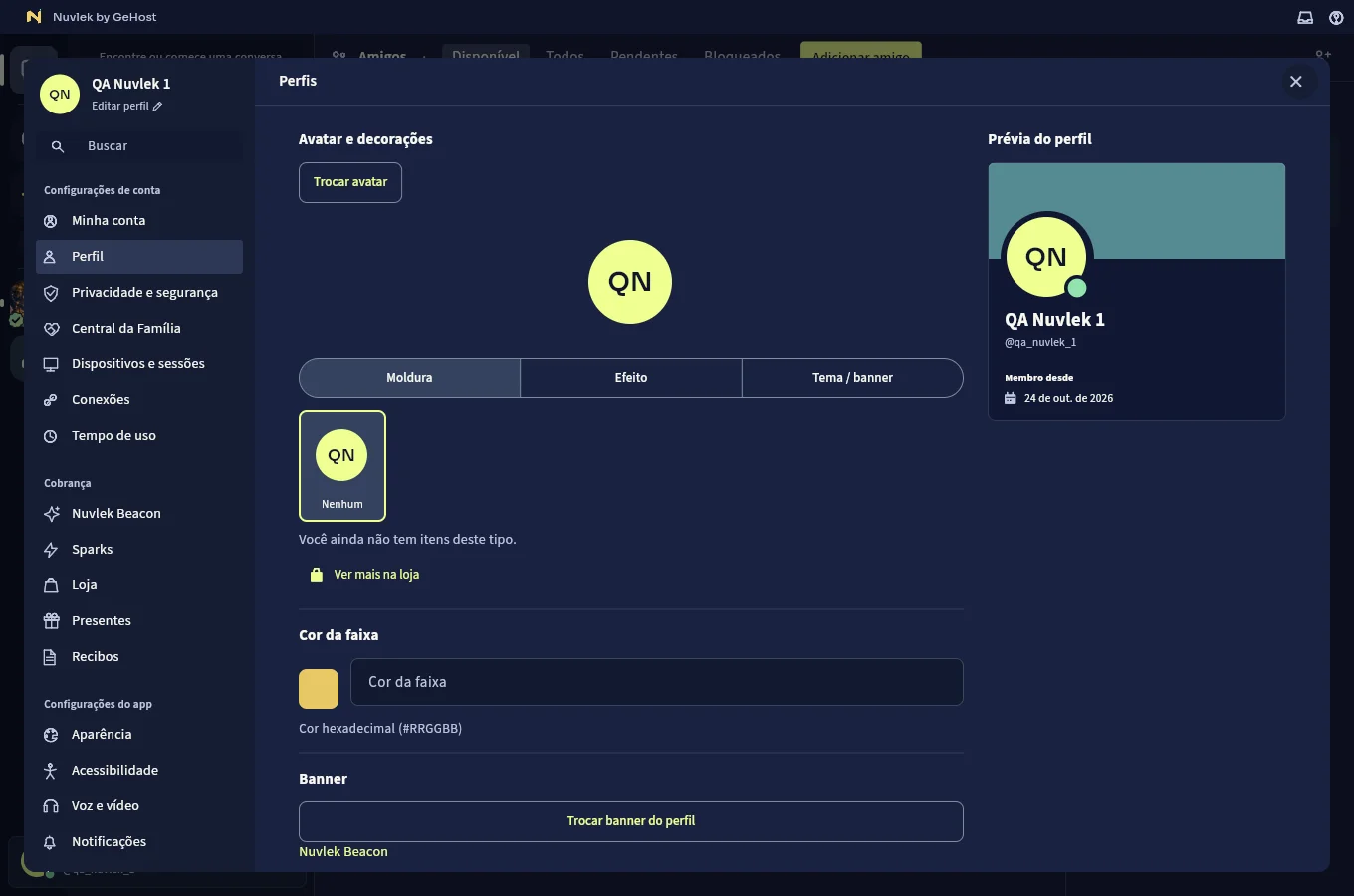
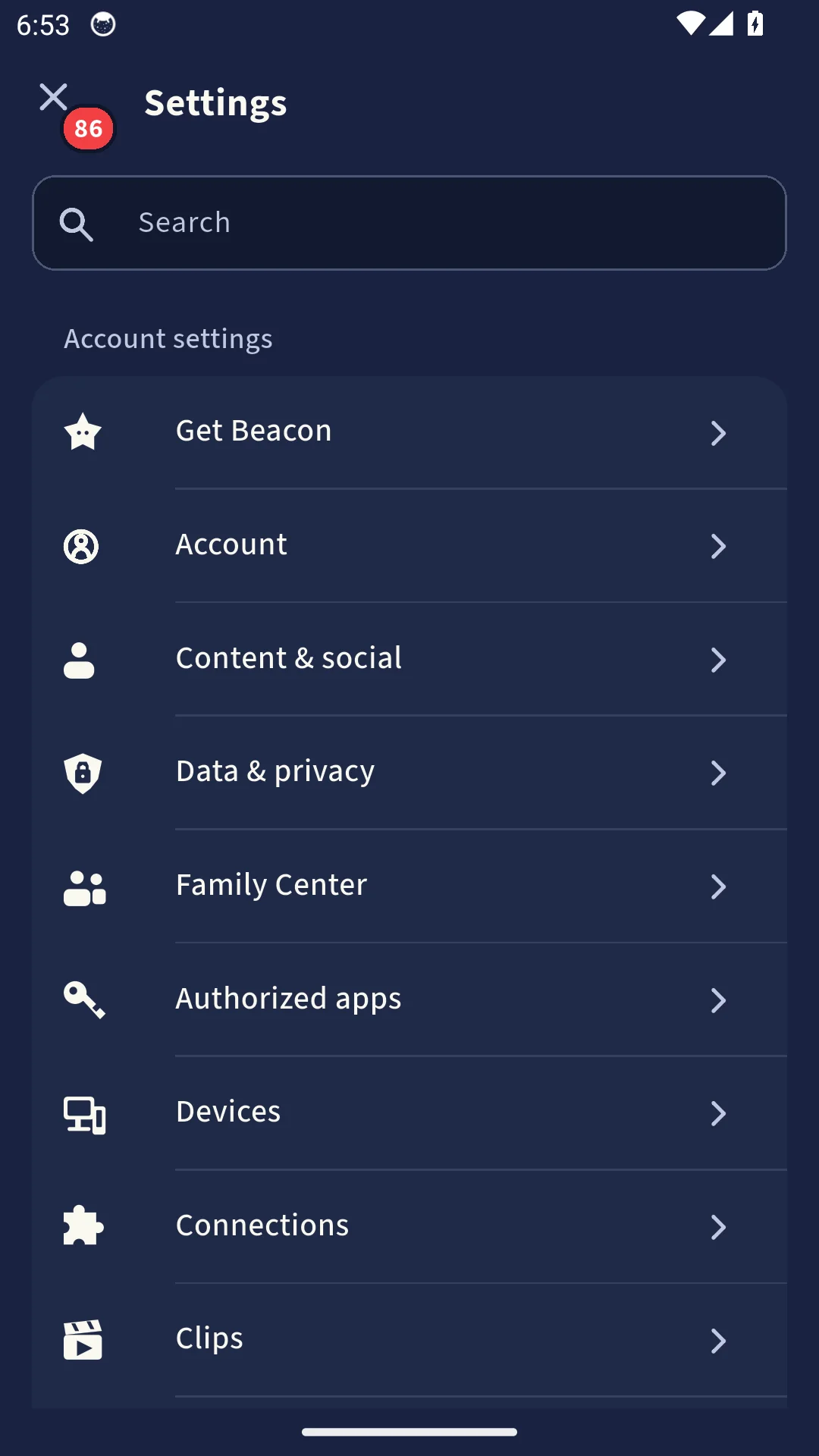
Open the official app and sign in. Check your name and photo in your profile. To look around without sending anything, open Settings, find Appearance and choose a comfortable theme.
Your next step
If you received an invitation, check the community name and read its rules before joining. You can read the channels you may access and decide later whether to write or join voice. Microphone, camera and sharing are separate choices.
If you lose your way, return to Home. For a problem, open Send feedback. Never include your password or sign-in codes.
See the screen