Conversations
Emoji, GIFs, stickers and sounds
Choose a type of content and check what will be sent.
Open the library
These tabs are available from version 0.3.62+74. If you cannot find them, check your version in About and look for an update through the channel you installed from.
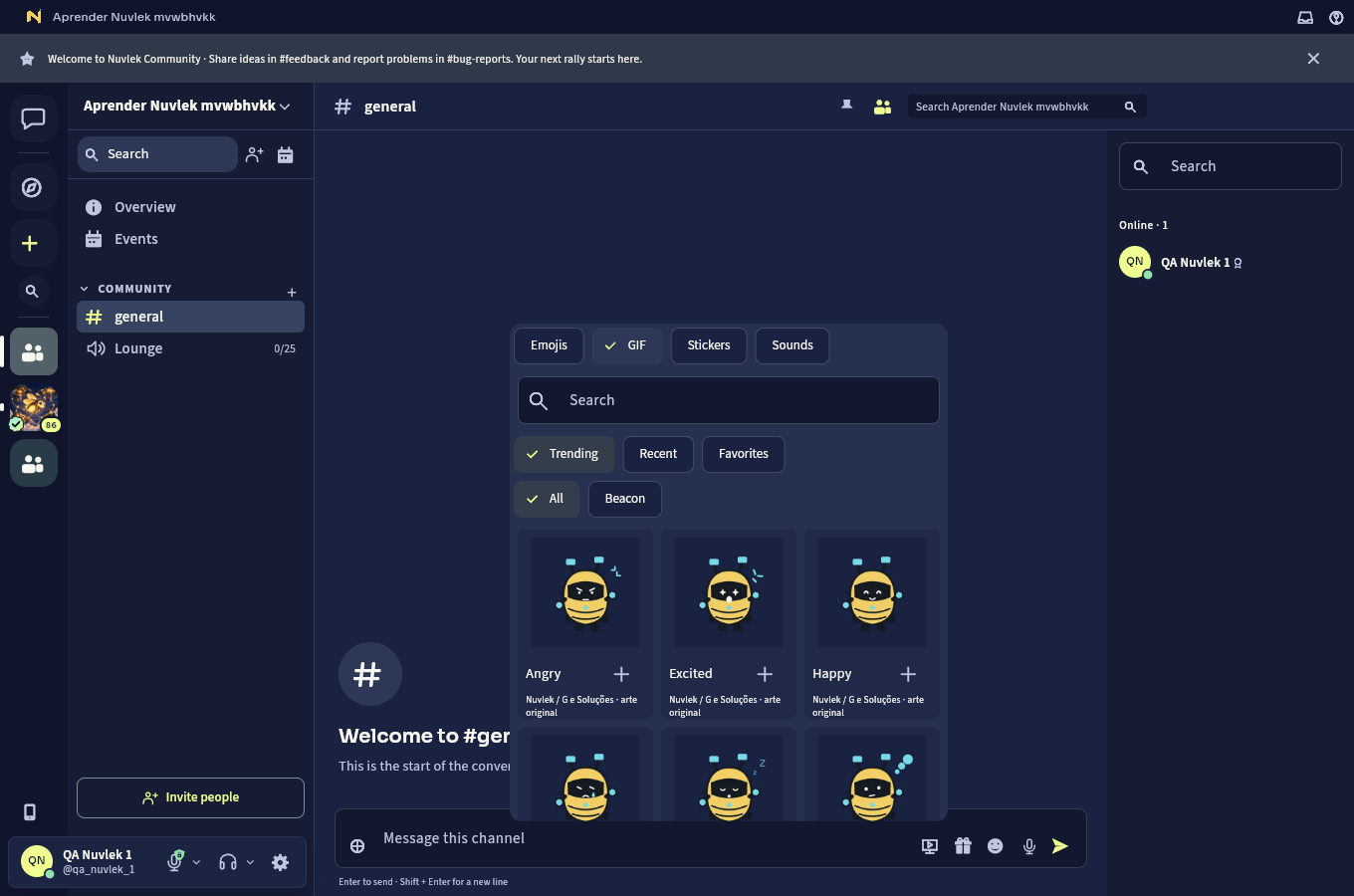
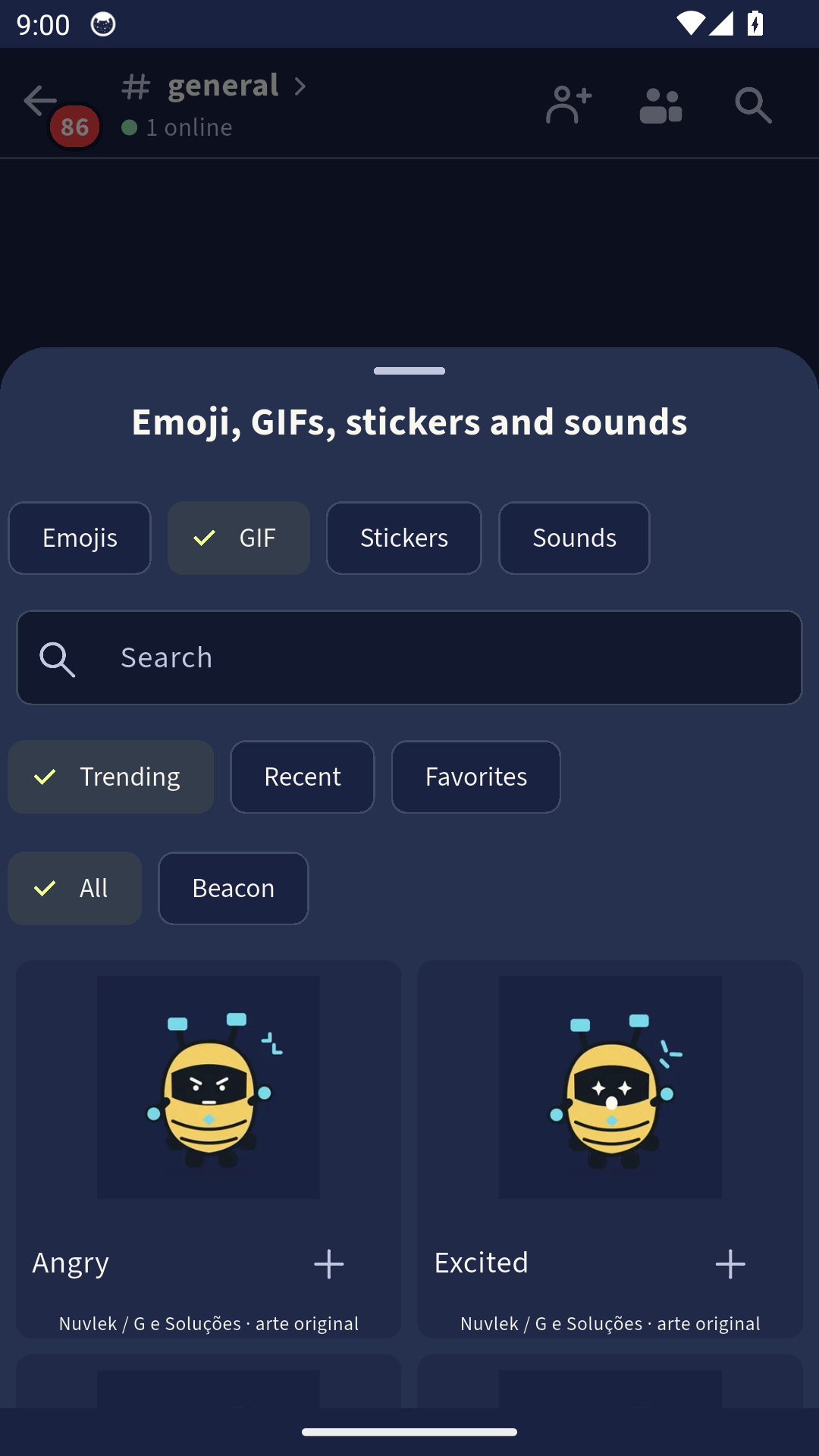
Open a conversation and select the smiley beside the message field. The library has tabs for emoji, GIFs, stickers and sounds. On desktop, GIF and sticker shortcuts may also appear beside the field.
What choosing an item does
| Content | How it is sent |
|---|---|
| Emoji | It is added to the text you are writing. Use Send message when ready. |
| GIF or sticker | Selecting the artwork sends it to the current conversation. Check the destination before choosing. |
| Sound | Play lets you listen. The send button posts the sound in the conversation. |
In the GIF, sticker and sound tabs, you can search, switch between Trending, Recent and Favorites, and use the categories shown. The favorite control adds or removes an item from your favorites.
If a search fails, use Try again. Close the library to leave without choosing anything.
See the screen