Voice and video
Join and leave voice
Choose a voice channel you can access
Look before joining
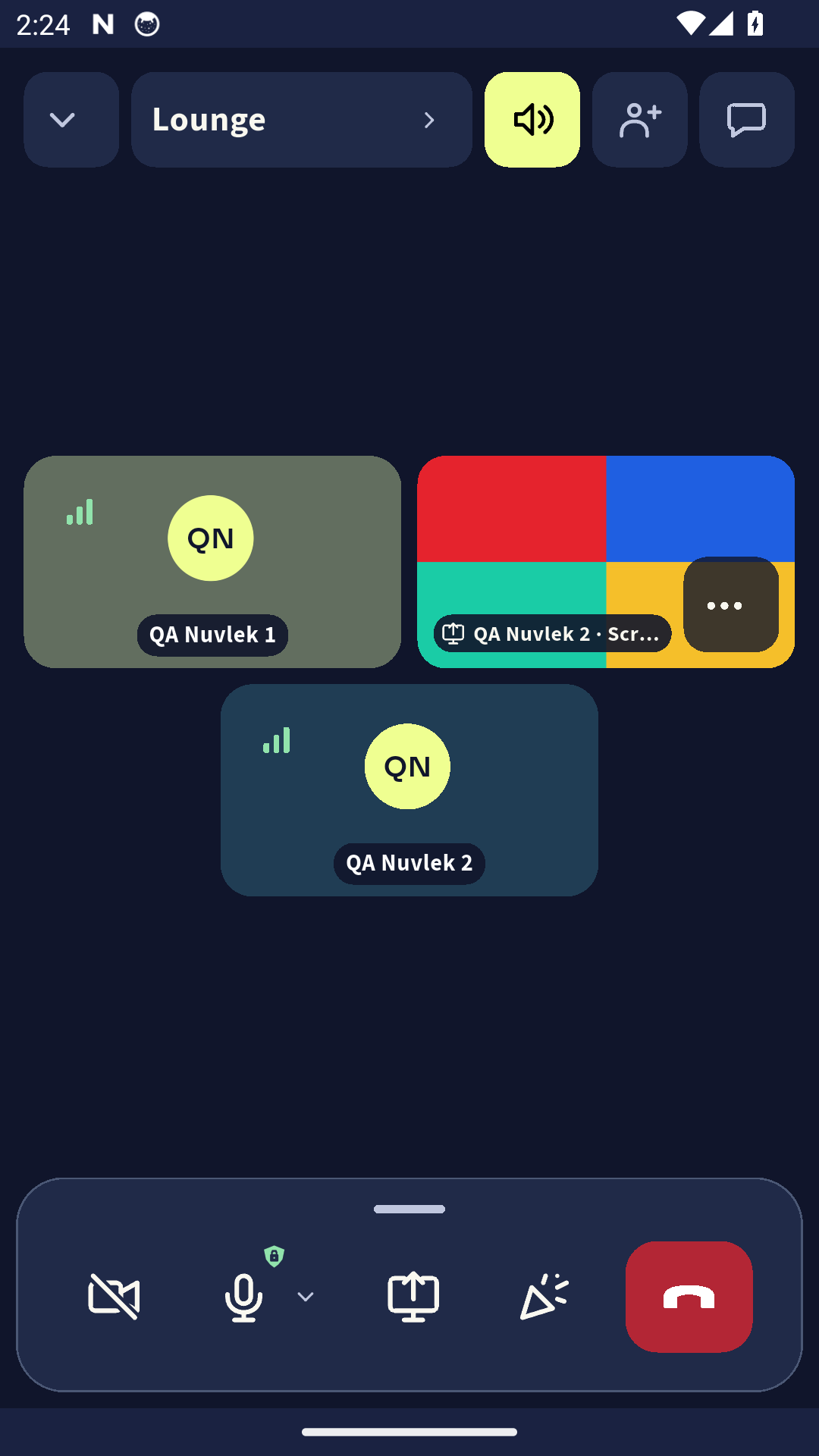
Open an allowed voice channel to see who is there. Its preview may show participants, available cameras and streams. Choose Join when you want to participate. While audio prepares the connection, the app shows Connecting….
Control your participation
Microphone turns your voice on or mutes it. Deafen stops received sound and mutes your microphone. Camera and screen sharing have separate controls; you can also watch without enabling your camera.
Voice can continue while you visit other channels and messages. Controls stay available in the call bar. Changing pages is not leaving voice: use Leave call to end your participation.
If the server muted you or does not allow speaking, your microphone button cannot override it. Ask the moderators.
See the screen