Conversations
Mentions and notification controls
In server notification settings choose all messages, mentions only or none
Choose app notifications
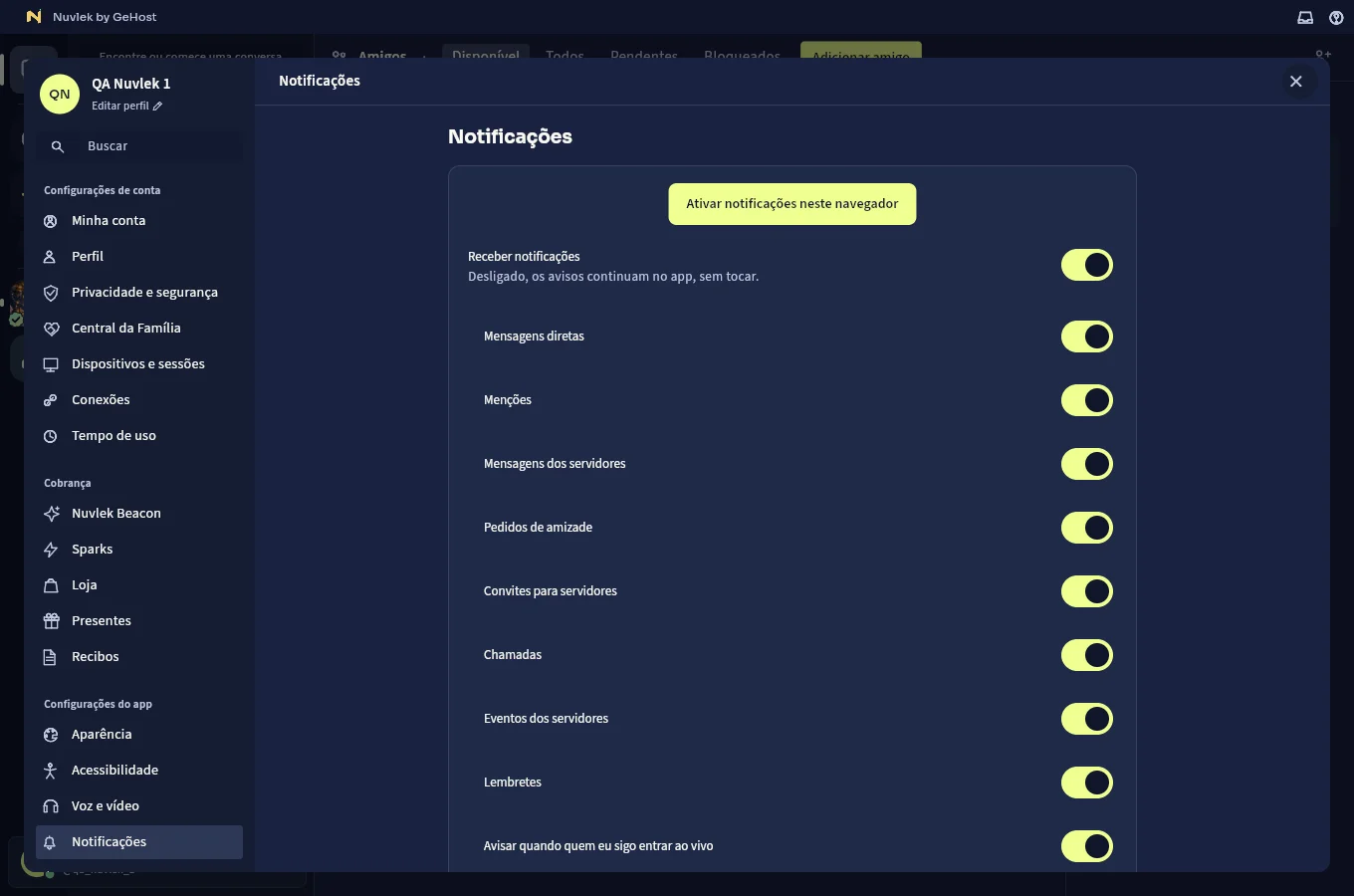
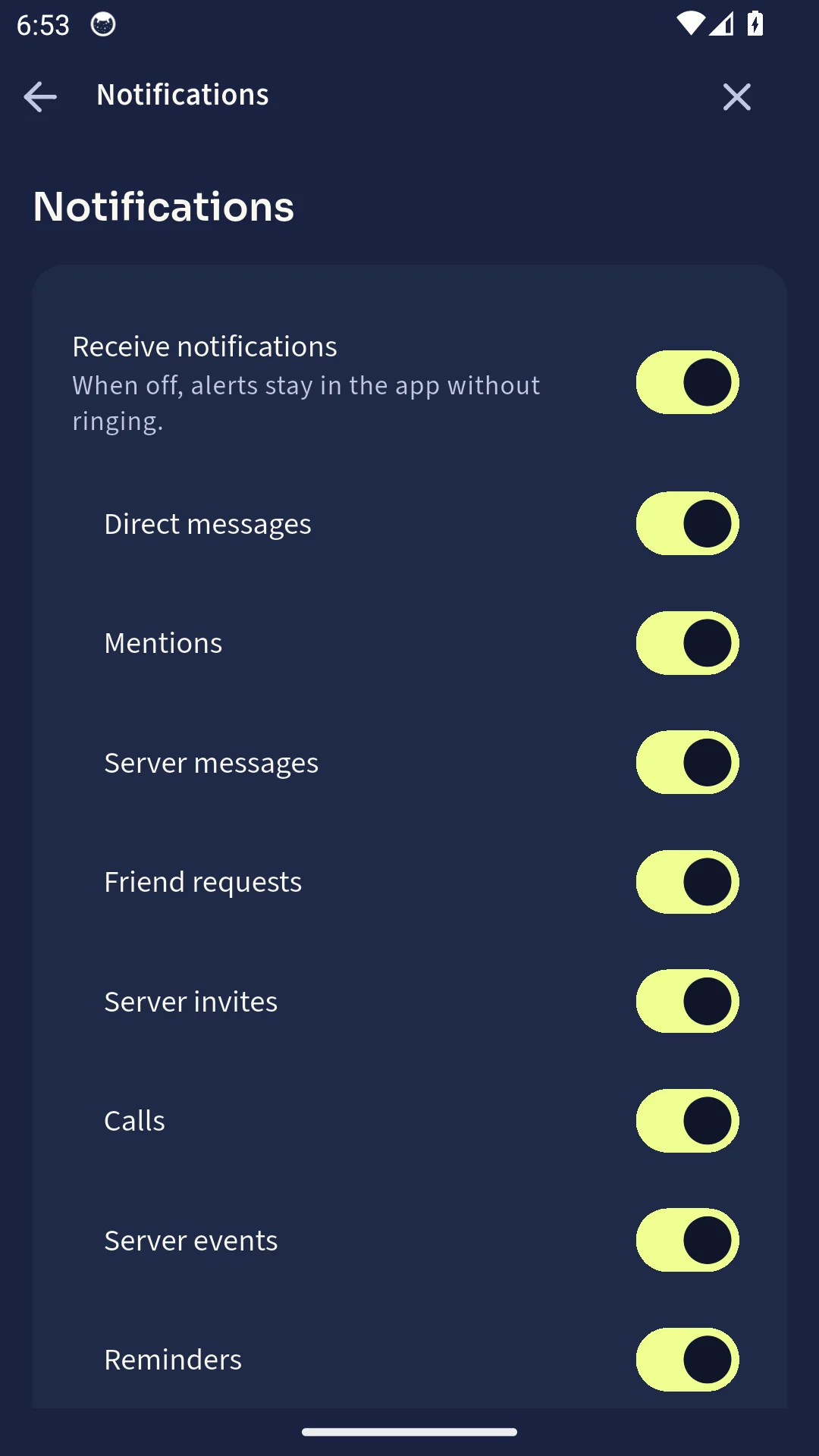
Open Settings → Notifications. The main switch is at the top. Turning it off disables the notification types below it. When on, choose types such as messages, mentions, friendship, calls and events. Sounds and Quiet hours are in the same area.
Adjust a community
In server or channel notification settings, choose all messages, mentions only or none. You can also mute for a period. After choosing the notification level and mute duration, select Save changes to apply them. Check channel exceptions if the result is unexpected.
System permissions and your device’s Do Not Disturb can also block alerts. Voice entry and exit sounds are in Settings → Notifications → Sounds. Use mentions carefully; mentioning everyone or a role may require permission.
See the screen