Start here
Learn inside Nuvlek
Choose or change your path, use Simple mode, resume steps with progress saved in your account, and reread previously opened text offline.
Choose or change your path and use Simple mode
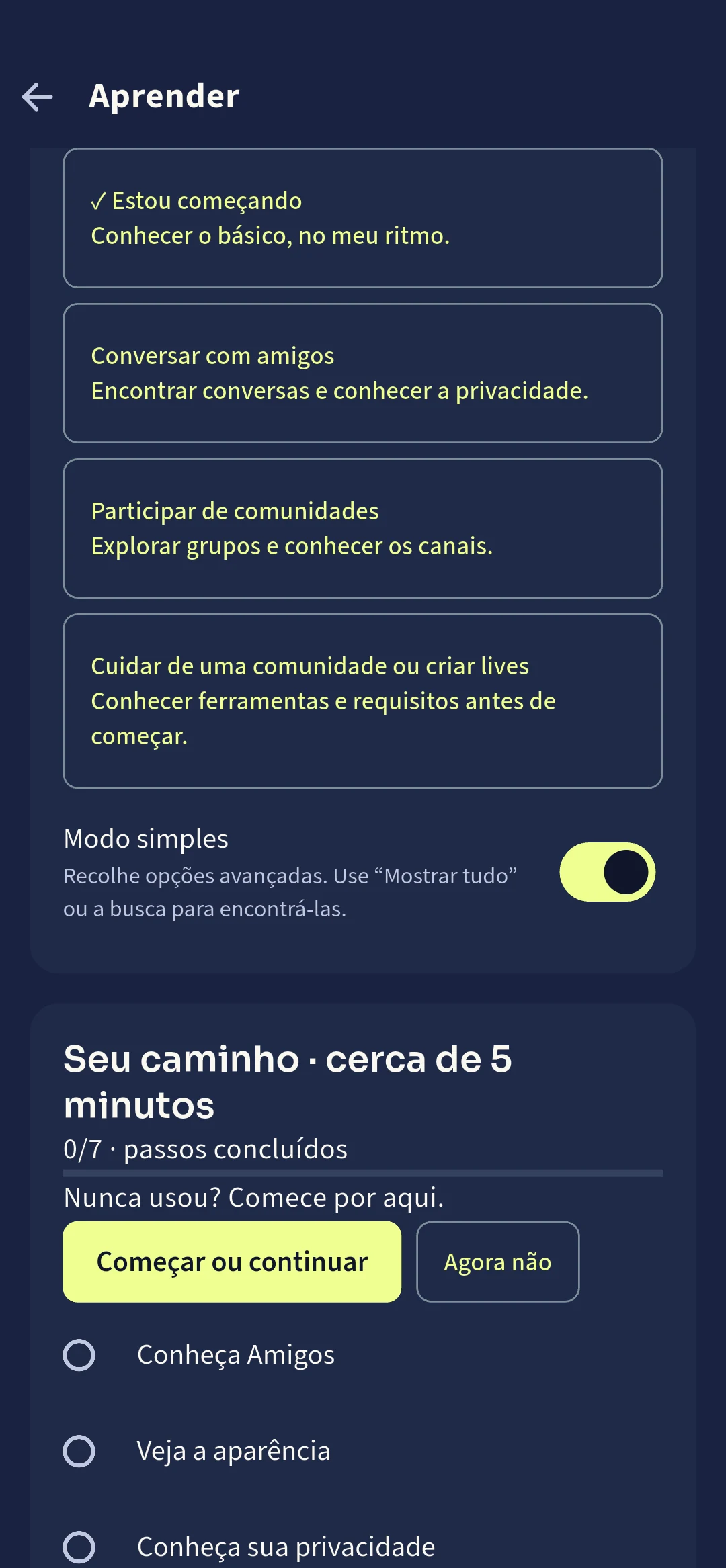
Open Learn and choose I’m new here, Chat with friends, Join communities, or Manage a community or create live streams. Your choice organizes the tour. You can change it later in Settings › Learn.
Beginners can use Simple mode. It folds away advanced settings shortcuts, such as keyboard shortcuts and the live studio. Show everything and search keep the options available.
Take a short tour
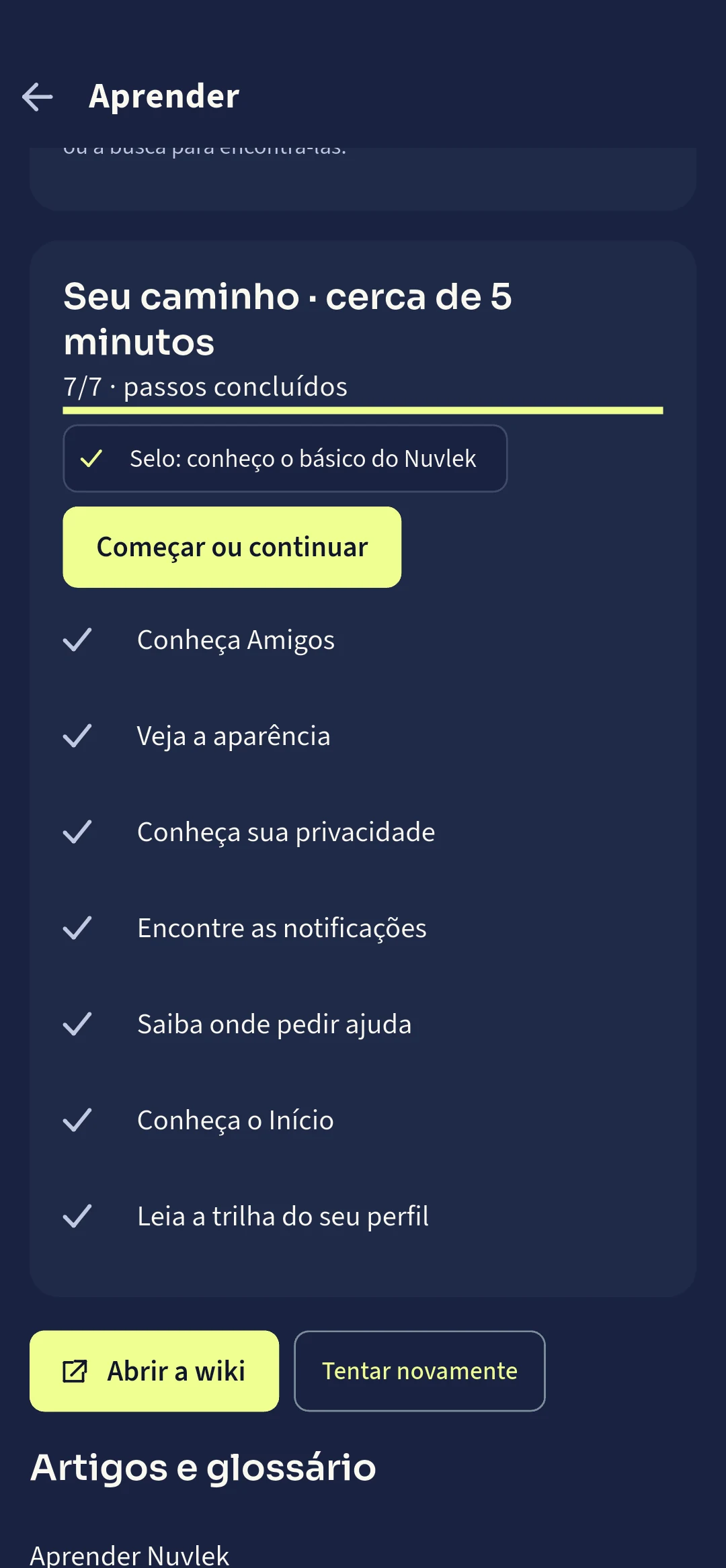
Select the start or resume action. A card explains the next step and a border highlights its destination. Open the step to visit Friends, Appearance, Privacy, Notifications and Help. After “Step checked. You can continue.” appears, select Next to advance, then Open this step to open the next destination. Each path adds one related screen and its own reading guide.
The app checks when the screen appears. The reading step requires opening the verified wiki guide for your path. No step requires a purchase, message to another person, new account, invitation or broadcast.
Go back, skip or pause when needed. Skipping leaves the step pending. The completion badge appears only after all seven steps are checked. It does not change permissions or provide shopping benefits.
Resume progress saved in your account
After choosing a path, starting or dismissing the initial invitation consumes it. Learn remains available. Progress is saved in your account preferences; different accounts keep separate progress. If saving fails, check your connection and use the retry action in the card.
Articles and videos: reread previously opened text offline
Learn lists the wiki articles and videos in your app language. Previously opened text is stored on the device for offline reading. Pictures may need a connection. Videos open their public guide in the browser, with available formats and captions; they are not downloaded automatically.
If the list cannot load and no saved copy exists, retry or open the wiki. Purchase guides follow the app distribution channel rules in the saved copy too.
Watch the real tour
A tour inside Nuvlek
A real tour ending with the first path’s badge. The opening shows pt/en/ja, then the tour continues in Portuguese. No narration; captions in pt/en/ja.
Read the video
Wait for Nuvlek to open. In Learn, choose your path. The interface shows three languages, then returns to Portuguese. The card follows the tour. You can go back, skip or pause. Explore Appearance. Show everything keeps advanced options available. Review your privacy options. Explore the notification options. In Help, find where to read the guides. Explore the Home screen. Open the wiki path to check the reading step. Tour completed: your badge.