Conversations
Use and create stickers
Send a sticker and see when a community can create its own.
Send a sticker
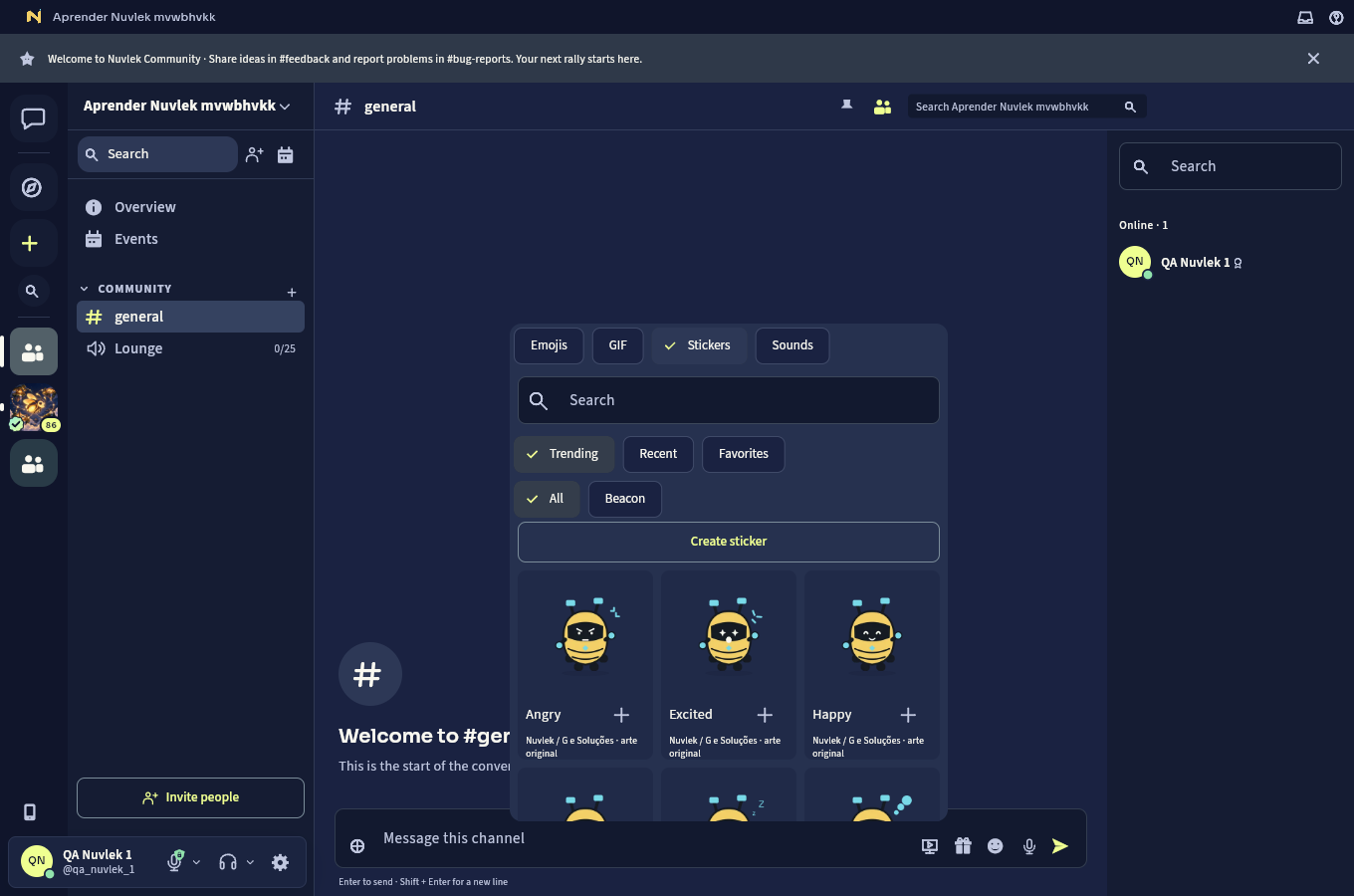
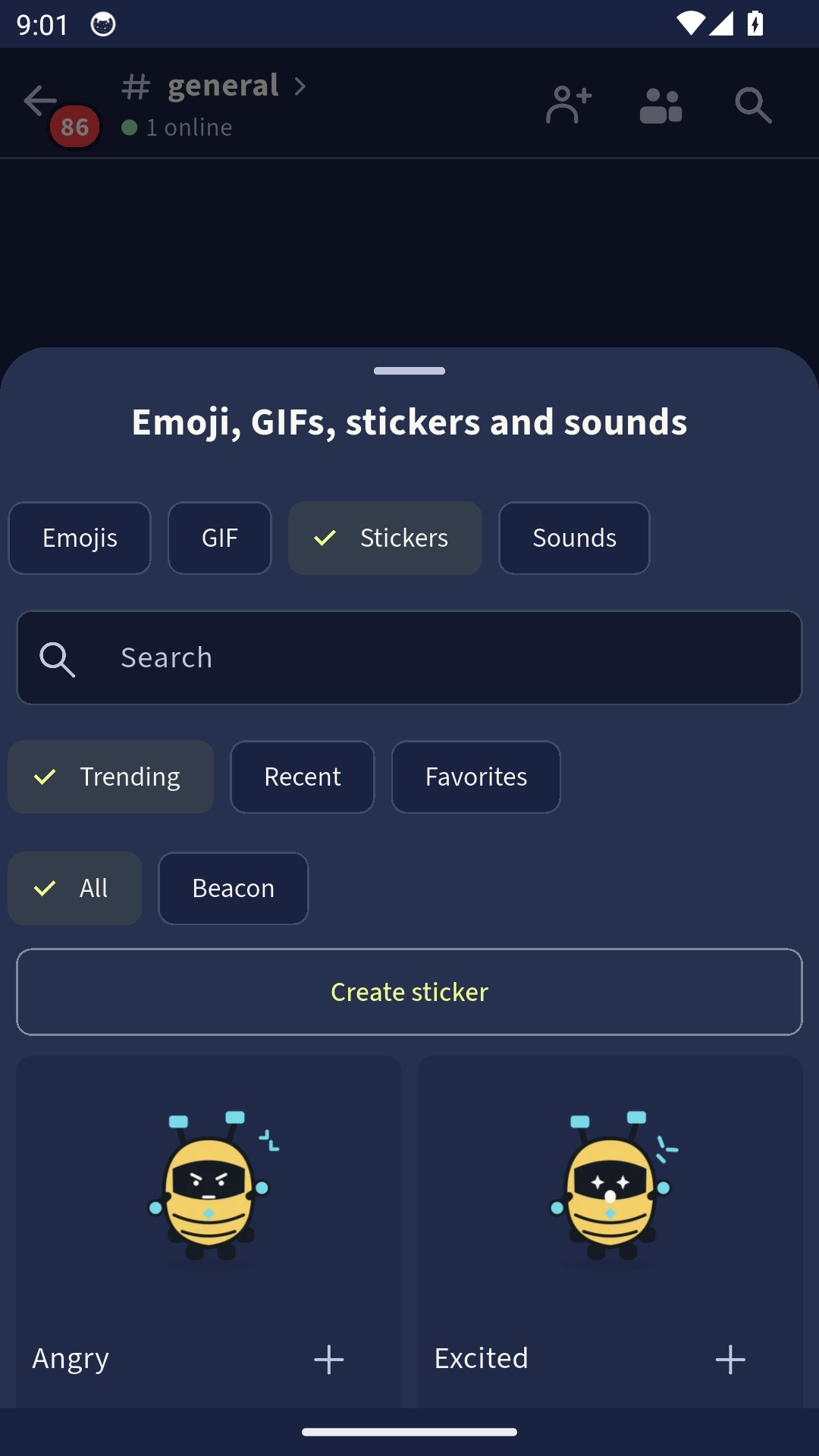
In version 0.3.62+74 or later, open the library with the smiley beside the message field and choose Stickers. Search, use the available categories or open your favorites.
Check the conversation before selecting the artwork: the sticker is sent to the destination currently open. Close the library to leave without sending.
Create for your community
In a community channel where you can manage the server, the tab may show Create sticker. Enter a name and choose an image. The app shows accepted types and the size limit; animated stickers require Beacon.
Uploaded content goes through Nuvlek’s review. If a sticker is awaiting review, follow the status shown by the app. Use only images you may share and avoid personal information.
See the screen