Safety
Family Center for teens
See who supervises your account and get help with the link.
Find Family Center
Open Family Center in Settings. It shows your guardian link status and the controls in effect. When supervision is required, complete the steps with your legal guardian before using restricted features.
The flow may let you enter the guardian’s email or use a linking code in their adult account. Check the expiry shown on screen. Do not share the code with strangers.
Understand the controls
Purchases may require approval. Camera use and streaming follow the guardian permission required by the app. Direct messages follow the default and the active privacy and family controls; check the options permitted for the account. Privacy settings may offer friends or shared-server members, depending on the active controls. Supervision is visible and does not reveal private message text to your guardian. If the wrong person was linked or account details are incorrect, contact support instead of changing your age to bypass protection.
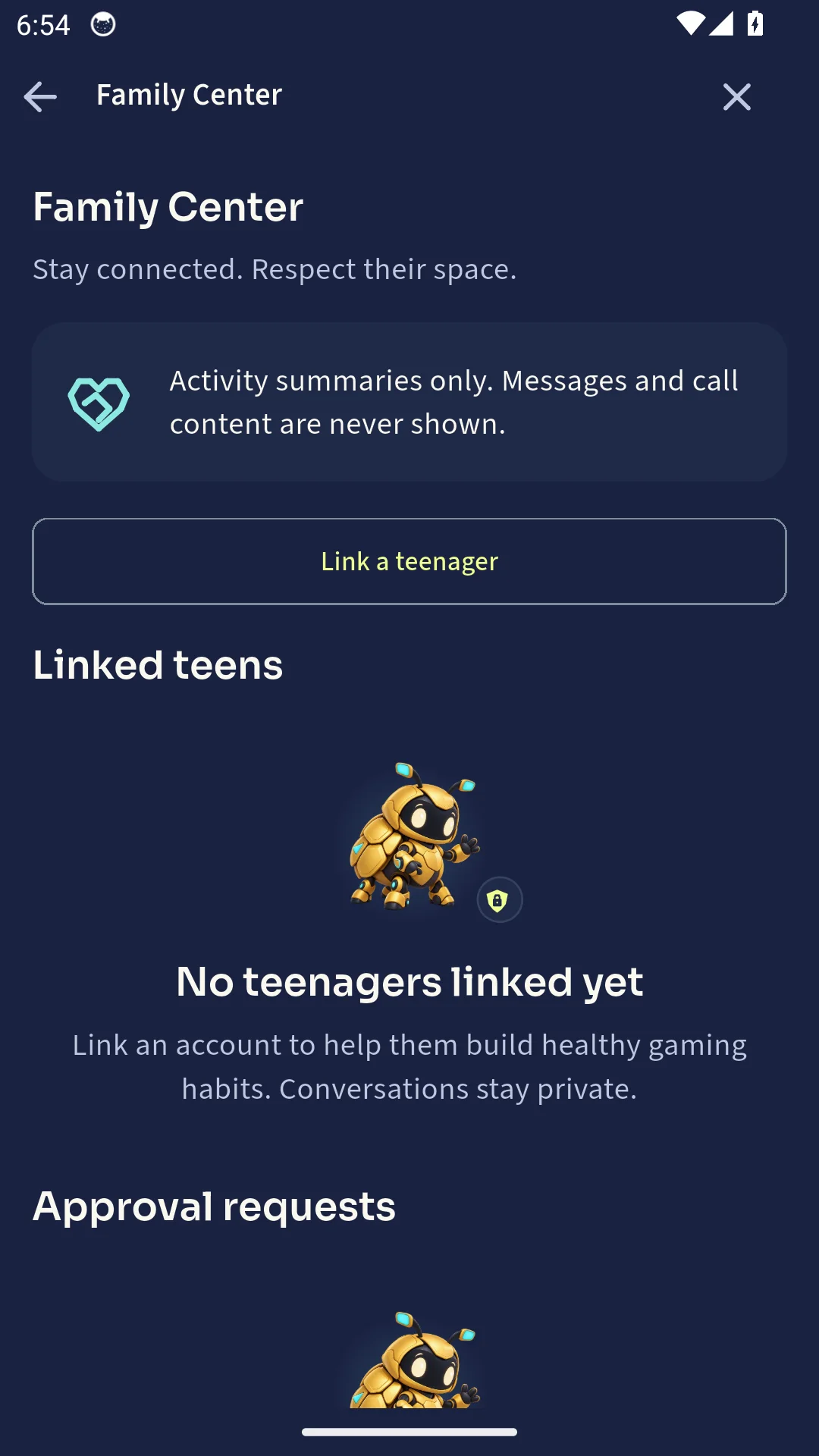
The capture below shows Family Center from the adult guardian’s perspective. A teen account has different available actions.
See the screen