Voice and video
Share your screen and Go Live
Share inside a call and check the options for your device.
Share inside a call
Join voice and choose Share. On desktop, select a screen or window and check the preview. On mobile, follow the system’s sharing options and permission prompt. Close private information before starting. What you show is limited to people who can access the call and choose to watch. Stop sharing when finished.
To include the screen’s sound, check Share audio in the picker when available. Viewers control stream sound separately from your voice. Features and quality depend on device, plan, network and permissions.
Stream on a public page
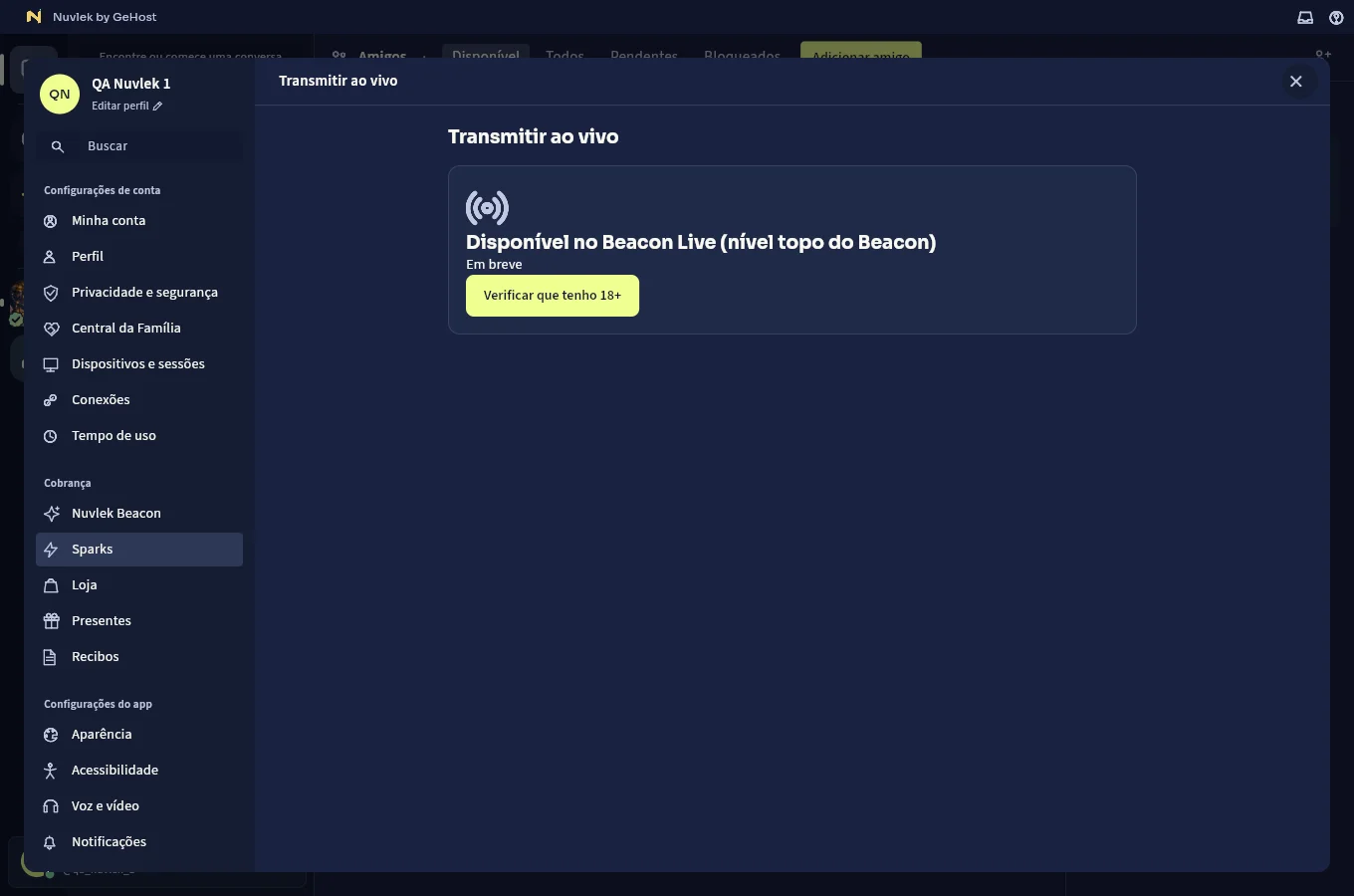
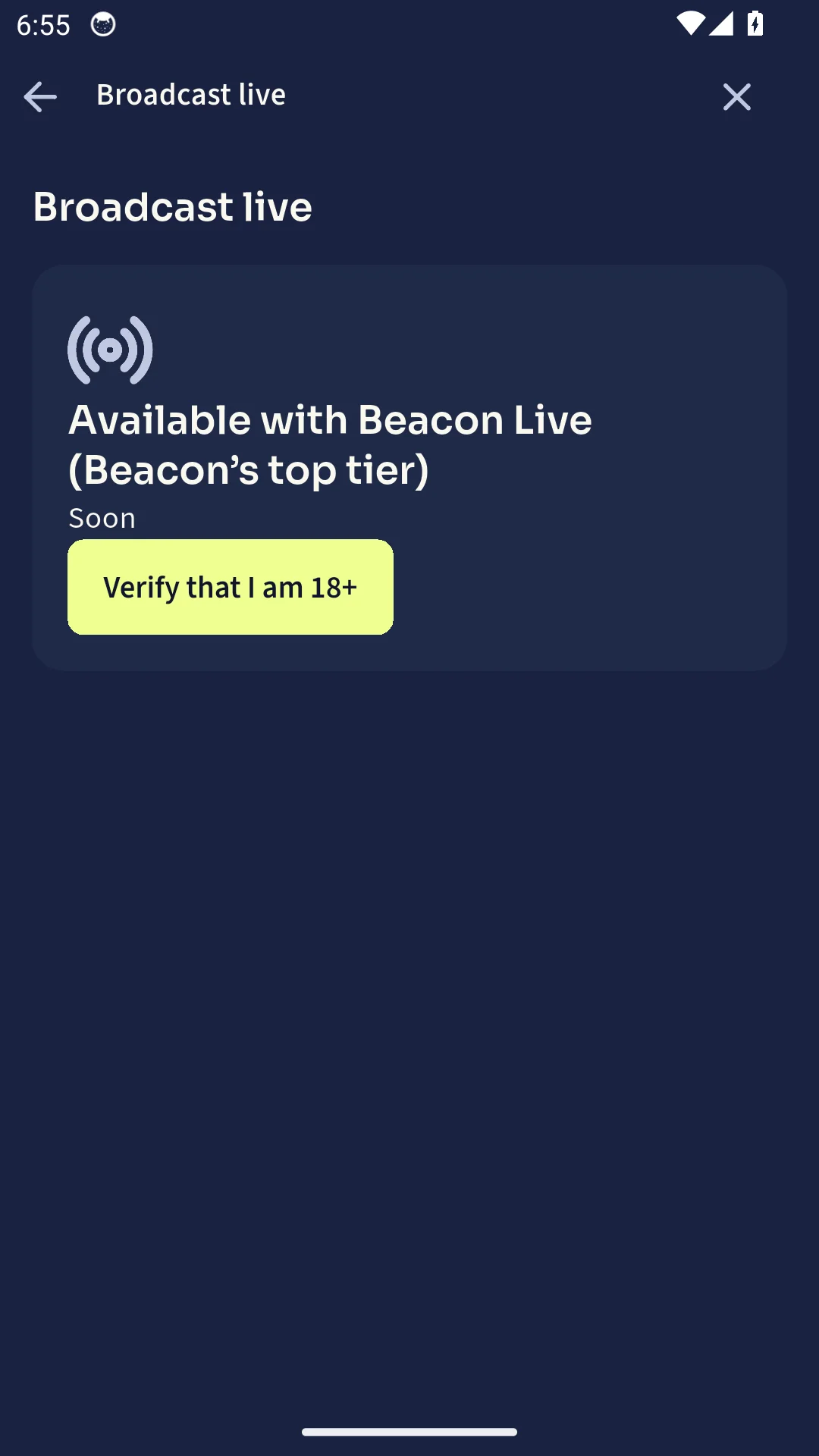
Live streaming in Settings opens Studio. This feature has its own requirements: the app explains whether a plan, verification or another condition is missing. Read title, content and rating options before starting.
Use only the stream address shown by the app. Check who may appear and what will be shown; streamer mode does not hide data inside other applications.
See the screen