Help
Check the version and update
Check your channel before looking for an update.
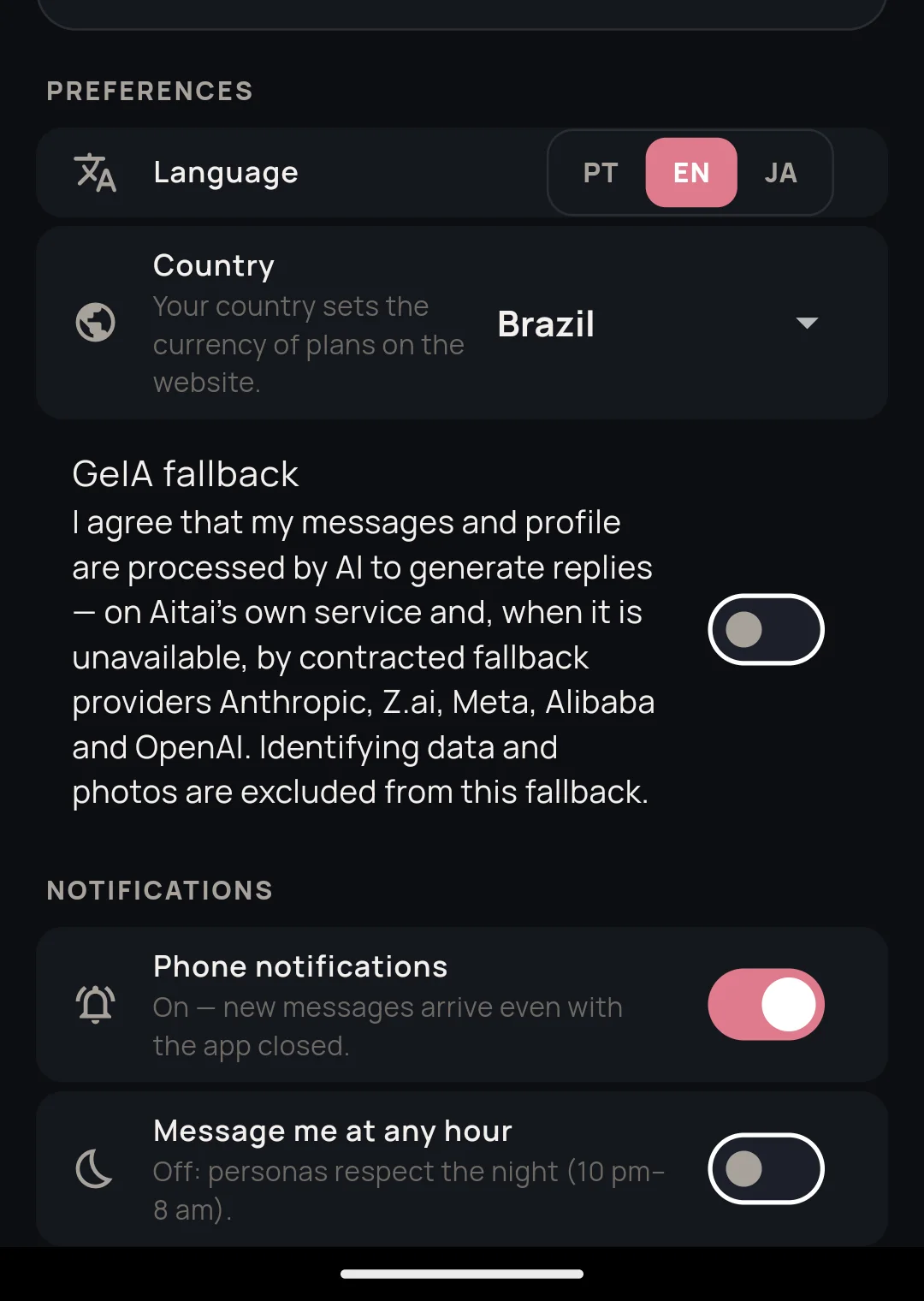
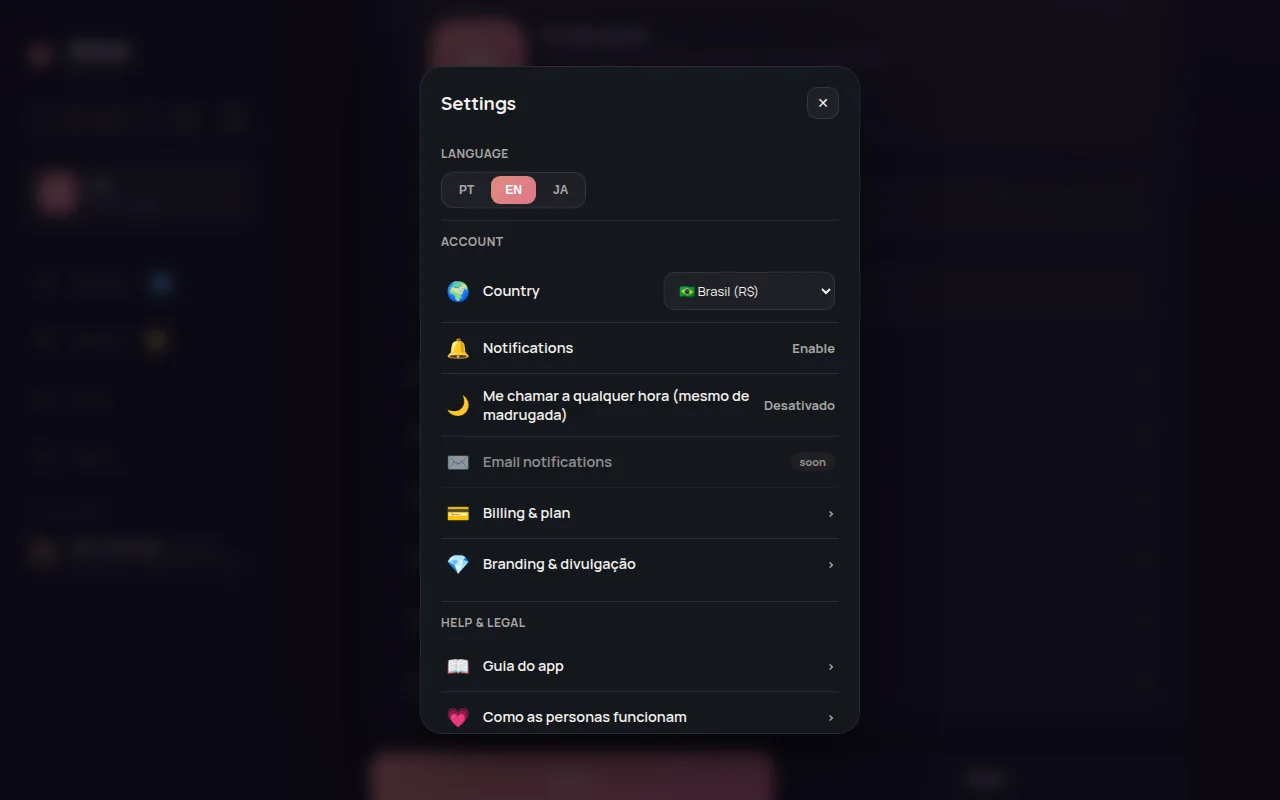
In Settings, scroll to About the app and find App version. It shows the version, build number and channel. These details help support identify your installation.
On Google Play and iPhone, update through the store itself. Store versions do not offer installation of a website APK or an external updater.
If you use an older installation distributed through the website, Aitai can prepare an update and ask you to install it. This channel has Check for updates in Settings. Read any device permission prompt before continuing.
Read What’s new in this version and Version history to see changes. Platforms may receive releases at different times.
See it in the app