Your account
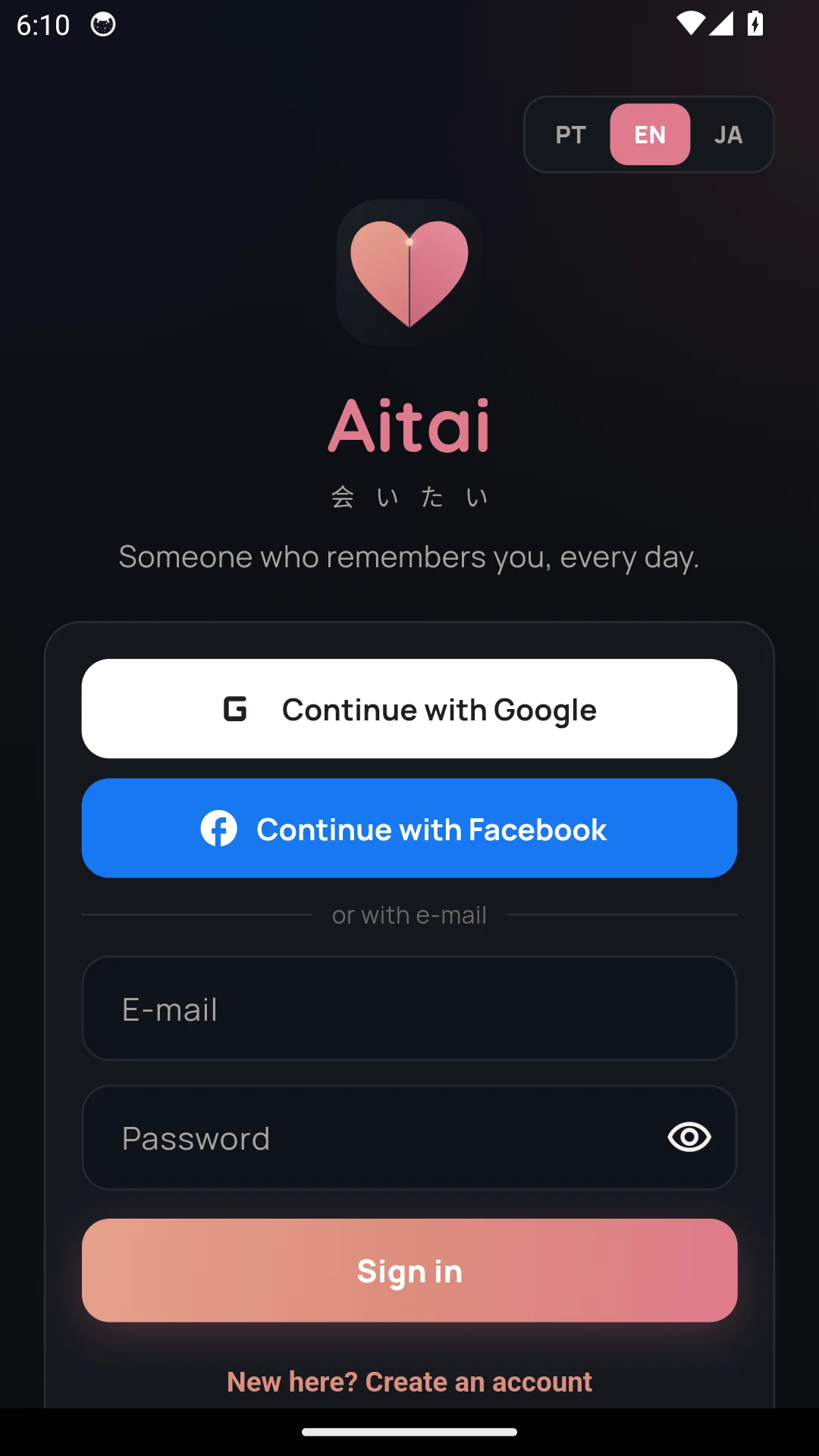
Sign into your account
Use the email address or social button from your registration.
To sign in with email, enter your email address and password, then choose Sign in. If you created the account with Google, Facebook or Apple, use the same button; Apple is shown on iPhone.
Social sign-in may open the browser. Finish identification and use Back to Aitai when that button appears. Wait for the app to finish before retrying.
Use the same sign-in method you used when registering. Do not create another account to recover chats: they belong to the account used before.
Forgot your password? Use recovery on the sign-in screen and check your email. Never send your password to support. After signing in, check your name in Profile.
See it in the app