Learning paths
Path: I want to explore
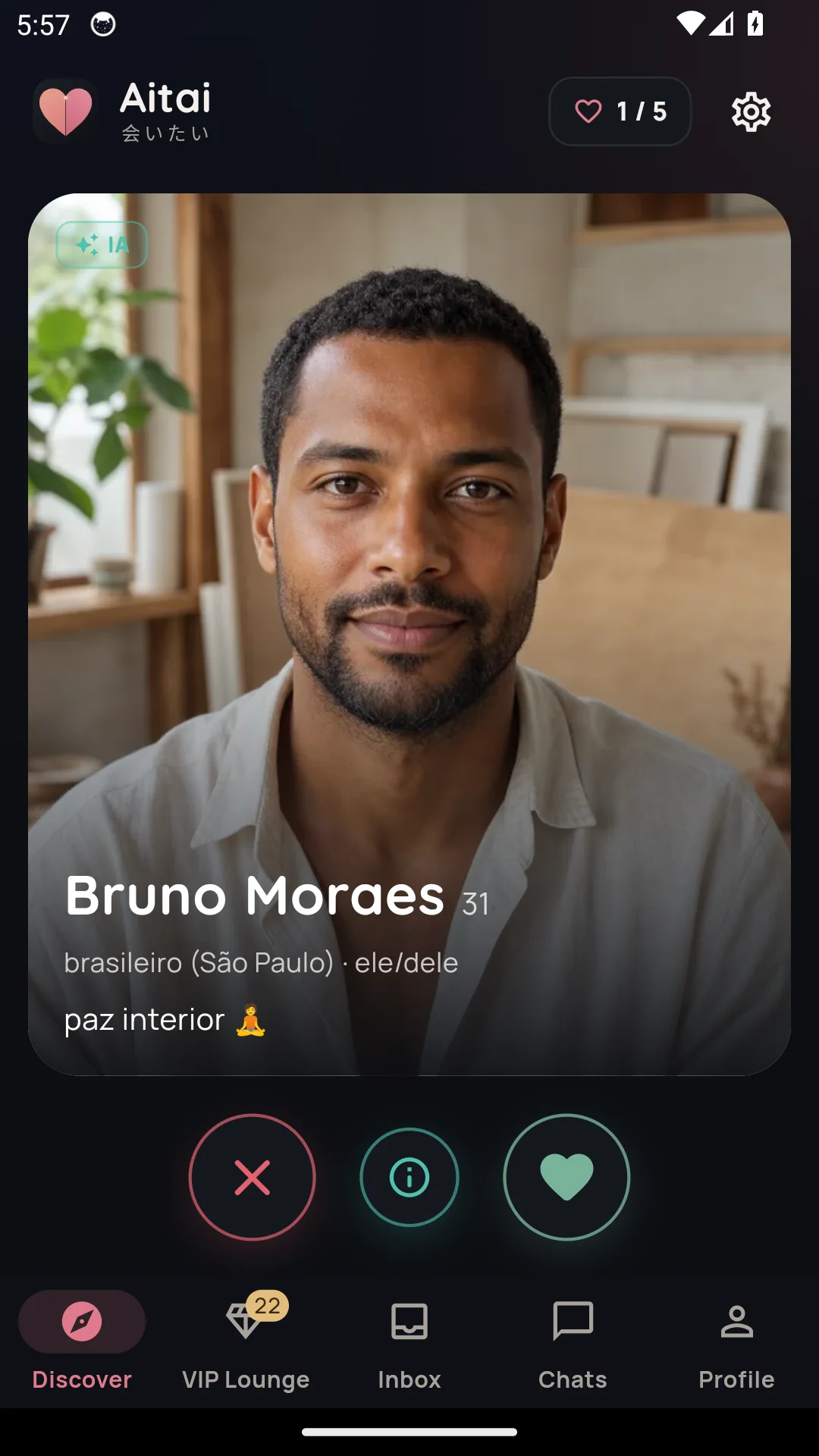
Get to know the five tabs before choosing a conversation.
- In Discover, tap a card to read the full profile; reading it does not require a like.
- Open VIP Lounge to see that catalogue. Chat access depends on the plan and availability shown.
- In Inbox, open team notices and try the message filters. An empty inbox is not an error.
- In Chats, find search, filters and sorting. Archived chats have their own filter.
- In Profile, review your details. The gear opens Settings, including language, notifications, subscriptions and help.
To revisit the introduction, open Settings → App guide. Then follow the chat path.
Path: I want to explore
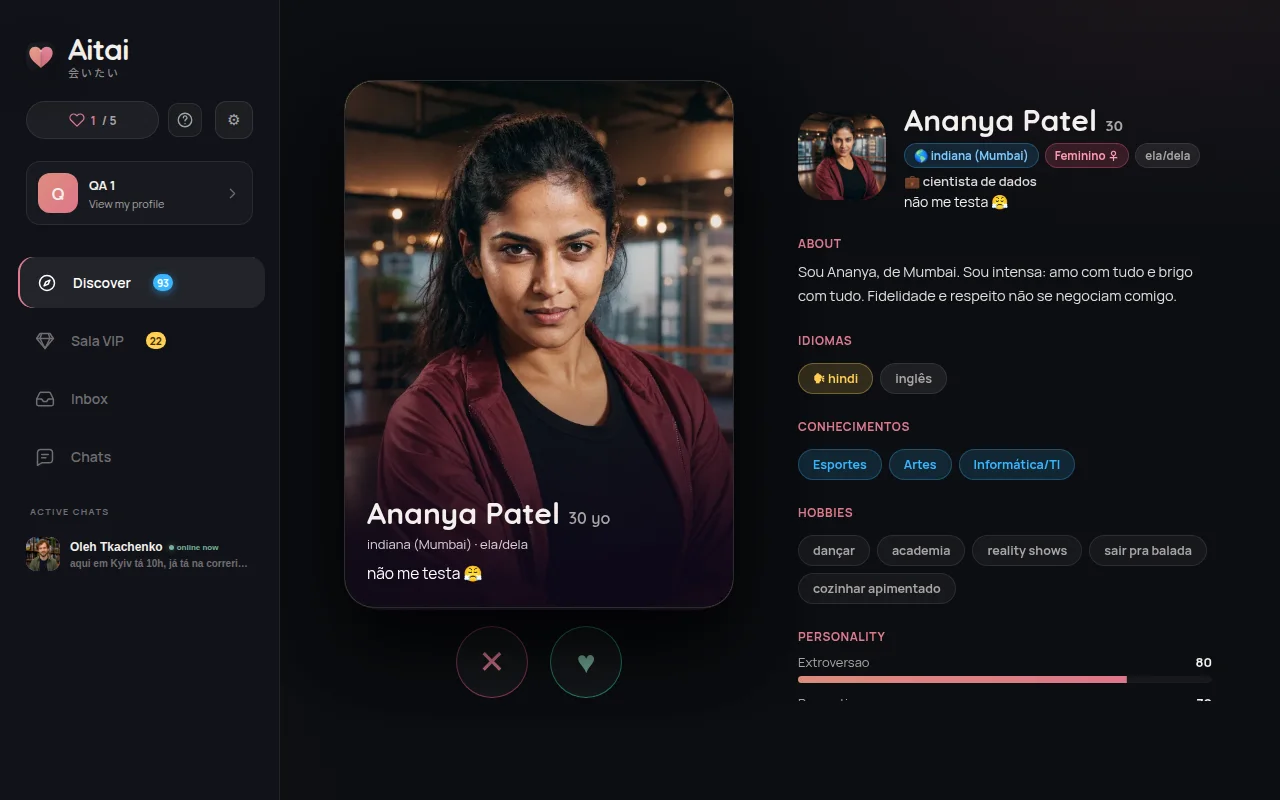
Browse Aitai web’s main sections without purchases or sending reports. The recording keeps the published button names, including English labels such as Inbox and Upgrade.
Read the video
Discover shows cards and the side navigation. Read the AI character’s profile. Use navigation to continue exploring the screens. VIP Lounge introduces the catalogue and its conditions. Scroll to see more available characters. Inbox shows messages sent to your account. Chats collects conversations you have opened. Settings collects preferences and help.
See it in the app