Your account
Sign out
End access on this device without requesting deletion.
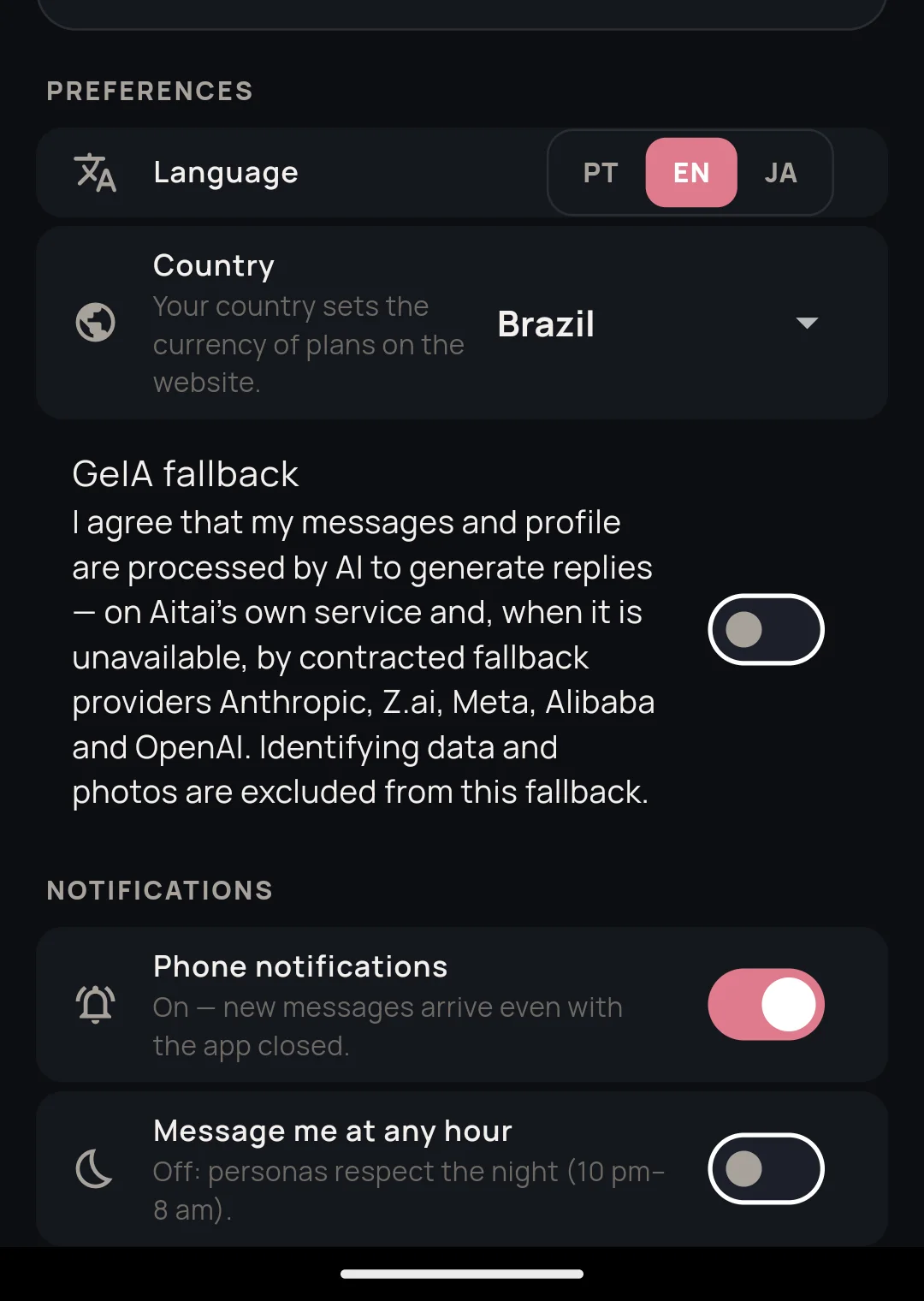
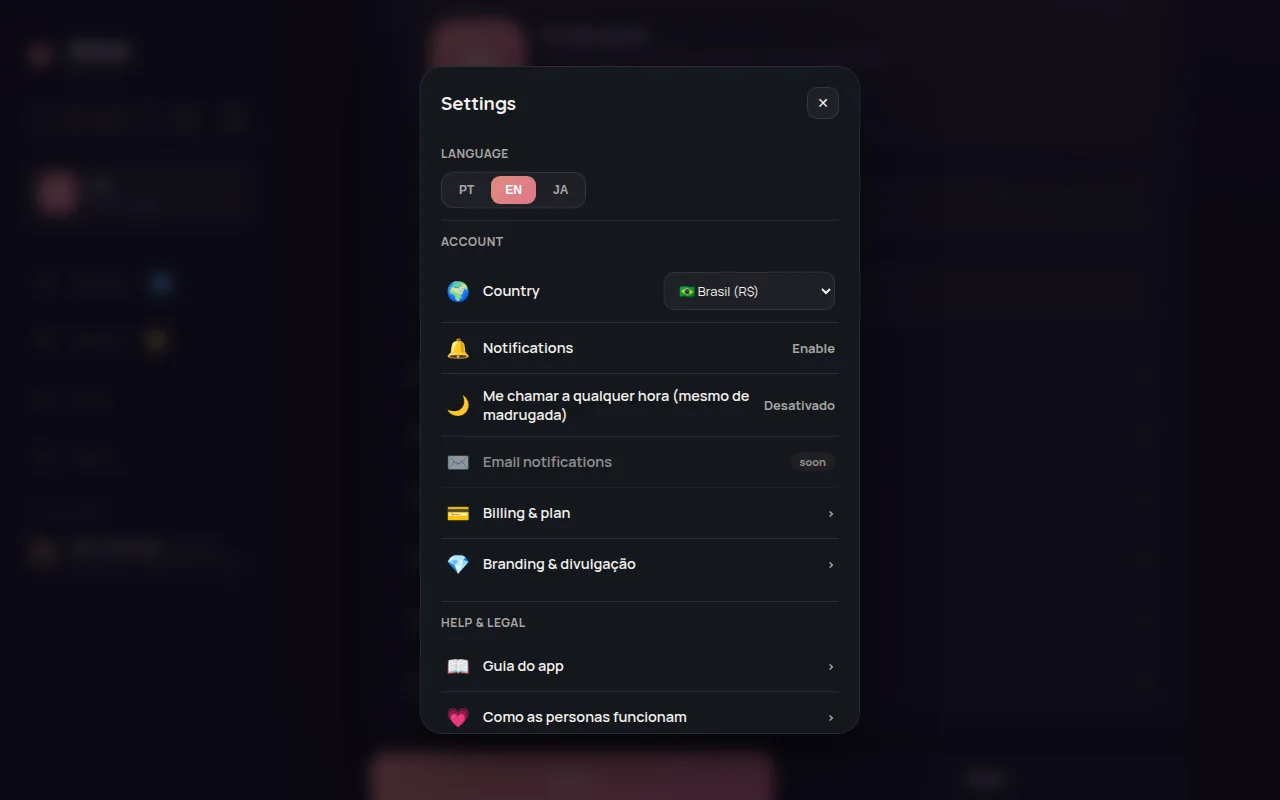
Open Settings → Sign out and read the confirmation. This ends the app session. To return, sign in using your account’s usual method.
Signing out differs from Delete account. Do not delete an account just to change users. Do not assume signing out cancels a subscription either: check management in the channel where you subscribed.
After signing in again, check the name in Profile before resuming a chat. If a list looks empty, first check that you used the same email or social button as before.
On a shared device, sign out when finished. Never give someone your password to troubleshoot access.
See it in the app