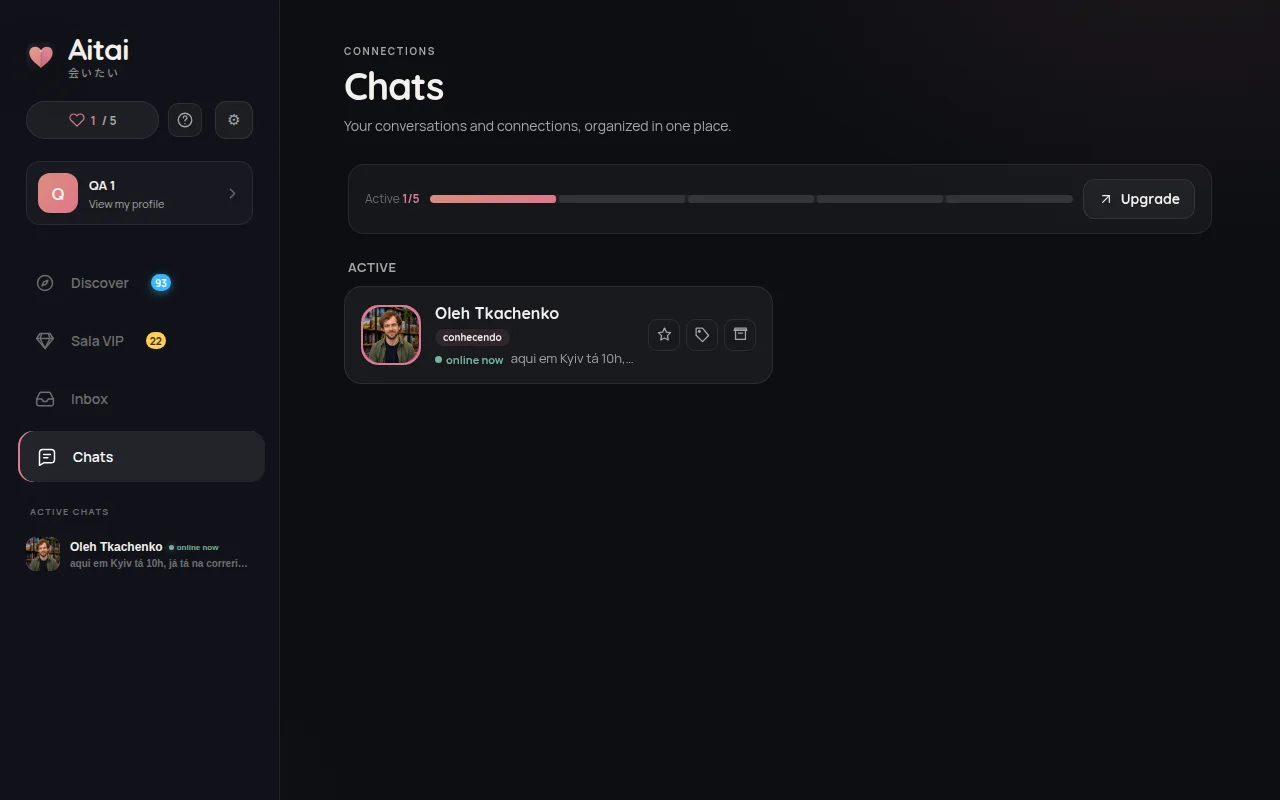
Conversations
Search and filter chats
Find names, recent text and conversation states.
Open Chats and use the top search field. It searches character names and the recent text shown in the list; it is not a search through the entire history.
In filters, choose a state: all, active, favourites, unread, archived or ended. You can also filter by label. Sorting lets you organise the list, for example by recency or name.
Filter choices are remembered on the device. An empty list may therefore mean a filter is active. Clear search and filters before deciding that a chat is missing.
To find a stored conversation, choose Archived and check the correct name.
See it in the app