Your account
Edit my profile
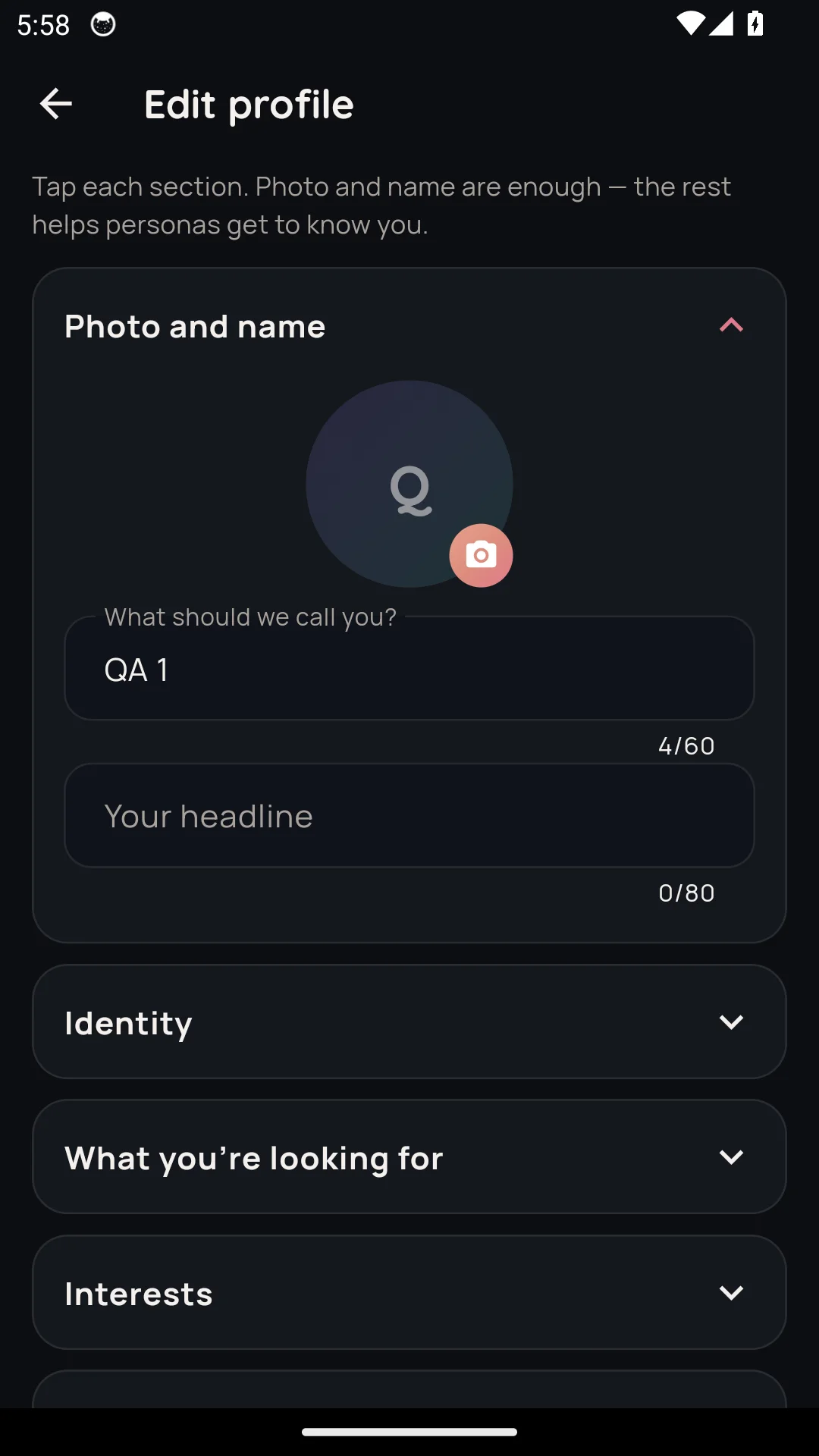
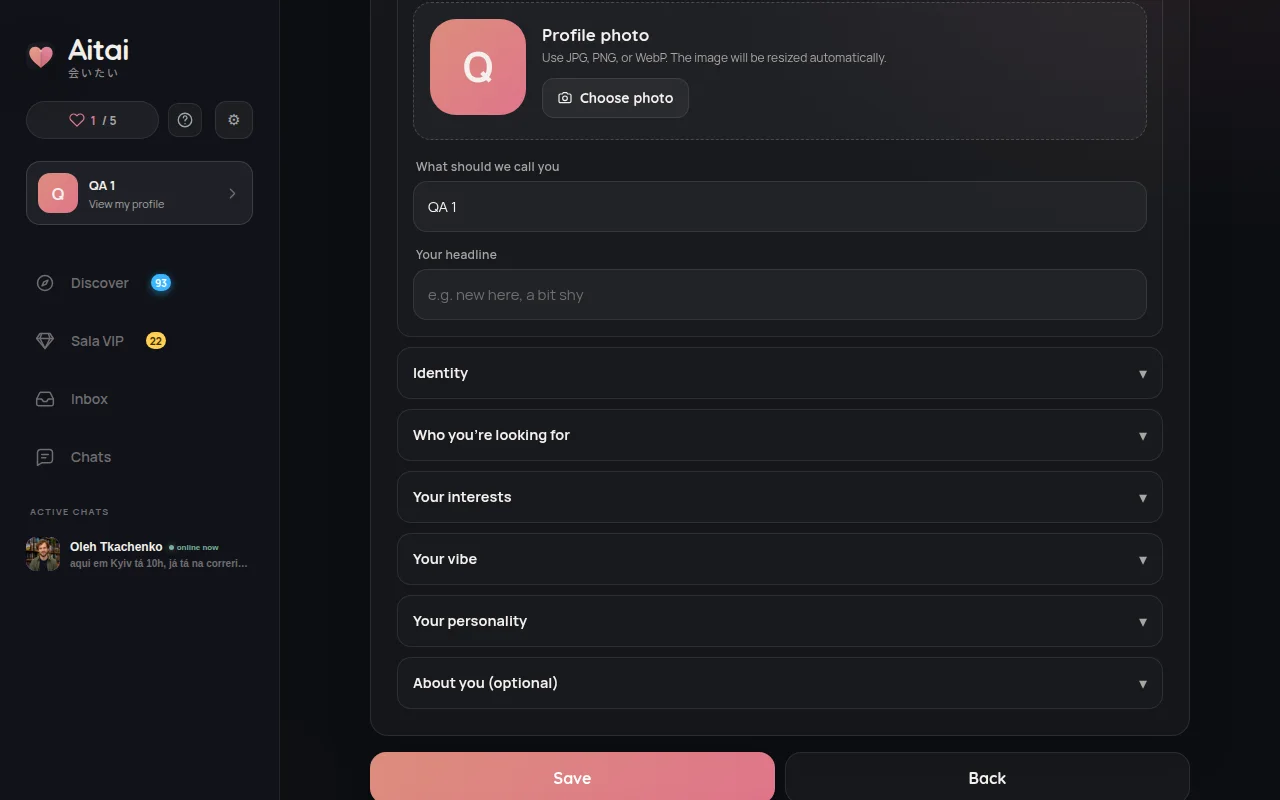
Change your name, photo and preferences without another account.
Open Profile → Edit profile. You can review your photo, name, headline, identity, pronouns, who you seek, interests, languages, conversation style, boundaries and biography.
- Change only the fields you want to update.
- Under boundaries, describe topics or behaviour you prefer to avoid in plain words.
- Choose Save and wait for confirmation before leaving.
- Return to Profile to check the details.
These details help guide conversations. Avoid putting your full address, identity documents or banking information in your biography. Editing your display name does not create a new account or change the sign-in method you used before.
See it in the app