Conversations
Clear a chat’s history
Read the confirmation before starting over.
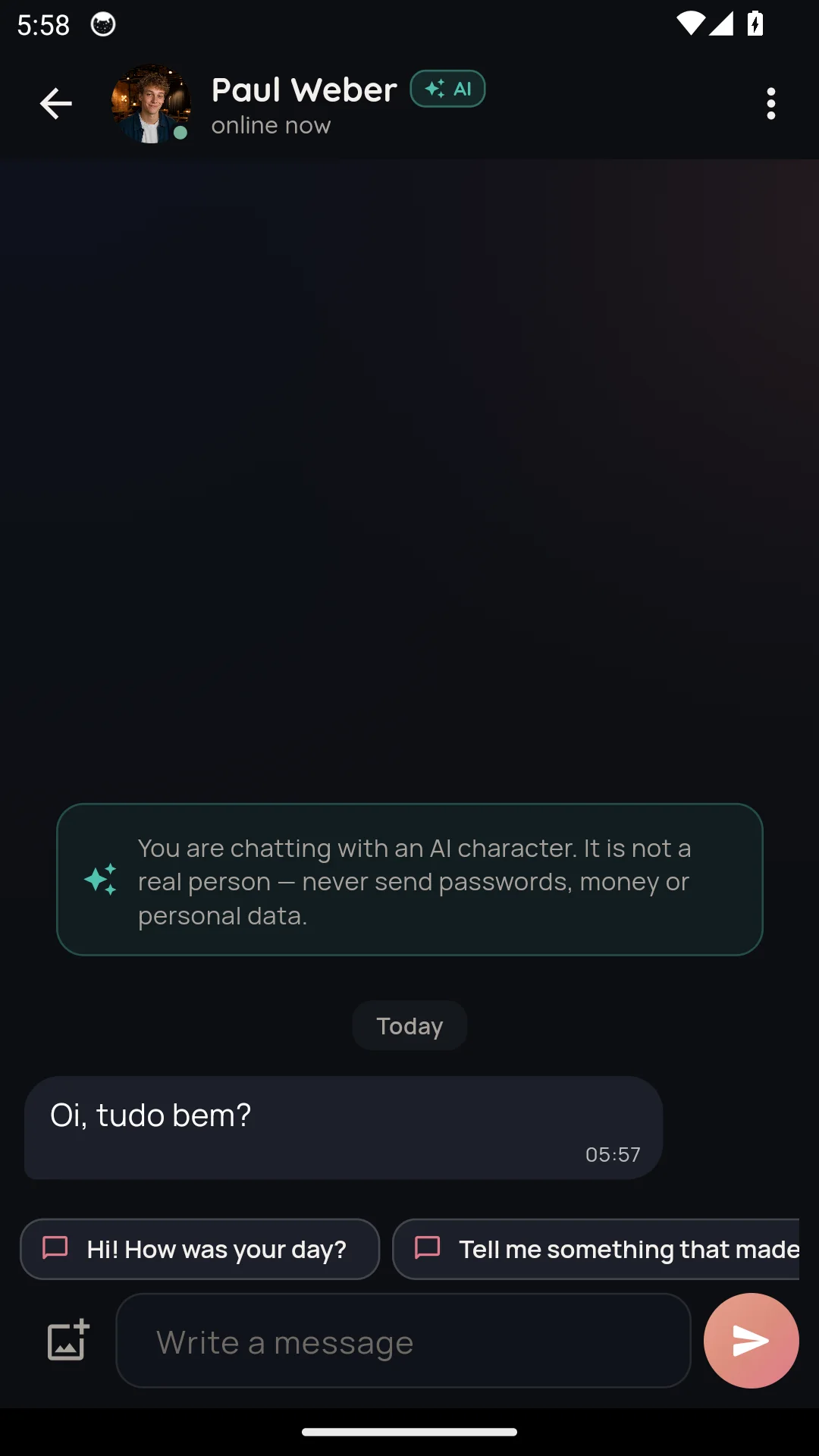
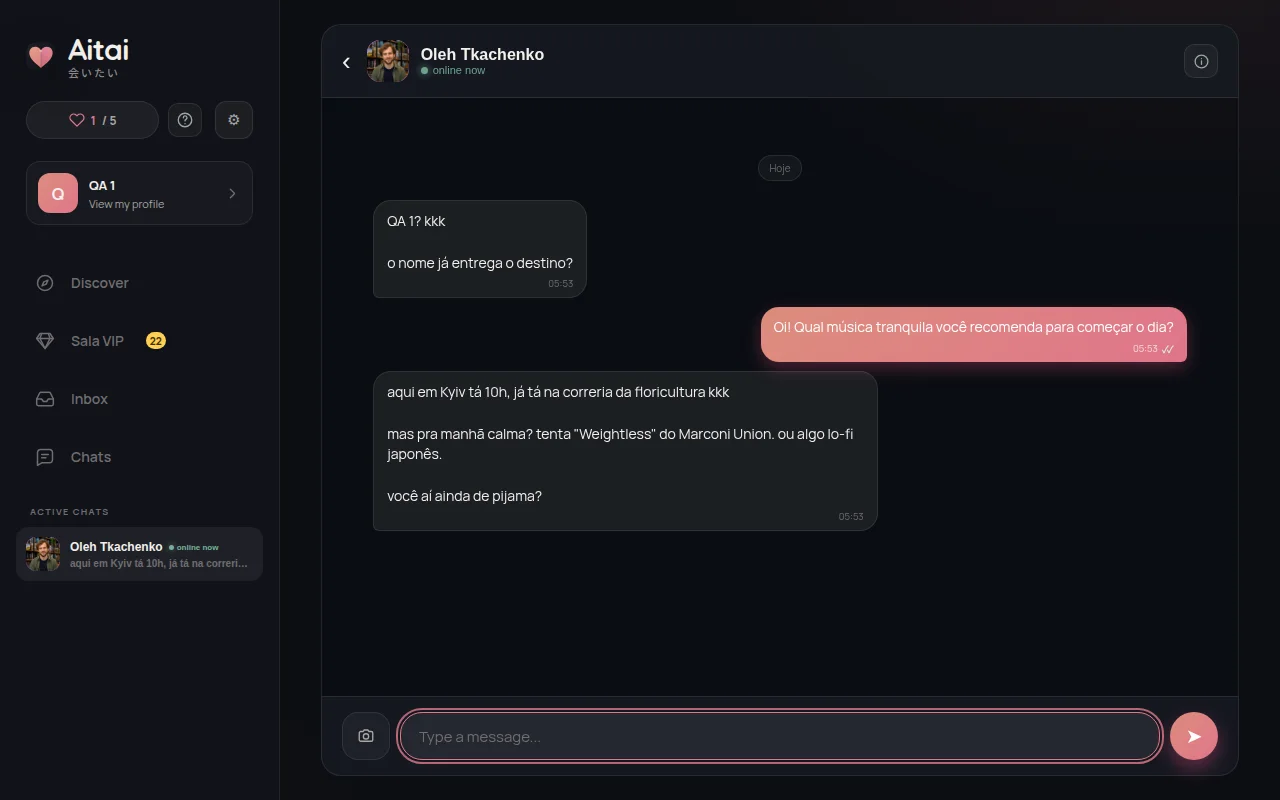
In a chat, open ⋮ → Delete history. The confirmation warns that the chat’s messages and memories will be permanently deleted; the connection stays so you can start fresh.
Check the character’s name and read the entire notice. Confirm only if you want this cleanup. To keep a text copy, first use Copy entire chat and check where you pasted it.
To free a slot and continue later, choose Archive, which serves a different purpose. To remove just one memory, use “What they remember”.
Do not rely on an undo button for this cleanup. If you are unsure, go back without confirming.
See it in the app