Your account
Change language
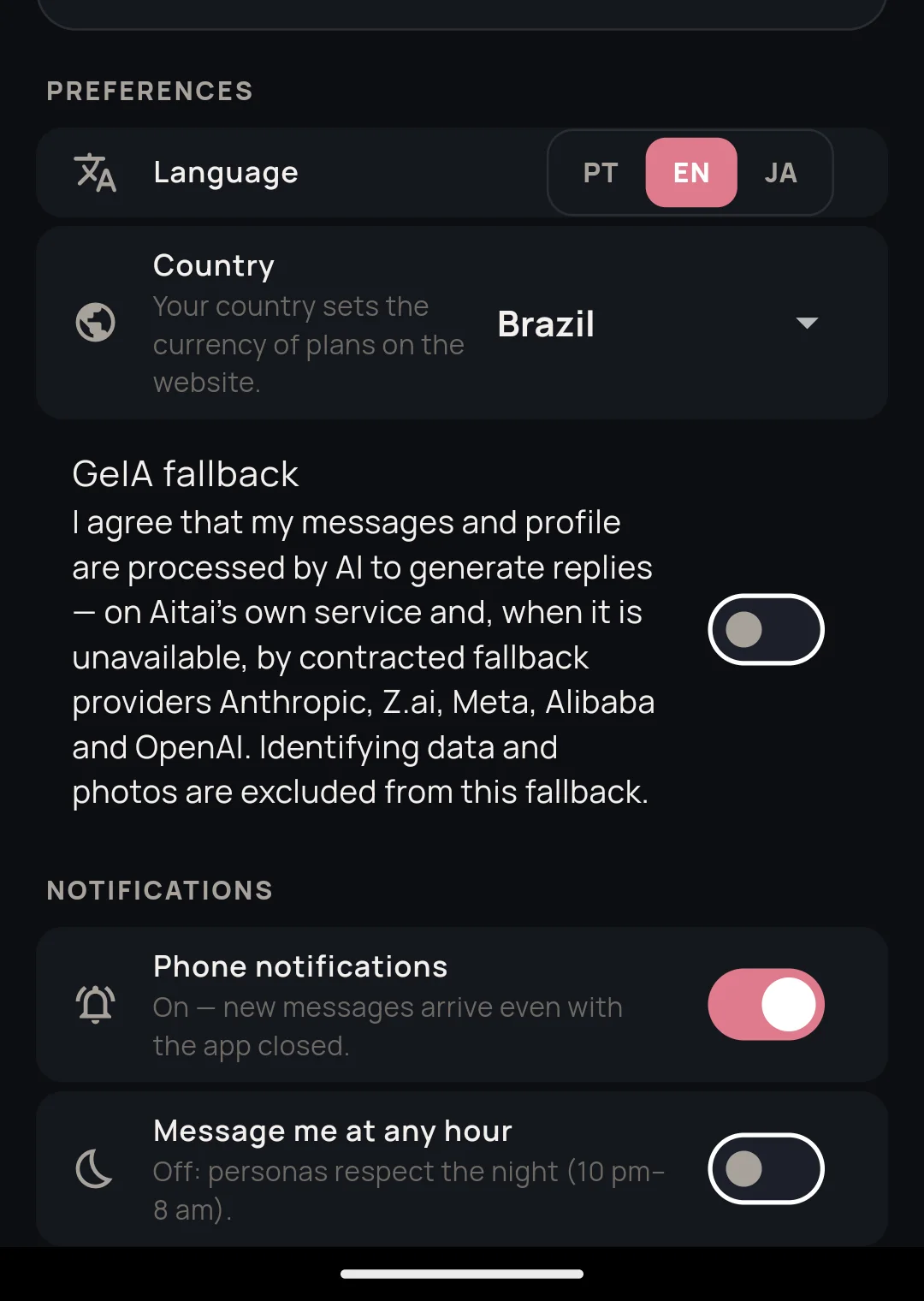
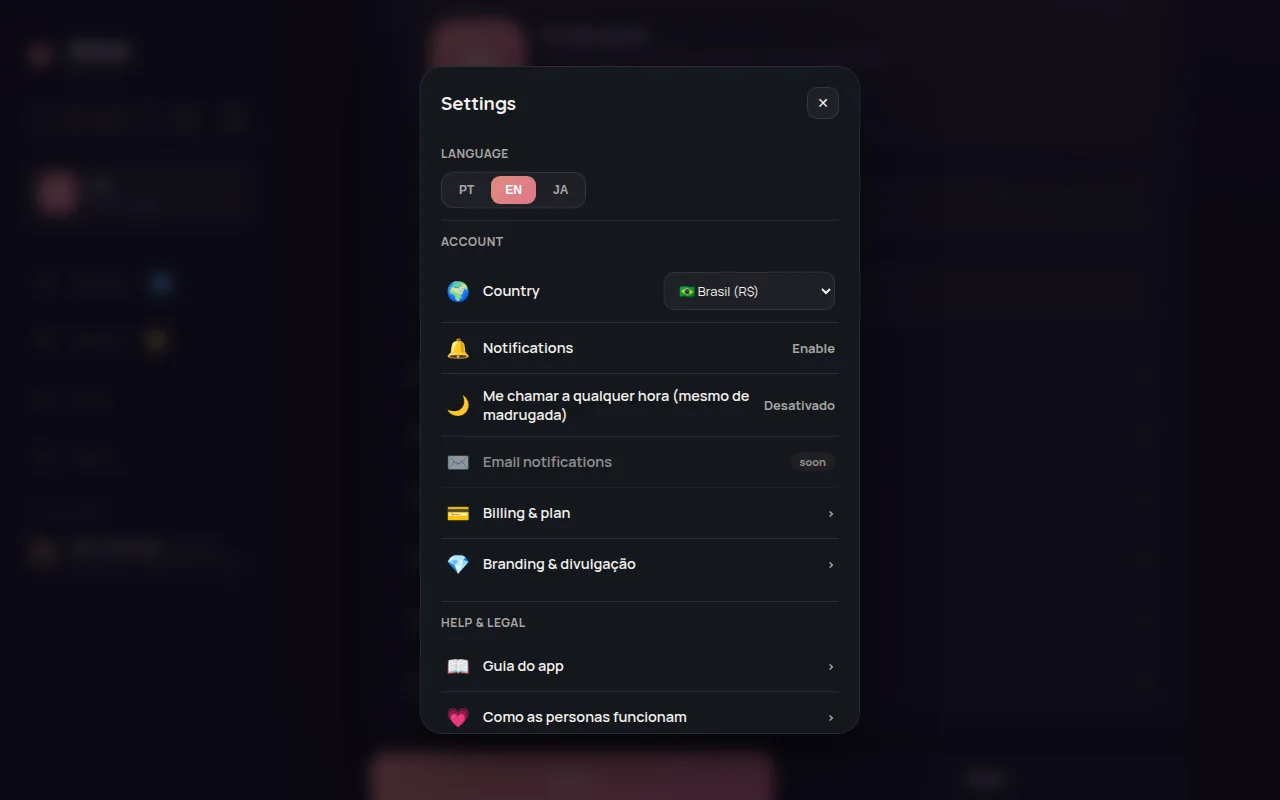
Choose Portuguese, English or Japanese for buttons and text.
The sign-in screen has a PT · EN · JA selector. If you are signed in, open Settings → Language and choose an option.
- PT: Portuguese.
- EN: English.
- JA: Japanese.
This changes interface text. The languages you speak, selected in Profile, are a separate detail. Changing buttons to English does not change your country or determine the billing currency.
After switching, return to the main screen and check the tab names. If a text does not change or is hard to understand, note its screen and use Talk to Rui. You do not need an account for each language.
See it in the app