Conversations
See what a character remembers
Review and delete memories for that chat.
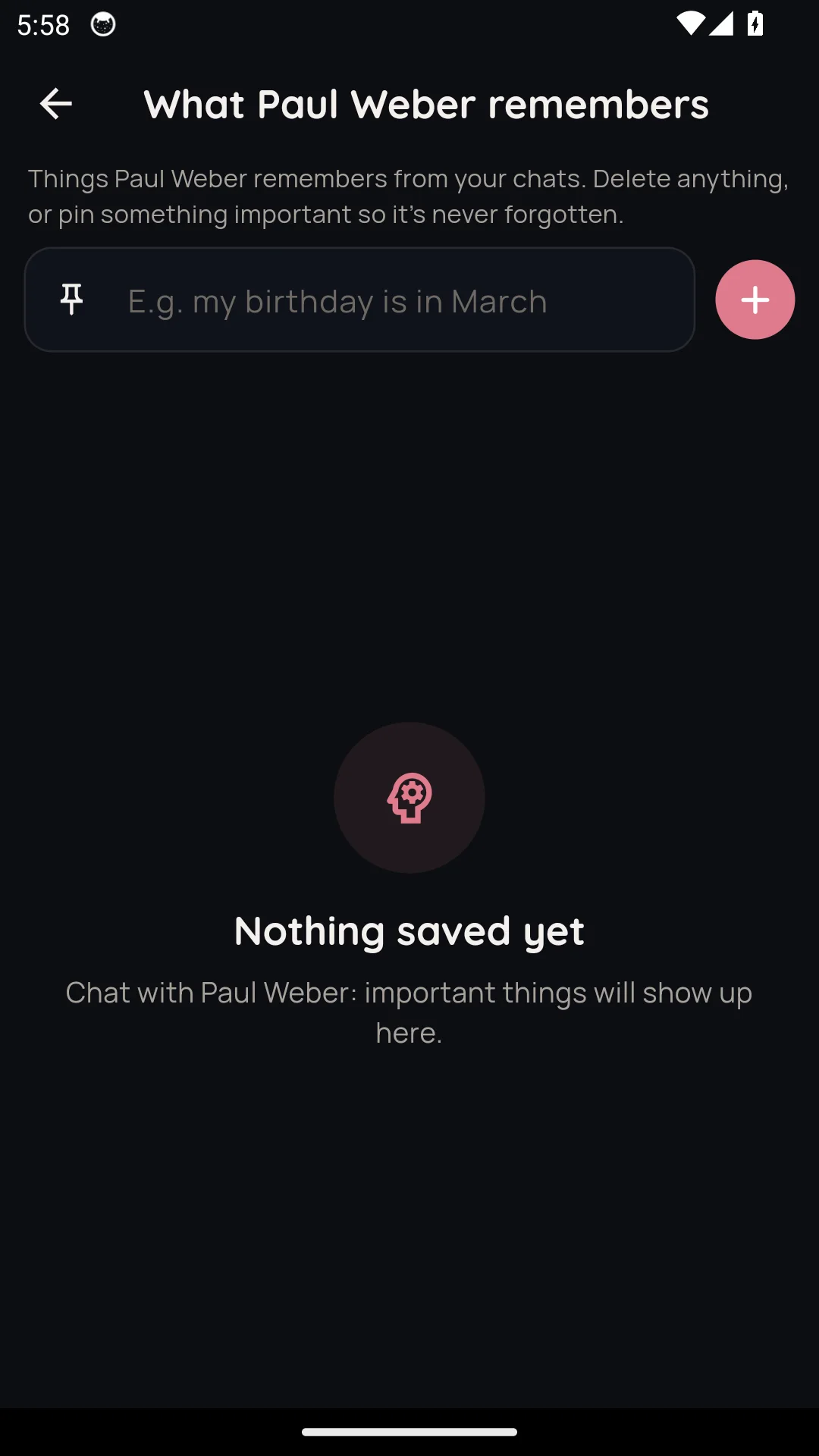
In a chat, open ⋮ → What [name] remembers. The list shows memories from the conversation and notes you pinned. Each conversation has its own memories.
Read the entries and check they make sense. To delete one, open its row option and confirm the memory shown. Return to the list and check that the entry is gone.
Deleting a memory is different from clearing the entire history. Message text stays in the chat until its separate clearing action is used.
A new conversation may have an empty list. You can add a short note in the top field; see Pin a memory.
See it in the app