Learning paths
Path: I want to practise languages
Try everyday words and topics in a conversation.
Aitai lets you talk with AI characters. You can suggest chatting in the language you are learning; replies are not a guaranteed assessment or correction service.
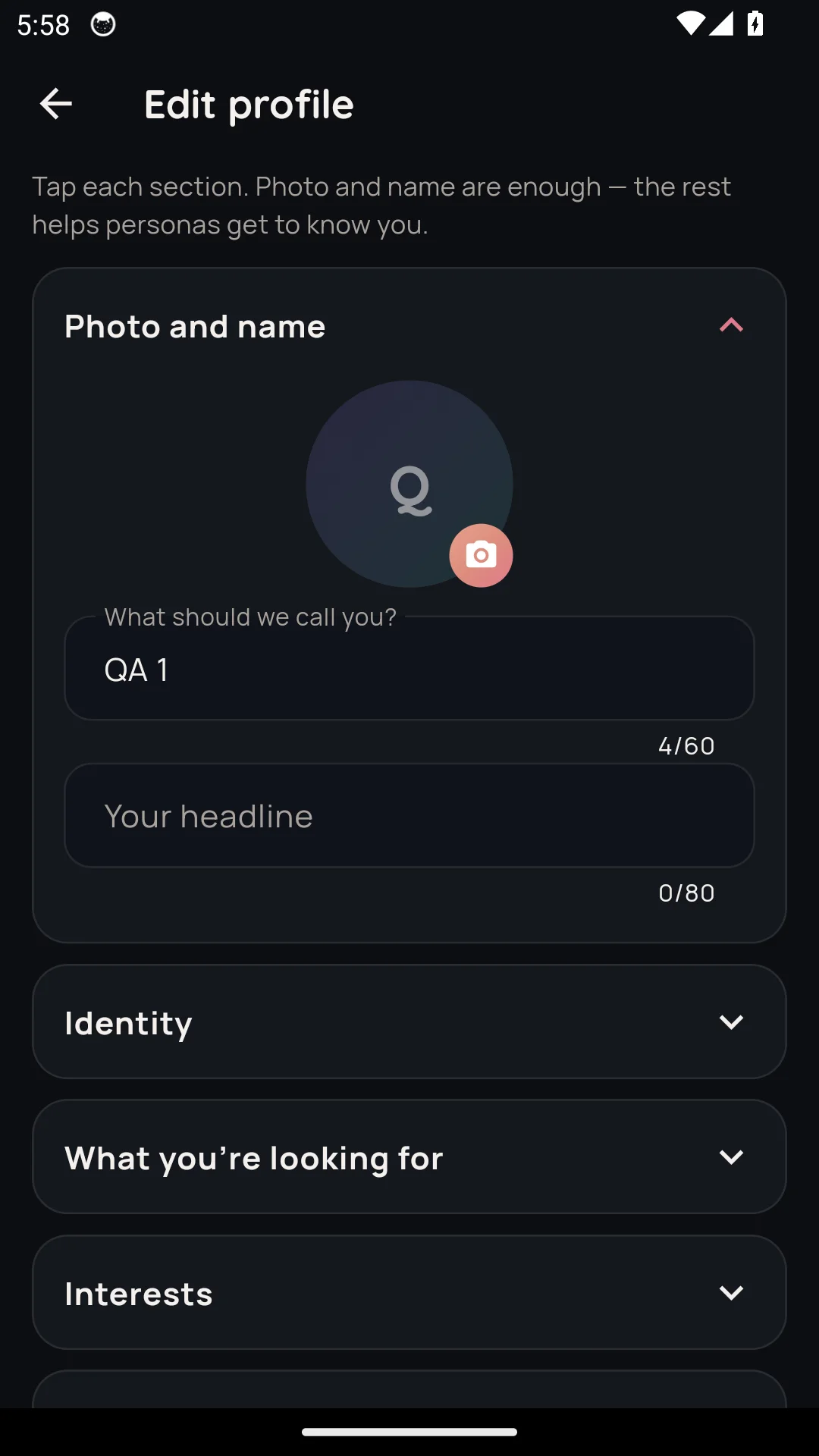
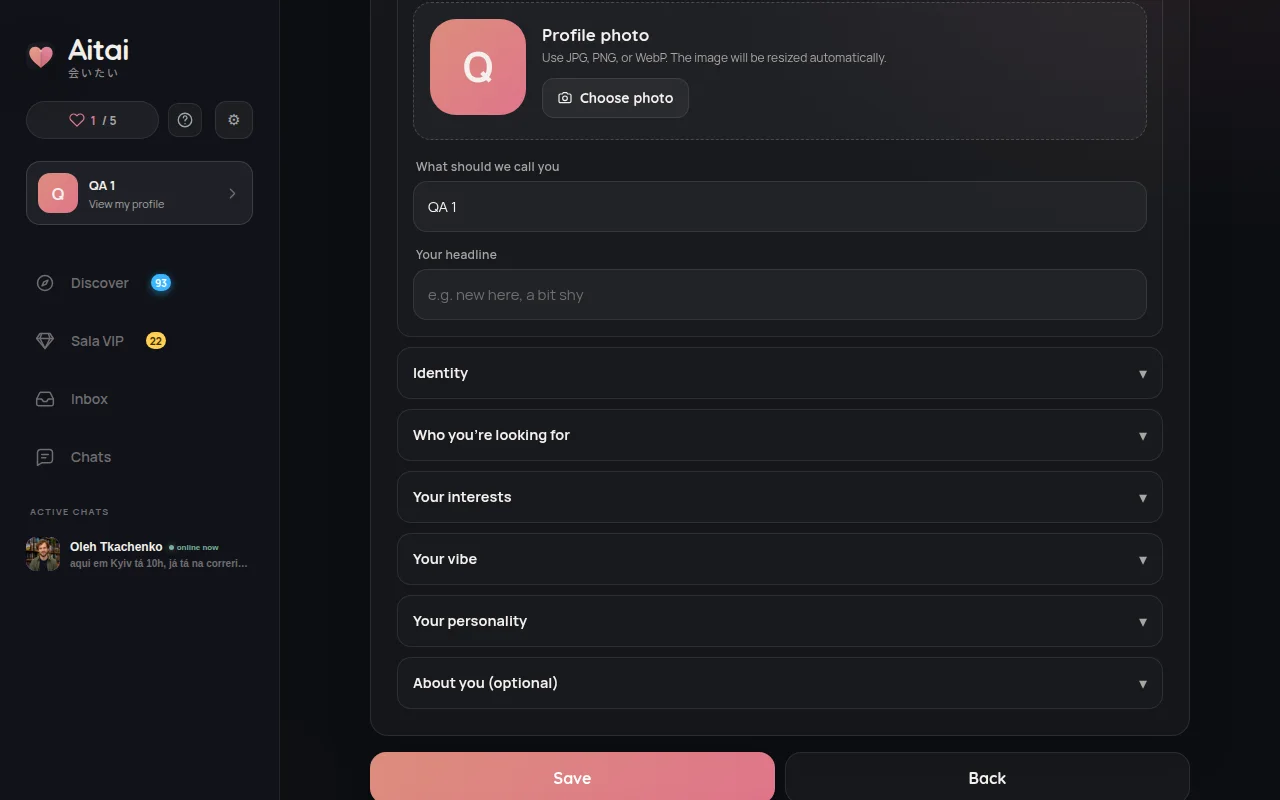
- In Profile → Edit profile, review the languages you speak and your interests.
- Open a chat and say which language you want to practise and that you prefer short sentences.
- Pick a simple topic such as food, music or travel. Ask for an example if you do not understand an expression.
- To keep a passage, hold the message and choose Copy.
Button language is a separate setting: change it in Settings → Language. Do not send documents or personal details for exercises. Check important information against another source.
Path: I want to practise languages
Understand interface language and ask to chat in the language you study. Some Profile frames are cropped to protect account details. The recording keeps the published button names, including English labels such as Inbox and Upgrade.
Read the video
Your profile has preferences and languages for context. Explore editor sections without needing to save changes. Languages you speak differ from button language. In Settings, EN changes the interface to English. JA changes the interface to Japanese. PT returns buttons to Portuguese. Open a conversation with the AI character. You can ask for short sentences in the language you study.
See it in the app