Explore the screens
Read the Inbox
Keep team notices separate from character chats.
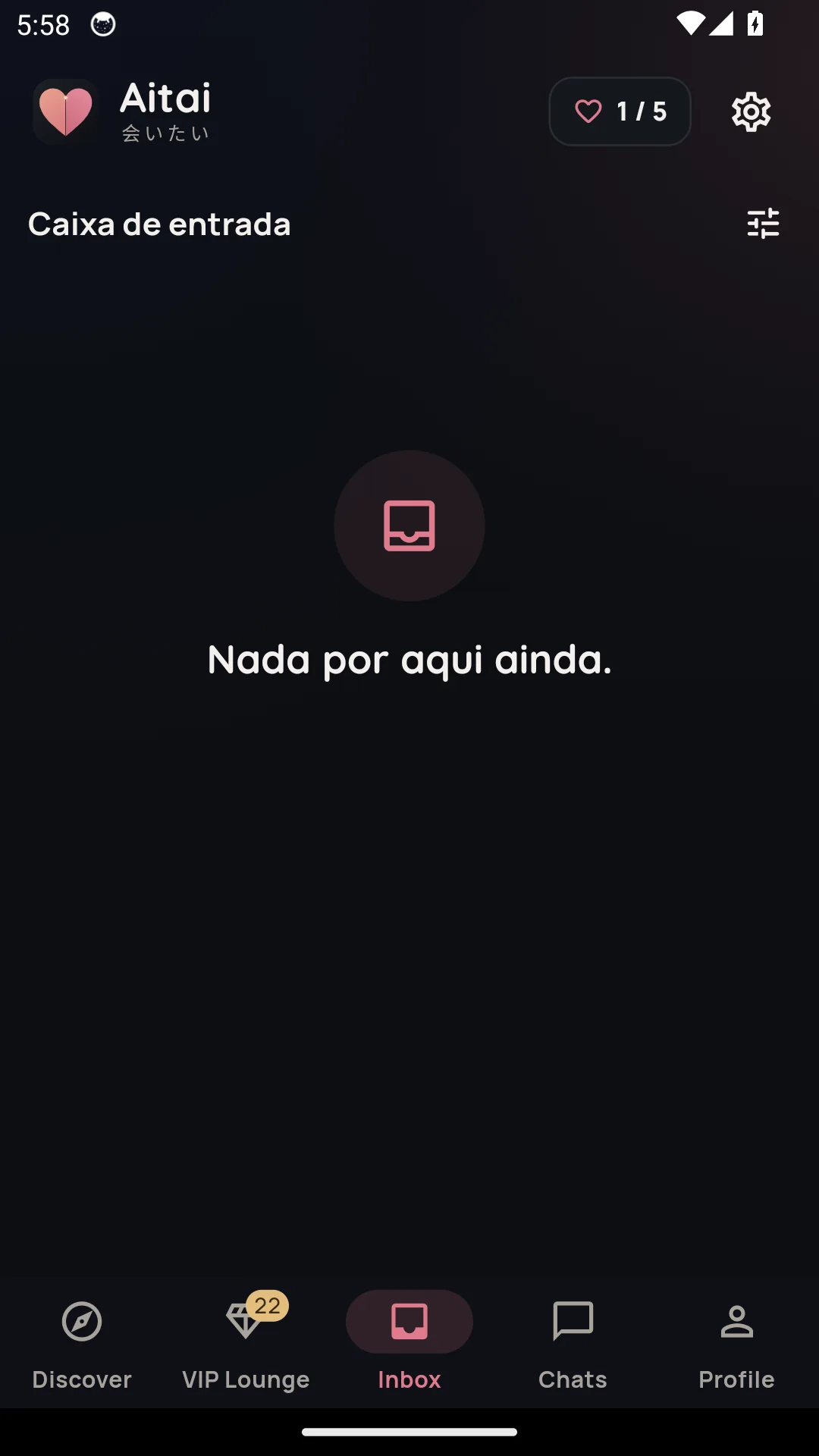
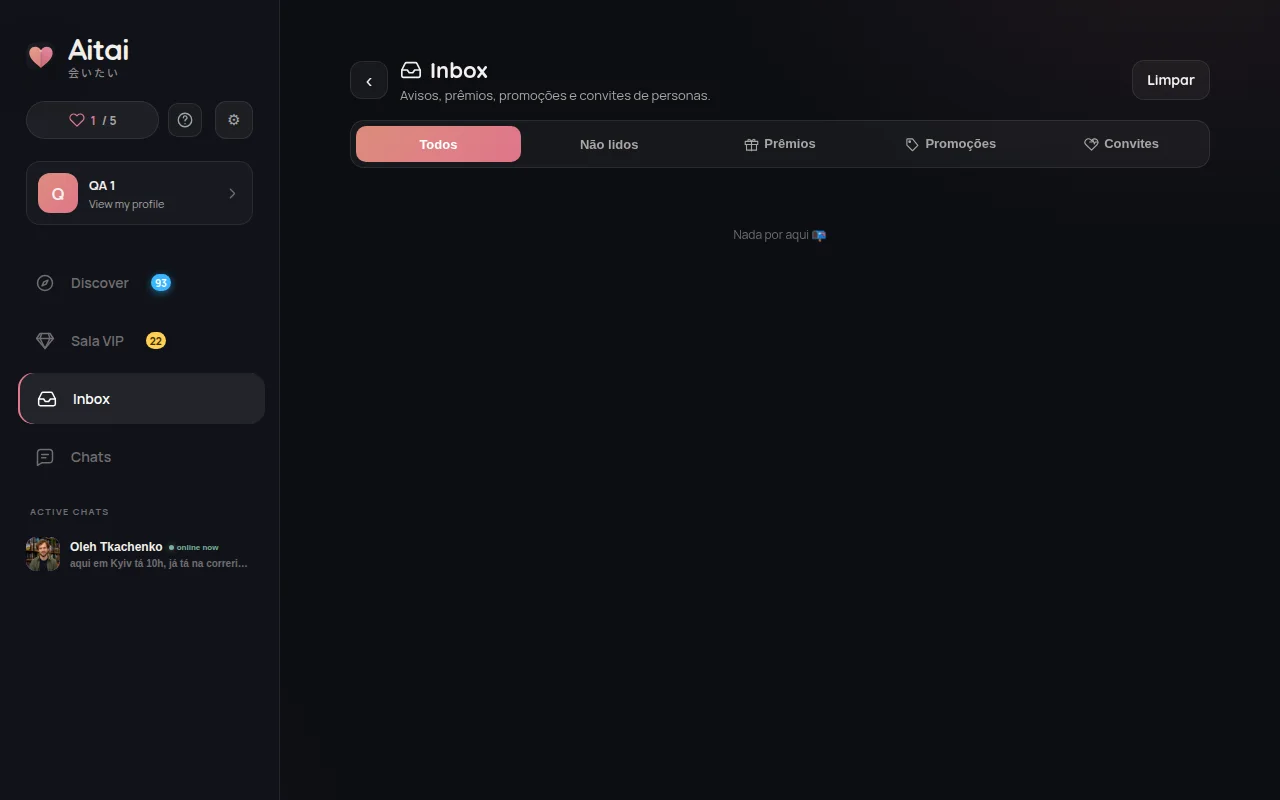
Inbox collects team messages. Use filters for All, Unread, Rewards, Offers or Invites where content exists.
Tap a letter to read its full text and date. Opening an unread item updates its state. When unread letters exist, Mark all read appears so you can update their indicators after reading.
Some letters offer an action, such as claiming an available reward or opening an invited connection. Read the letter before pressing the button; confirmation tells you whether it was already claimed.
An empty Inbox or one without rewards is not a failure. It depends on messages sent to your account. Character chats are in Chats.
See it in the app