Explore the screens
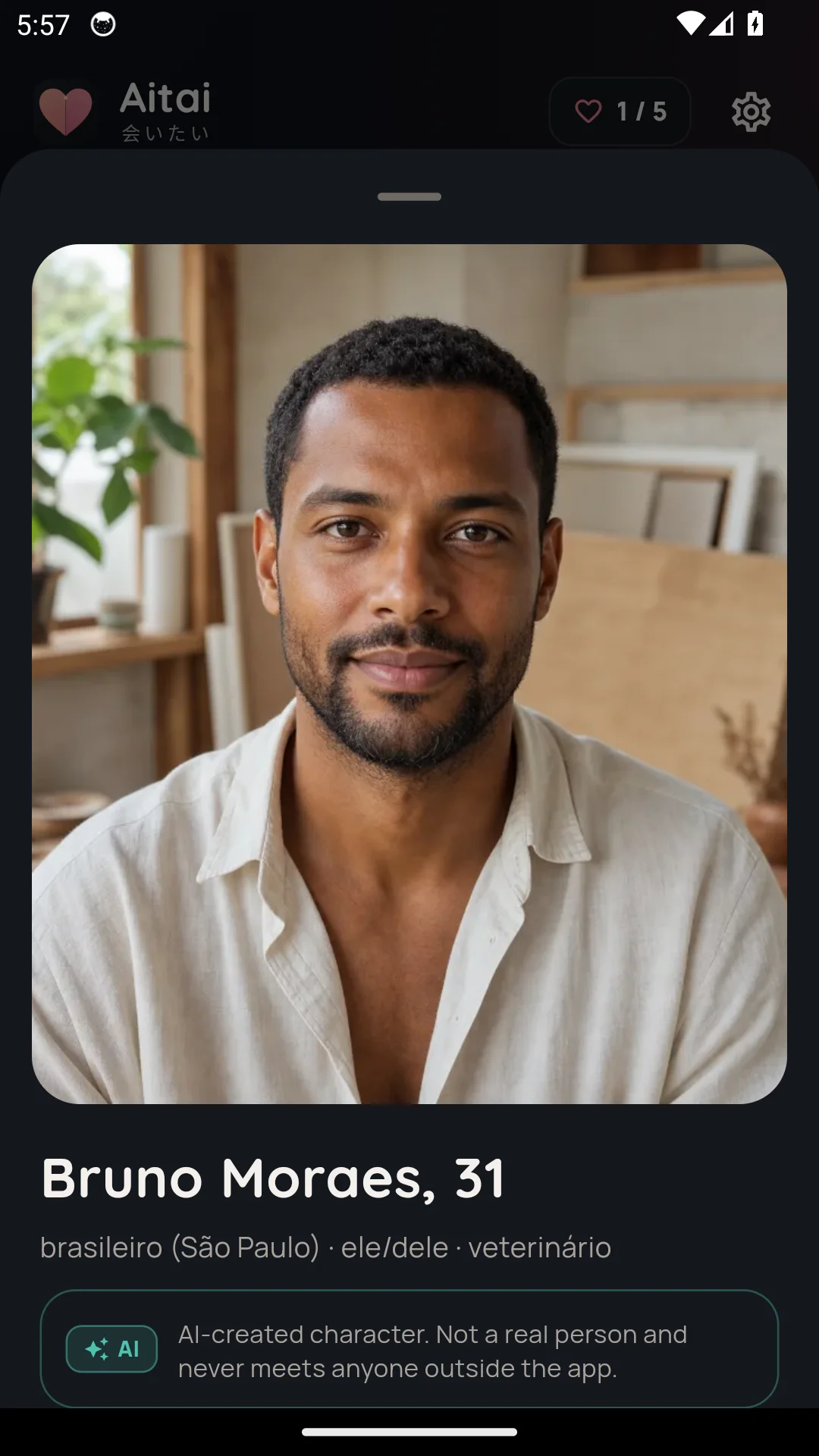
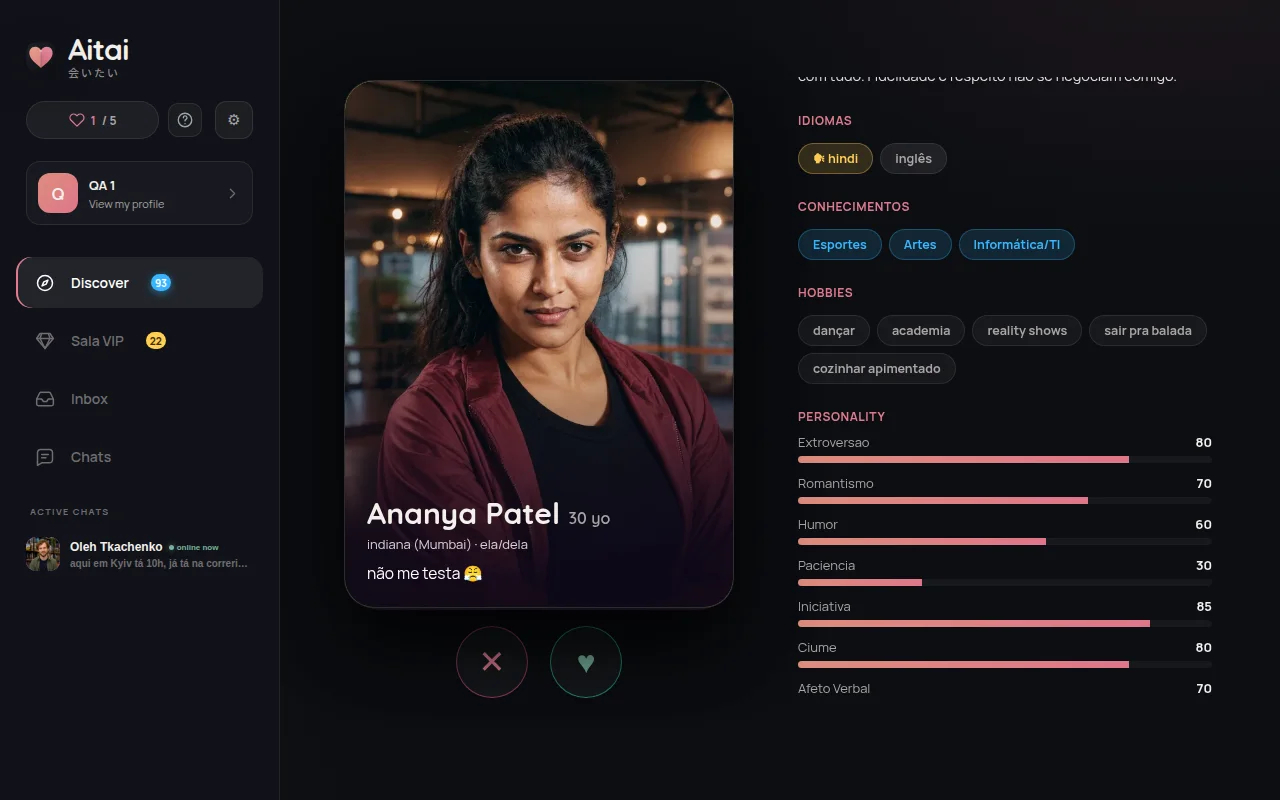
Read a character profile
See interests and personality before chatting.
Tap a Discover card or open a profile in the VIP Lounge. In a chat, ⋮ → View profile opens the character’s presentation.
Read about the character, hobbies and personality traits. Photos are part of an AI character’s presentation; they are not evidence of a real person behind the profile.
Where decision buttons are shown, you can like or pass. In other places the profile is for reading only. Availability and access conditions still apply.
Use Back to leave without deciding. To prevent further interaction, see Block a character.
See it in the app