Help
Troubleshoot common problems
Check your connection, filters and account state before retrying.
I cannot sign in: check the email address and method used to create the account. If you used Google or Facebook, use the same button. Finish in the browser and tap Back to Aitai when shown.
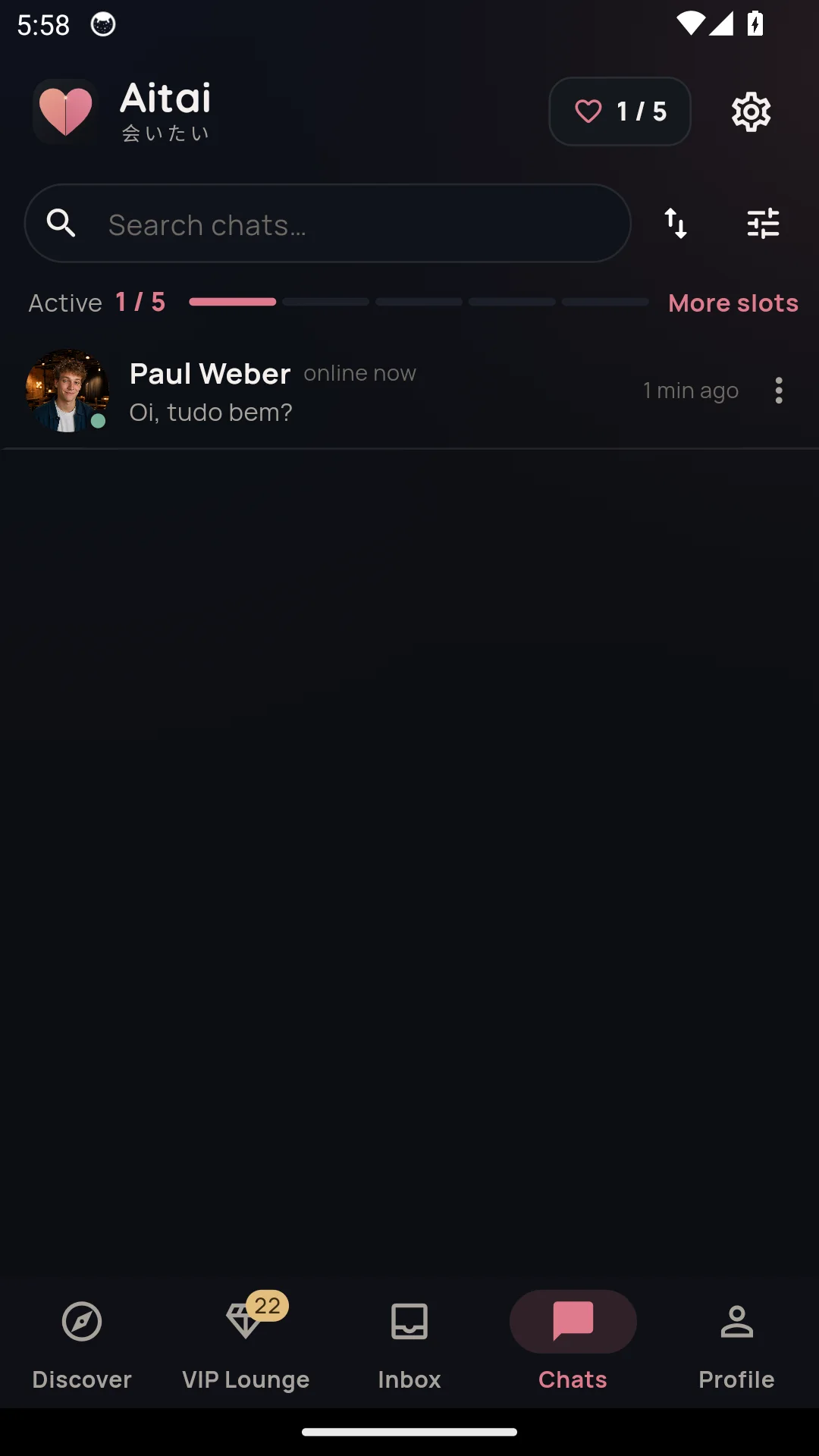
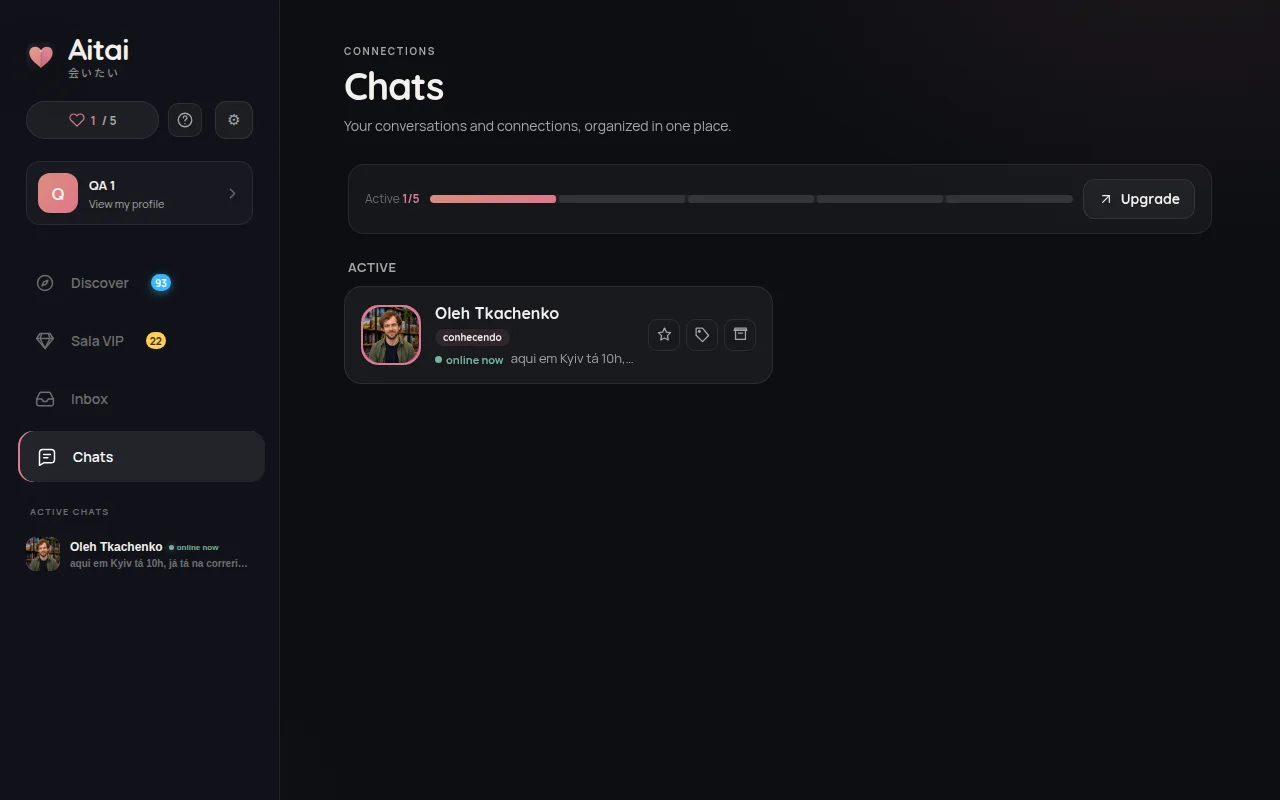
I cannot find a chat: in Chats, clear search and filters; check Archived and Ended. Also make sure you signed into the correct account.
I cannot send: check whether the chat is archived or ended, access has expired or a connection notice is shown. On a screen with Try again, restore your internet connection and use that button.
A character is missing: review your preferences and the availability shown. When available, See who I passed shows a count and lets you revisit cards you passed.
If the issue remains, open Settings → Talk to Rui. Include the version, screen and error message without any password.
See it in the app