Safety
Delete my account
Understand the effects before confirming deletion.
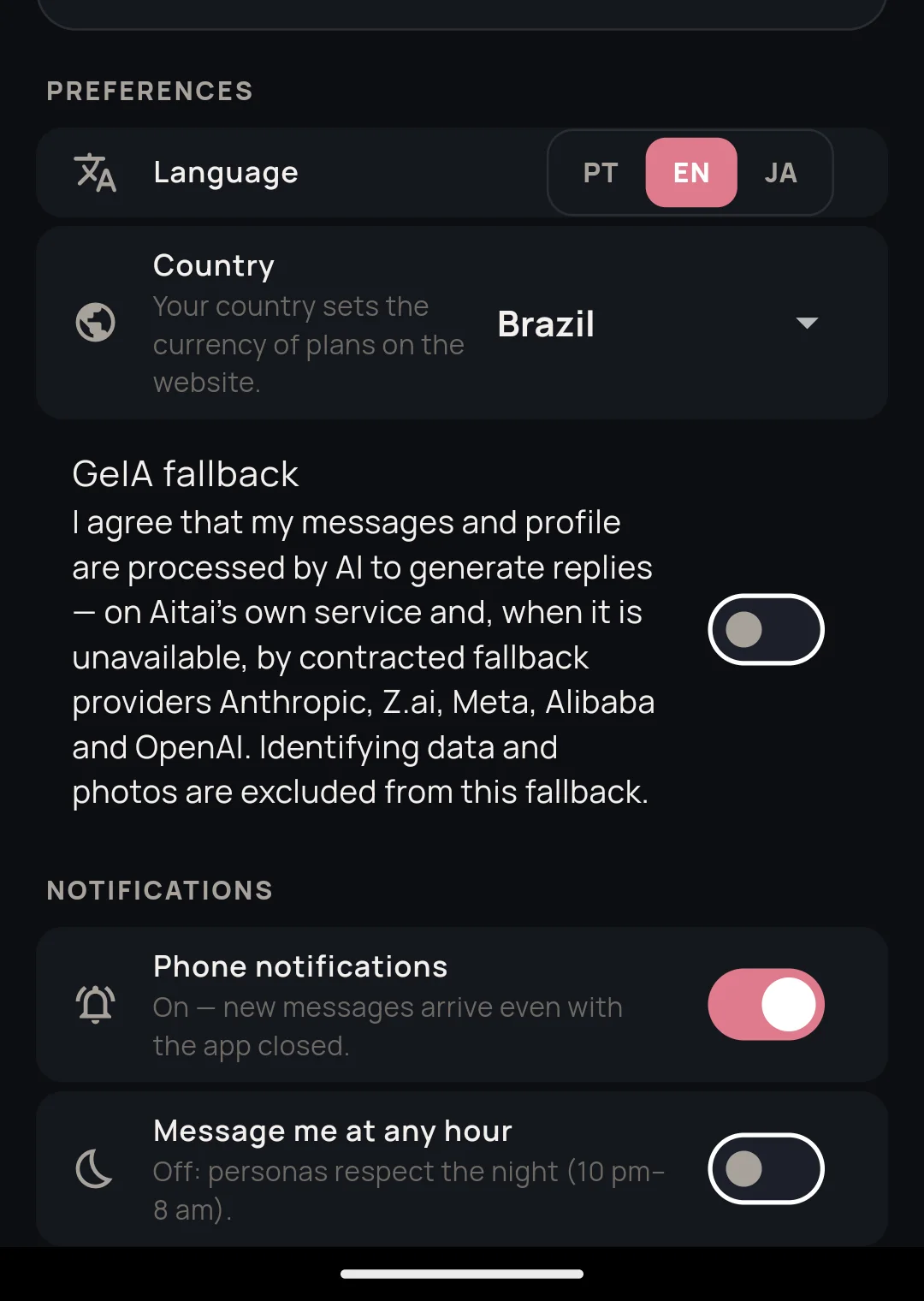
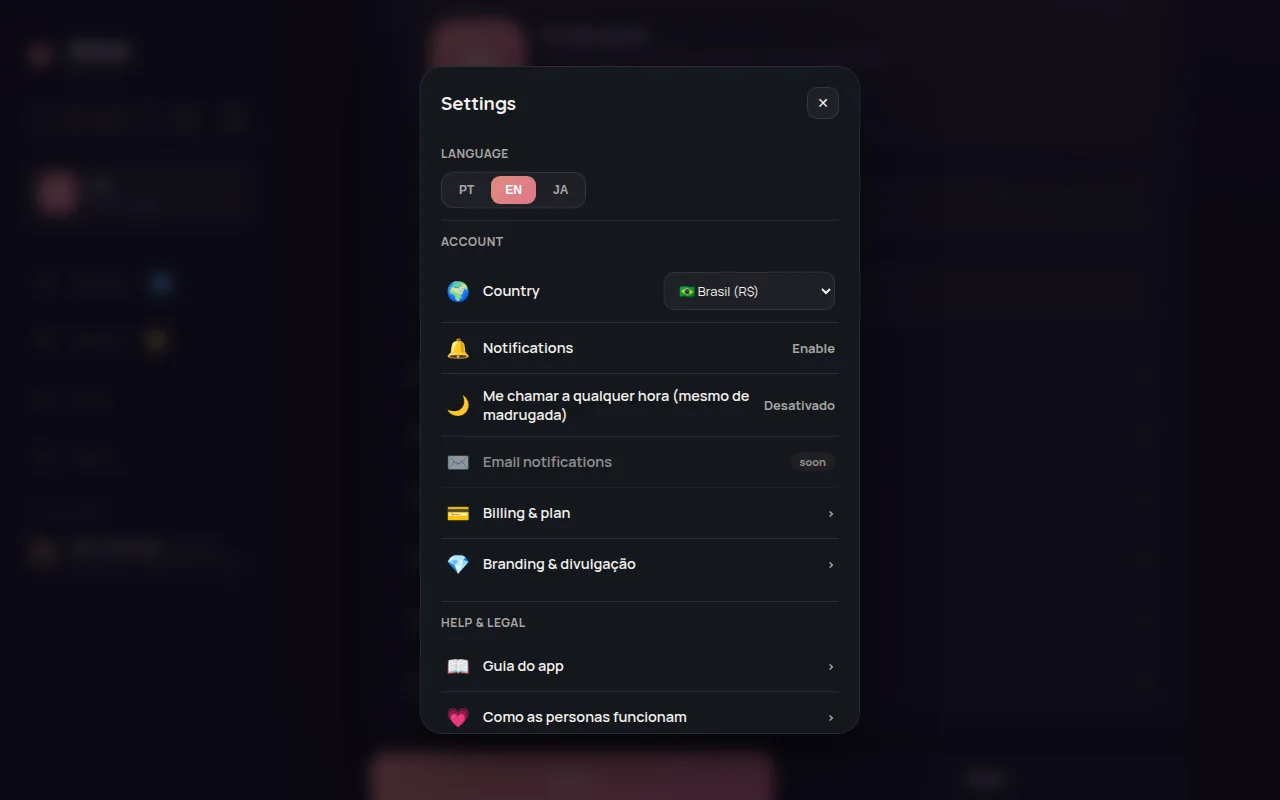
Open Settings → Delete account. The screen explains what will be removed and requests confirmation for your account. Read the final notice before finishing: this is not temporary sign-out.
The described cleanup includes your profile, photo, chats, sent photos, memories, preferences, devices and Inbox. Financial records follow the policy and legal retention period. Do not rely on undoing deletion.
On iPhone, an Apple subscription must also be cancelled in iPhone Settings → your name → Subscriptions. Check your channel’s instructions on the deletion screen.
To stop temporarily, go back without confirming and use Sign out. Make any copy you need before requesting deletion.
See it in the app