Conversations
React to and copy messages
Use a double tap or the message menu.
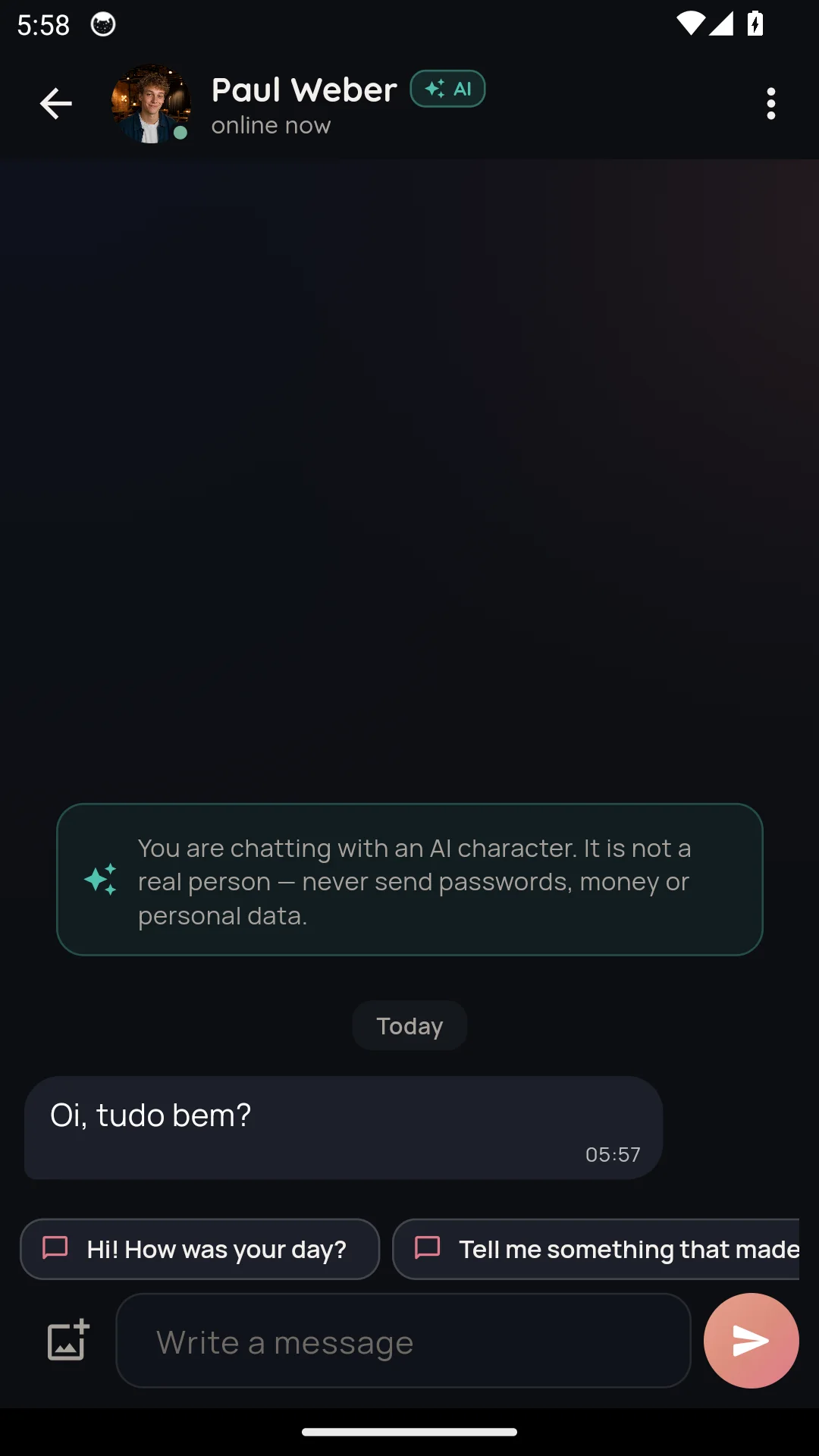
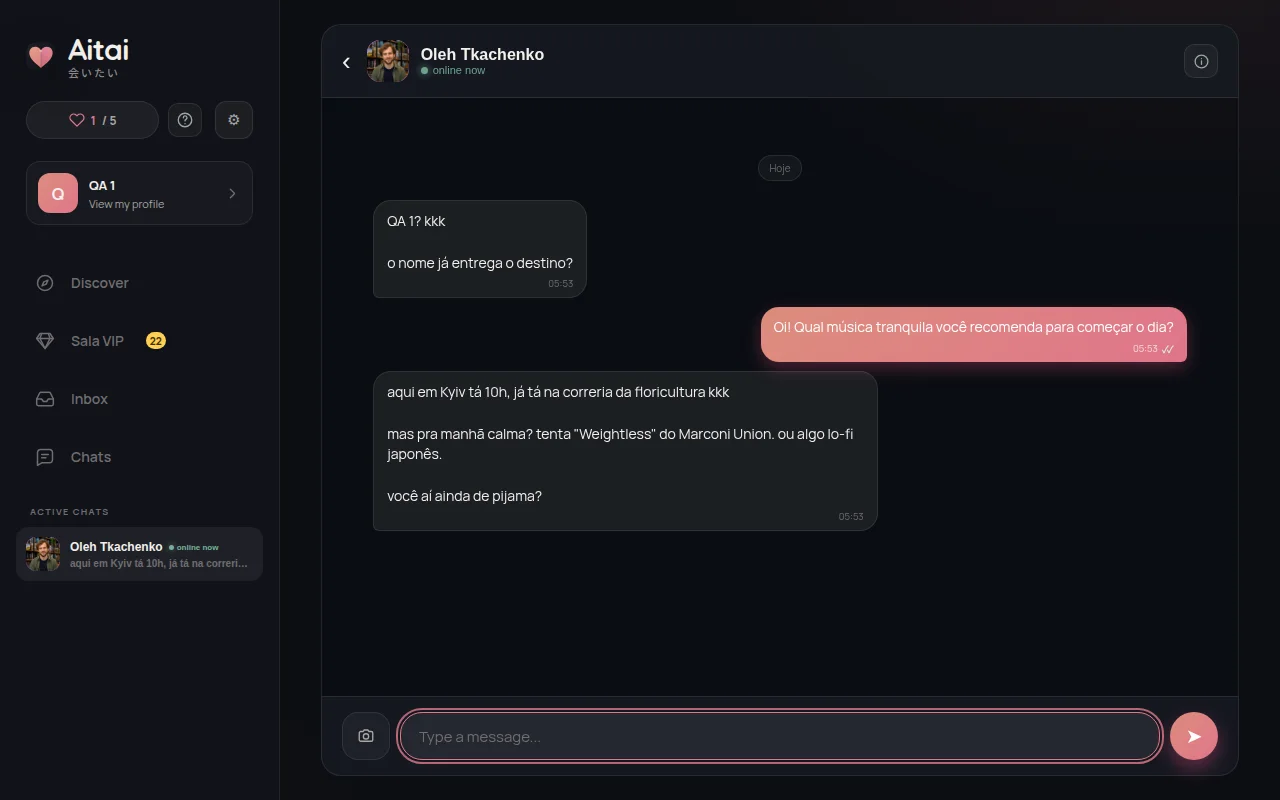
Open a chat and find a message received from the character. If the message has no reaction, a double tap adds a heart. If it already has a reaction, double-tapping removes it. Holding the message opens options including reactions, Copy and reporting where available.
To copy, choose Copy and paste the text where you want to keep it. The copy notice confirms that text went to your device’s clipboard; it does not send a new message to the character.
A reaction appears next to the message. Check that you selected the right message before acting. To copy the whole conversation at once, use Copy a conversation from the chat menu.
See it in the app