Start here
First steps
Sign in, build your profile and find your first chat.
- Open Aitai and choose Sign in if you already have an account. For a new account, choose Create account and fill in the requested details.
- Read the terms, AI notice and age notice. Give your real date of birth; the service is for people aged 18 or older.
- Complete the questions about who you want to meet, interests, conversation style and yourself. From the second step onward, use Back to review earlier choices before finishing.
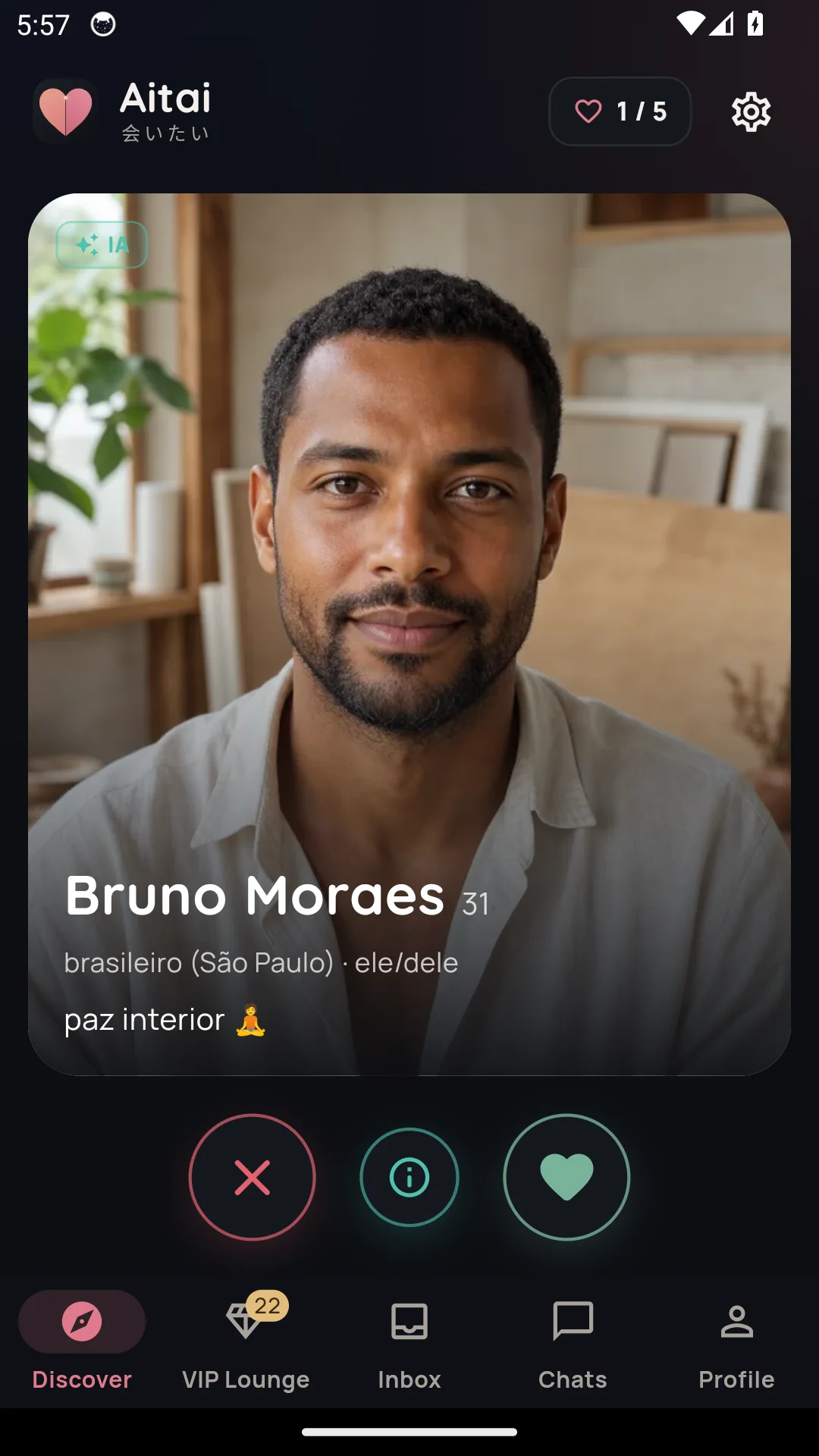
- In Discover, tap a card to read the profile. Choose Like when you want to start a connection.
- When a connection is made, open the chat and write a short message.
A like does not guarantee a connection. Read any slot or plan notice before continuing. You can revisit your preferences in Profile → Edit profile.
First steps after signing in
Read the guide, explore a profile and find chats on the web. The recording keeps the published button names, including English labels such as Inbox and Upgrade.
Read the video
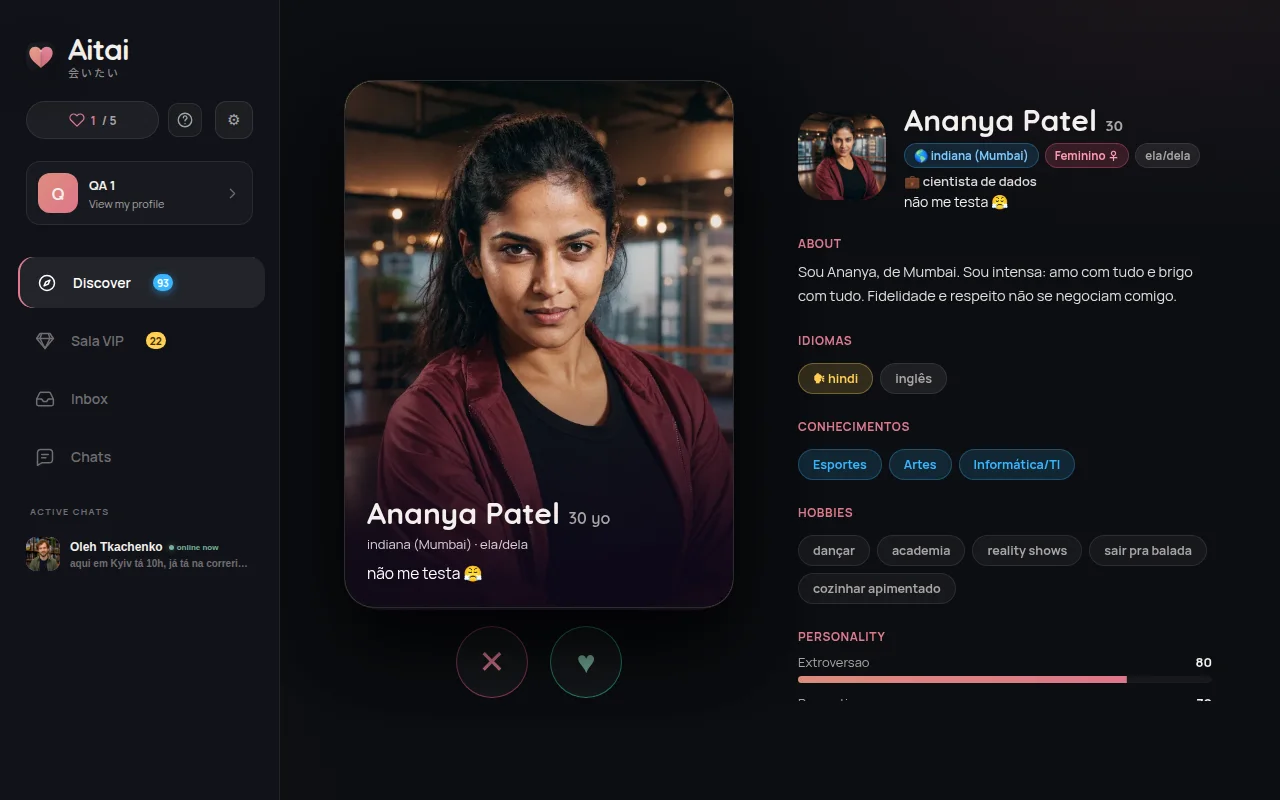
After signing in, start in Discover. The help button opens the guide chooser. Choose App guide to read the full introduction. Read about chats, connection slots, and safe use. Characters are artificial intelligence, not real people. Close the guide to return to exploring. On a computer, read the profile next to the card. Chats collects your saved connections.
See it in the app